Introduction
The TurfTech T-4600E is a robust residential lawn tractor designed for medium to large properties, and its traction drive system relies on a belt-driven transmission to deliver power from the engine to the wheels. Over time, the traction drive belt can stretch due to normal wear, leading to reduced grip, sluggish forward or reverse movement, or even complete loss of drive. Adjusting the belt tension on the T-4600E is a straightforward maintenance task that restores proper traction and extends belt life. This guide provides a detailed, step-by-step process for correctly adjusting the tension of the traction drive belt, ensuring your mower operates efficiently. Keep in mind that regular belt tension checks should accompany other essential upkeep, such as carbon buildup removal, to maintain overall engine performance.
Why Does the TurfTech T-4600E Traction Drive Belt Lose Tension?
The traction drive belt on the TurfTech T-4600E is a rubber and cord component that transfers engine torque through the variable-speed pulley system to the transaxle. Several factors contribute to loss of tension over time:
- Normal Stretch: Belts naturally elongate as they flex and heat up during operation, especially after the first 25–50 hours of use.
- Pulley Wear: Worn or grooved pulleys can reduce grip, forcing the belt to slip and stretch unevenly.
- Debris Accumulation: Grass clippings, dirt, or oil on the belt or pulleys can cause slipping and accelerated wear.
- Incorrect Initial Adjustment: Factory settings may shift, or a prior repair might not have set proper tension.
A loose belt often presents symptoms such as jerky movement, reduced speed on slopes, or a high-pitched squeal when engaging the drive. If you observe these signs, checking tension before replacing the belt can save time and money. For best results, ensure the engine and pulleys are clean—consider performing a spark plug replacement if misfires occur, as poor engine performance can mimic drive issues.
What Tools Are Required for Belt Tension Adjustment?
Adjusting the traction drive belt tension on the TurfTech T-4600E requires only basic hand tools and a few safety items. Below is a comprehensive list of what you will need:
| Tool | Purpose | Estimated Cost (USD) |
|---|---|---|
| 3/8-inch socket wrench or ratchet | Loosening/tightening bolts on tensioner | $15–$30 |
| 10mm and 13mm sockets | Common bolt sizes on T-4600E tensioner | $10–$20 for a set |
| Flathead screwdriver (medium) | Prying belt over pulleys if needed | $5–$10 |
| Torque wrench (ft-lb range) | Ensuring proper bolt torque (optional) | $30–$60 |
| Work gloves | Protection from sharp edges and pinching | $10–$15 |
| Safety glasses | Eye protection from debris | $5–$10 |
| Measuring tape or ruler | Checking belt deflection (if specified) | $5–$10 |
| Penetrating oil (e.g., WD-40) | Loosening seized bolts | $7–$12 |
| Clean rag | Wiping pulleys and belt | $2–$5 |
Most homeowners already own these tools. If you do not have a torque wrench, you can tighten bolts by feel, but using one ensures even tension. Always wear gloves and glasses, as the belt area may contain sharp metal edges or accumulated debris. For advanced troubleshooting, see our guide on ignition coil testing if your tractor has electrical issues unrelated to the drive system.
How to Access the Traction Drive Belt on the TurfTech T-4600E?
Before adjusting the belt tension, you must access the drive belt located beneath the mower deck or near the transaxle. Follow these steps to reach the adjustment point safely:
- Park on a Level Surface: Ensure the tractor is on flat ground, the parking brake is engaged, and the engine is off. Remove the ignition key to prevent accidental startup.
- Disconnect the Spark Plug Wire: As a safety precaution, pull the wire from the spark plug (check our spark plug replacement guide for proper handling).
- Raise the Mower Deck: Use the deck lift lever to raise the cutting deck to its highest position. This exposes the belt area and reduces tension on the drive system.
- Remove the Deck Belt (if necessary): On some T-4600E models, the deck belt may obstruct access to the traction belt. Refer to your manual or see our cutting height adjustment guide for deck removal tips.
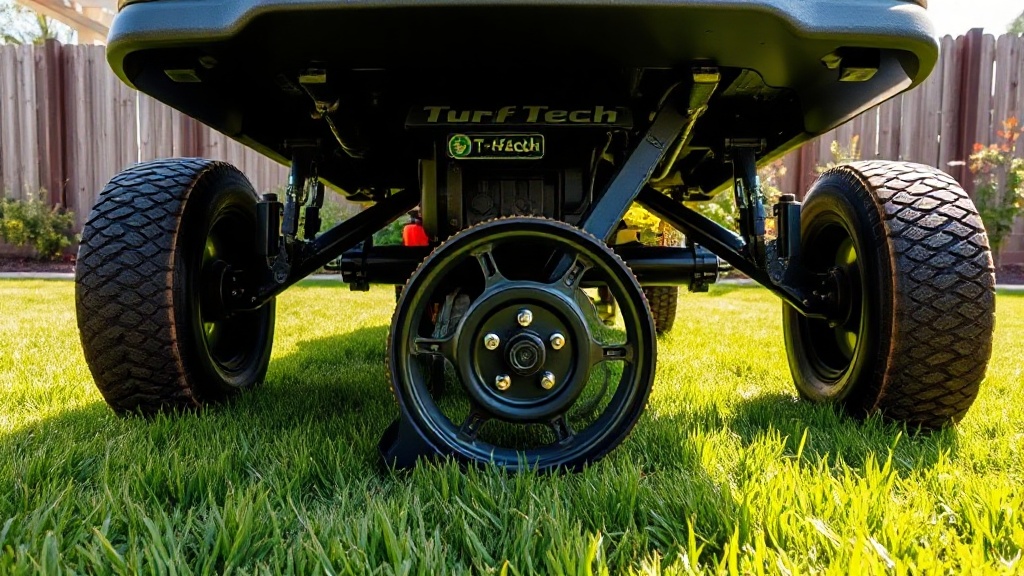
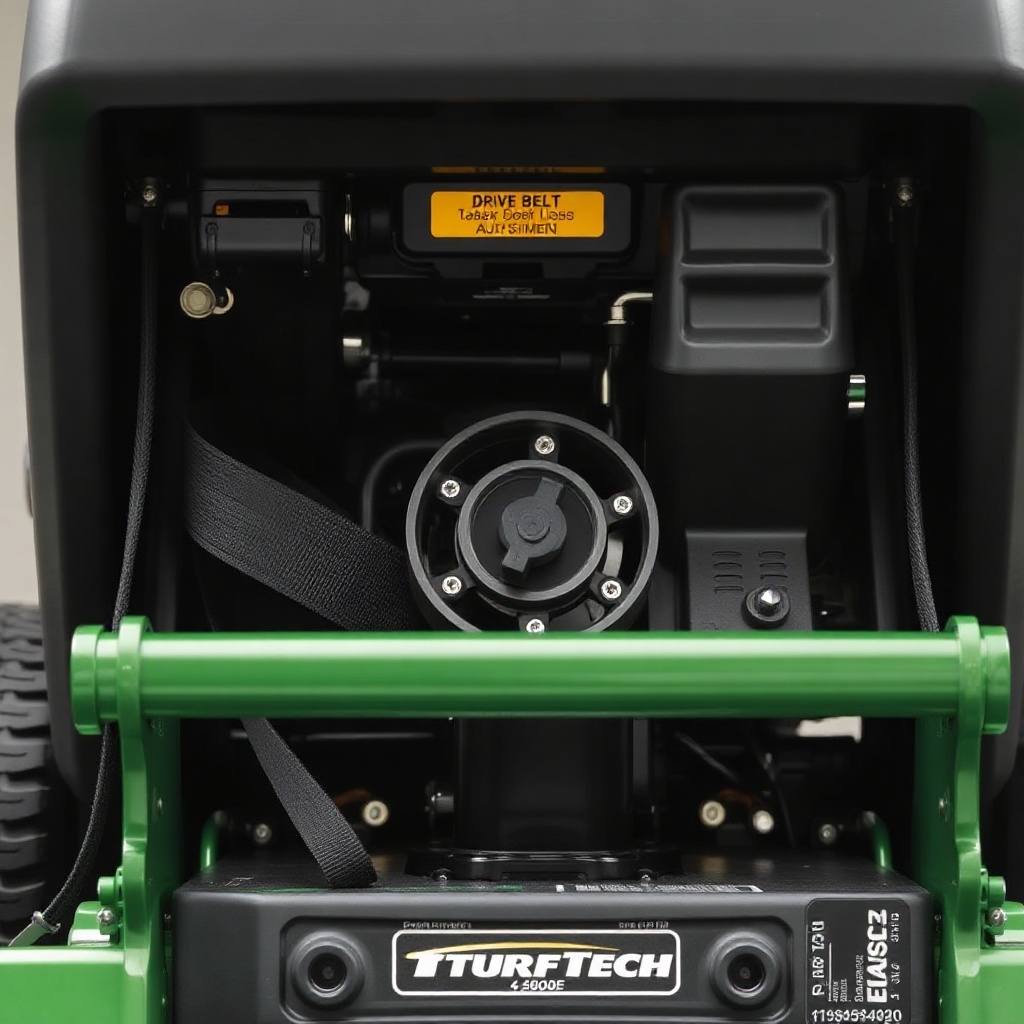
- Locate the Tensioner Pulley: The traction drive belt typically runs around a spring-loaded idler pulley (the tensioner) near the rear of the tractor or under the seat area. Consult your owner’s manual for exact location.
- Clean the Area: Use a brush or rag to remove grass clippings and debris from around the belt, pulleys, and tensioner. This prevents dirt from interfering with adjustment and reduces future wear.
Once the belt is visible, you can proceed with the adjustment. If the belt appears frayed or cracked, replacement may be necessary rather than simple tension adjustment. For carburetor-related engine issues, check the carburetor cleaning guide before assuming drive belt problems.
How to Adjust the Traction Drive Belt Tension Step by Step?
With the belt exposed, you can now adjust the tension. The TurfTech T-4600E uses a spring-loaded tensioner system, so adjustment involves moving the idler pulley to change the belt’s tightness. Follow these steps precisely:
- Identify the Adjustment Bolt: The tensioner arm is usually held in place by a bolt or nut that locks its position. This is often a 10mm or 13mm bolt on the T-4600E.
- Loosen the Locking Bolt: Using your socket wrench, turn the bolt counterclockwise about one full turn (do not remove it completely). This frees the tensioner arm to move.
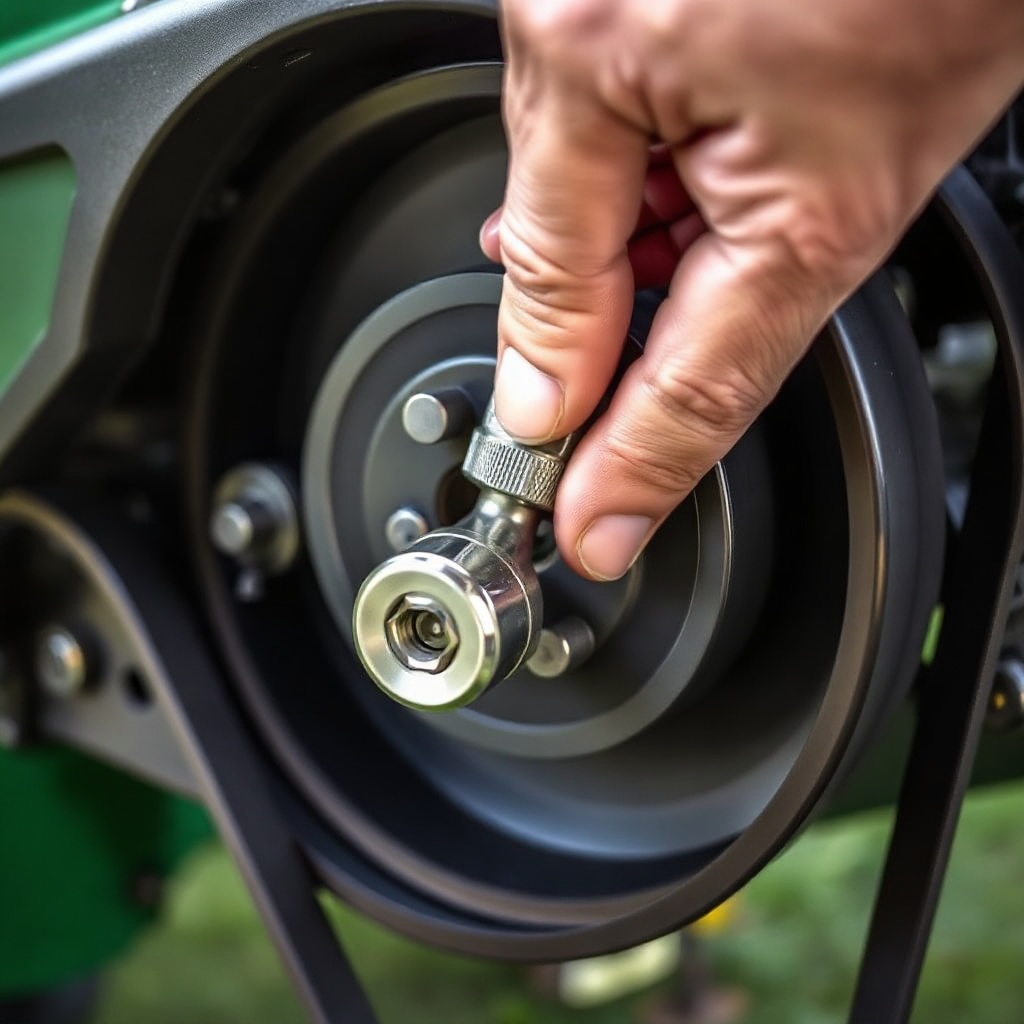
- Apply Tension: Use a flathead screwdriver or a pry bar (gently) to push the tensioner pulley away from the belt’s centerline, increasing tension. Alternatively, some models have a manual lever that you can rotate. The goal is to eliminate slack—the belt should feel firm when you press it midway between pulleys, with about 1/4 to 1/2 inch of deflection under moderate thumb pressure.
- Hold and Tighten: While holding the tensioner in the new position, tighten the locking bolt to the manufacturer’s torque specification (typically 20–25 ft-lb). If you lack a torque wrench, tighten firmly but avoid stripping the threads.
- Check Alignment: Ensure the belt runs squarely on all pulleys. It should not ride on the edge of any pulley flange. Misalignment can cause noise and premature wear.
- Test Rotation: Rotate the rear wheels by hand or use the engine (with caution) to verify the belt tracks correctly and does not slip. Listen for unusual squeaks and adjust slightly if needed.
- Reassemble: Replace any belt guards, reinstall the deck belt if removed, lower the deck, reconnect the spark plug wire, and start the engine for a final test drive.
A properly adjusted belt should provide smooth acceleration in both forward and reverse. If slipping persists after adjustment, the belt may be worn excessively, or the tensioner spring may be weak. Consult your dealer for replacement parts. For deck-related issues, see our deck anti-scalp wheels adjustment guide to ensure even cutting after drive repairs.
What Owners Say About TurfTech T-4600E Belt Tension Challenges?
Feedback from TurfTech T-4600E owners on forums and review platforms highlights common experiences and tips regarding drive belt tension:
- “Easy adjustment once I found the bolt.” Many owners report that the tensioner bolt is well-placed but often hidden under a plastic cover. Removing a panel or two simplifies access.
- “Tension lasts about 50 hours before needing a tweak.” Regular users note that the belt stretches predictably, and a quick adjustment every season keeps the drive responsive.
- “Don’t overtighten—it wears the pulleys fast.” Several owners caution against excessive tension, which can damage bearings and cause premature pulley failure.
- “Clean pulleys make a huge difference.” Grime buildup is a frequent culprit; occasional cleaning with a rag and mild solvent improves belt grip and reduces slipping.
- “The belt itself is durable, but the tensioner spring rusts.” In humid climates, the spring may corrode, leading to inconsistent tension. Lubricating the spring pivot points with silicone spray helps.
- “Pair this with deck leveling for best results.” Many owners recommend checking the deck anti-scalp wheels after belt work to maintain cut quality, as outlined in our anti-scalp wheel adjustment guide.
Overall, the consensus is that the T-4600E’s belt tension system is reliable but requires periodic attention. Owners who perform adjustments alongside routine tasks like carburetor cleaning report fewer drive-related issues.
Frequently Asked Questions About TurfTech T-4600E Traction Drive Belt Tension
Q1: How often should I check the traction drive belt tension on my T-4600E?
Check the tension every 50 operating hours or at the beginning of each mowing season. If you notice reduced traction or belt squeal, inspect immediately.
Q2: Can I adjust the belt without removing the mower deck?
Yes, on the T-4600E, the traction belt tensioner is accessible from underneath the tractor without full deck removal. However, raising the deck to the highest position provides better access.
Q3: What is the correct belt tension specification for the T-4600E?
TurfTech recommends a belt deflection of 1/4 to 1/2 inch when moderate thumb pressure is applied midway between the largest pulleys. Use a ruler to measure if needed.
Q4: My belt keeps slipping even after adjustment. What else could be wrong?
Slipping may indicate a worn belt, glazed pulleys, or a weak tensioner spring. Replace the belt if it shows cracks or fraying. Clean pulleys with fine sandpaper if glazed. Test the spring tension by pulling it; it should return firmly.
Q5: Is it normal for the belt to make a squeaking noise after adjustment?
Light squeaking for the first few minutes as the belt seats is normal. If noise persists, check for misalignment or debris on the pulleys. Applying a small amount of belt dressing (non-silicone) can help.
Q6: Can I use a universal belt on the TurfTech T-4600E instead of OEM?
While universal belts may fit, OEM belts (part number 4600E-BELT) are dimensionally exact and have the correct cord construction. Aftermarket belts may stretch unevenly or slip, so genuine parts are preferred for reliable traction.