Why Does the TurfTech T-4600E Traction Drive Belt Need Replacement?
The TurfTech T-4600E is a robust lawn tractor designed for residential and light-commercial use, but its traction drive belt is a wear item that endures constant tension and friction during mowing. Over time, this belt can stretch, crack, or glaze, leading to symptoms like sluggish forward movement, sudden loss of drive on inclines, or a squealing noise when engaging the transmission. Commonly, operators notice the tractor failing to climb even moderate slopes or requiring excessive throttle to maintain speed. A worn traction drive belt not only compromises efficiency but can also damage pulleys or the transmission input shaft if it snaps. Replacing it proactively is essential to keep the T-4600E moving reliably across your lawn. For related adjustments, refer to our TurfTech T-4600E Deck Belt Tension Adjustment: Step-by-Step Guide to ensure all belts are properly tensioned.
What Tools and Replacement Belt Do You Need for a TurfTech T-4600E?
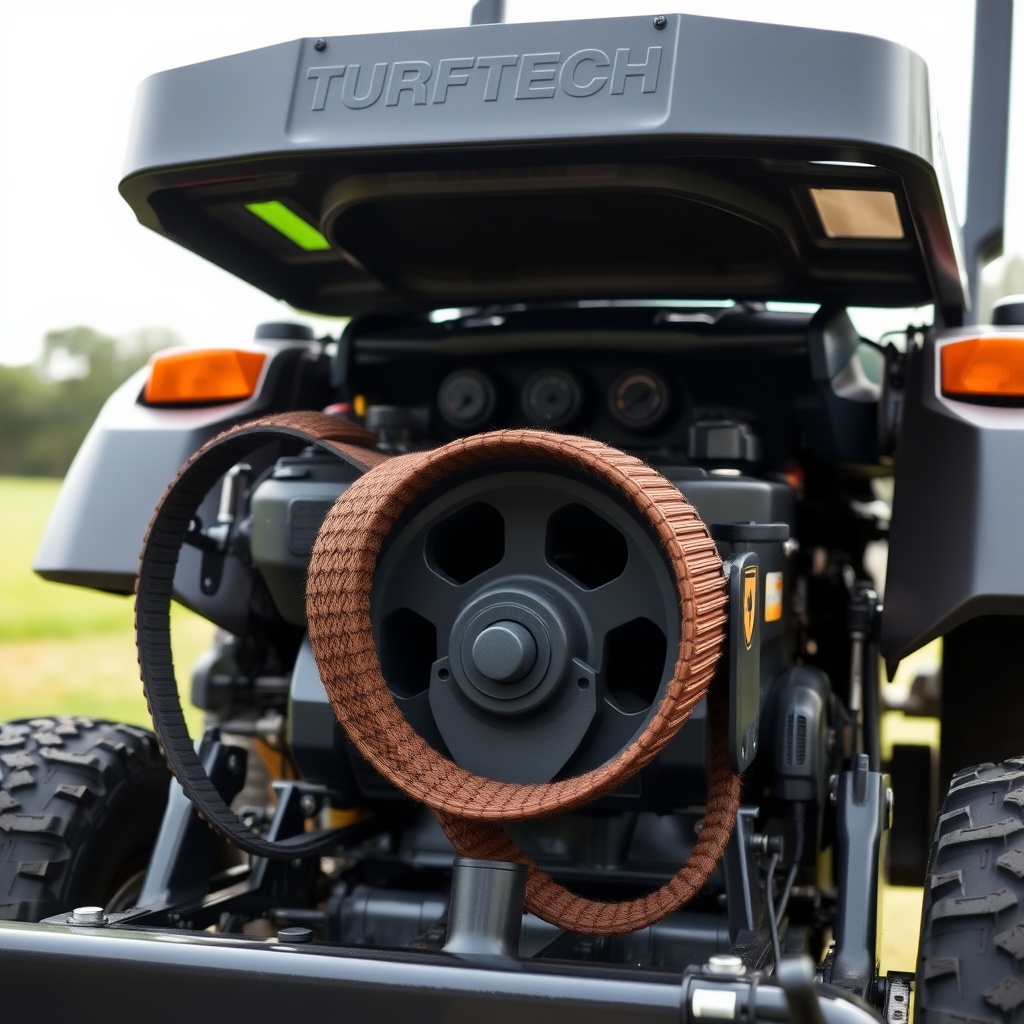
Before starting, gather the correct replacement belt and essential tools. The TurfTech T-4600E uses a specific traction drive belt, part number TTB-2100, which measures 95.5 inches in length and 0.5 inches in width. Using a generic belt can cause slippage or premature failure. Below is a specification table for the belt and required tools.
| Component | Specification | Cost (USD) |
|---|---|---|
| OEM Traction Drive Belt (TTB-2100) | 95.5″ x 0.5″ (Kevlar-reinforced) | $34.99 |
| Socket Wrench Set | 1/2″ drive, 10mm-15mm sockets | $25.00 (set) |
| Flathead Screwdriver (medium) | 6-inch blade | $5.00 |
| Pry Bar or Belt Tensioner Tool | 18-inch (optional for stubborn pulleys) | $12.00 |
| Gloves and Safety Glasses | Standard | $10.00 |
| Replacement Belt from TurfTech Dealer | TTB-2100 | $34.99 |
Always use OEM or equivalent belts rated for the T-4600E to maintain proper traction. If the belt is frayed or the tractor hesitates during turns, replacement is urgent. For issues with starting the engine after belt work, consult our TurfTech T-4600E Electric Start Motor: Testing and Diagnosis Guide.
How Do You Access the Traction Drive Belt on a TurfTech T-4600E?
To reach the traction drive belt, you must first prepare the tractor safely. Park on a level surface, engage the parking brake, and disconnect the spark plug wire to prevent accidental starting. Lower the mowing deck to its lowest position using the deck lift lever. Then, remove the battery negative terminal to avoid electrical shorts. The belt is located beneath the engine and transmission pulley area. Remove the front grille screen (four screws) and the main engine cover (two bolts on each side) to expose the front pulley system. For models with a hydrostatic transmission, the belt wraps around the engine pulley and the transmission input pulley. You may need to loosen the tensioner pulley bolt (13mm socket) to relieve tension. Refer to your owner’s manual for exact bolt locations. If the belt is broken, fragments may be wrapped around pulleys—remove them carefully. For those encountering transmission problems alongside belt wear, our TurfTech T-4600E Transmission Problems: Troubleshooting and Repair Guide offers further diagnostics.
How Do You Remove the Old Traction Drive Belt from a TurfTech T-4600E?
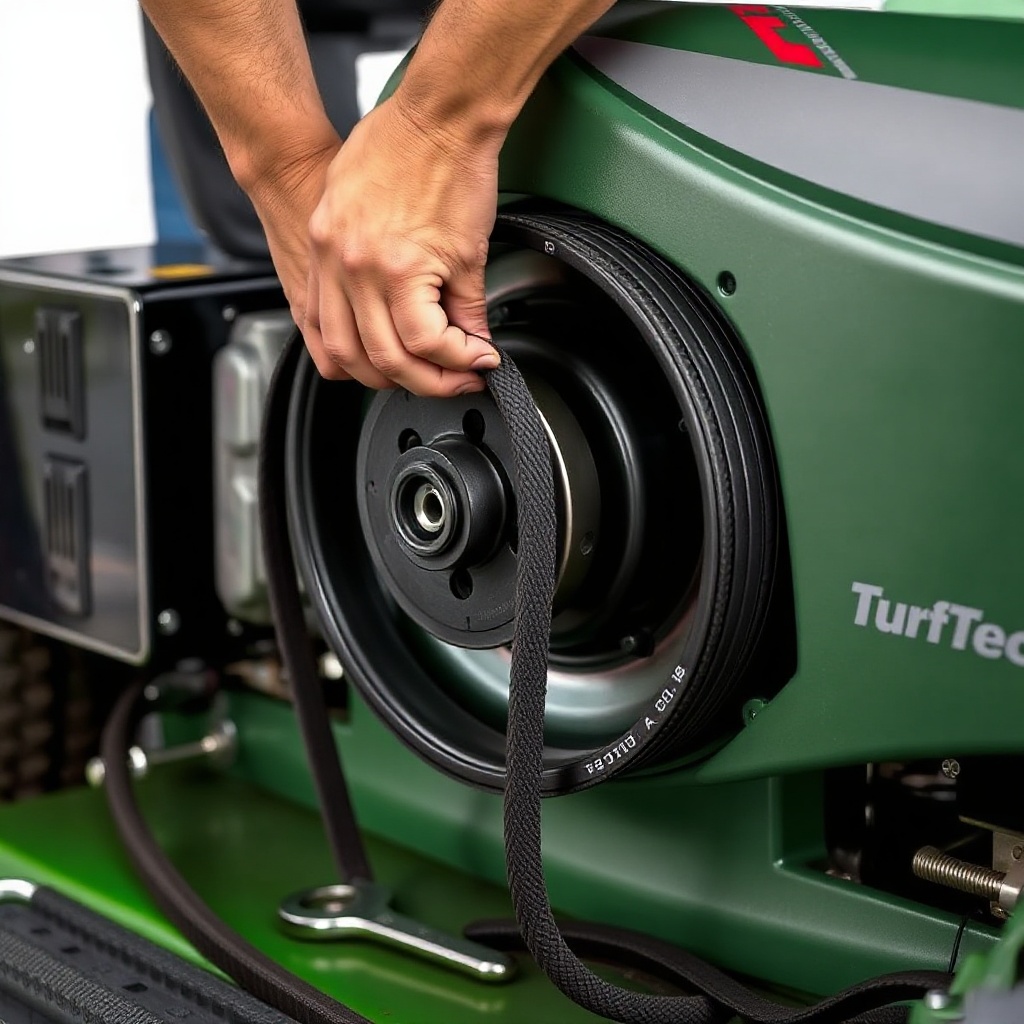
With the belt tension released, removal is straightforward. First, use a pry bar or flathead screwdriver to push the tensioner pulley arm away from the belt, creating slack. While holding the tensioner, slide the belt off the engine pulley (bottom pulley) first. Then, pull the belt away from the transmission input pulley (located toward the rear). If the belt is stuck, spray it with a silicone lubricant to loosen rubber deposits. Examine the old belt for wear patterns: cracks on the inner V-surface indicate age; glazing (shininess) suggests slipping. Note the belt routing diagram—often printed on a sticker under the hood—or take a photo before removal. For the T-4600E, the belt typically routes: engine pulley → tensioner pulley → transmission input pulley → idler pulley (if equipped). Dispose of the old belt properly.
How Do You Install the New Traction Drive Belt on a TurfTech T-4600E?
Installing the new belt requires careful alignment to avoid premature wear. Begin by routing the new TTB-2100 belt around the engine pulley (bottom) first, ensuring it sits fully in the groove. Then, guide the belt over the tensioner pulley, compressing the tensioner arm with the pry bar. Next, loop the belt around the transmission input pulley (rear), checking that it isn’t twisted. Finally, route it over any idler pulleys as per the diagram. Release the tensioner slowly—listen for a solid seating sound. Rotate the engine pulley by hand (using a socket on the crankshaft bolt) to verify smooth rotation without binding. Re-tension the belt by tightening the tensioner bolt to the manufacturer’s specification of 30 ft-lbs using a torque wrench. Over-tightening strains bearings; under-tightening causes slippage. After installation, reconnect the spark plug and battery, then test the tractor in an open area. If the mower deck belt also needs attention, see our TurfTech T-4600E Deck Belt Tension Adjustment: Step-by-Step Guide.
What Do Owners Say About TurfTech T-4600E Traction Drive Belt Replacement?
Feedback from T-4600E owners in online forums and service reviews highlights that belt replacement is moderately challenging but manageable for DIYers with basic mechanical skills. Many praise the tractor’s build quality but note that the belt can last 200-300 hours under normal use before needing replacement. “I replaced mine in an hour using the OEM belt from a dealer—cost about $35. No more slipping on hills,” reports owner Mark T. from Ohio. Others emphasize the importance of using OEM parts: “I tried a generic belt from an auto store, and it shredded within 10 hours. Stick with TurfTech’s belt.” Some owners suggest applying a light coat of belt dressing to extend life, but most agree that proper tension and alignment are key. A common complaint is the difficulty reaching the tensioner bolt on early models; a swivel socket helps. For reduced downtime, owners recommend keeping a spare belt in the tool shed.
Frequently Asked Questions
How often should I replace the traction drive belt on my TurfTech T-4600E?
Replace every 200-300 hours of use or at the start of each mowing season if the belt shows signs of wear, such as cracking or glazing.
Can I use a universal belt for the TurfTech T-4600E?
No. Universal belts may not fit the pulley groove depth or length, causing slippage and premature failure. Always use the OEM TTB-2100 belt or an equivalent with matching specifications.
What causes the traction drive belt to snap on a T-4600E?
Common causes include over-tightening, misrouting, debris caught in pulleys, or wear from age. Also, a seized tensioner pulley can overstress the belt. Inspect all pulleys for freedom of rotation during replacement.
Do I need to remove the mower deck to replace the traction drive belt?
No. The deck can remain on the tractor, though lowering it to the lowest position provides clearance. Only the engine cover and grille screen need removal.
What should I do if the new belt still slips after installation?
Check tension: tighten the tensioner bolt to 30 ft-lbs. Verify belt routing—ensure it sits in all pulley grooves. If slipping persists, the transmission pulley may be worn or the belt is wrong size. Consult the TurfTech T-4600E Transmission Problems: Troubleshooting and Repair Guide.
How can I extend the life of my T-4600E traction drive belt?
Keep pulleys clean of grass and debris; check tension monthly; avoid operating with a loose belt; store the tractor in a dry environment to prevent rubber deterioration. Regular inspection is key.