How Does the TurfTech T-4600E Cutting Height Adjustment System Work?
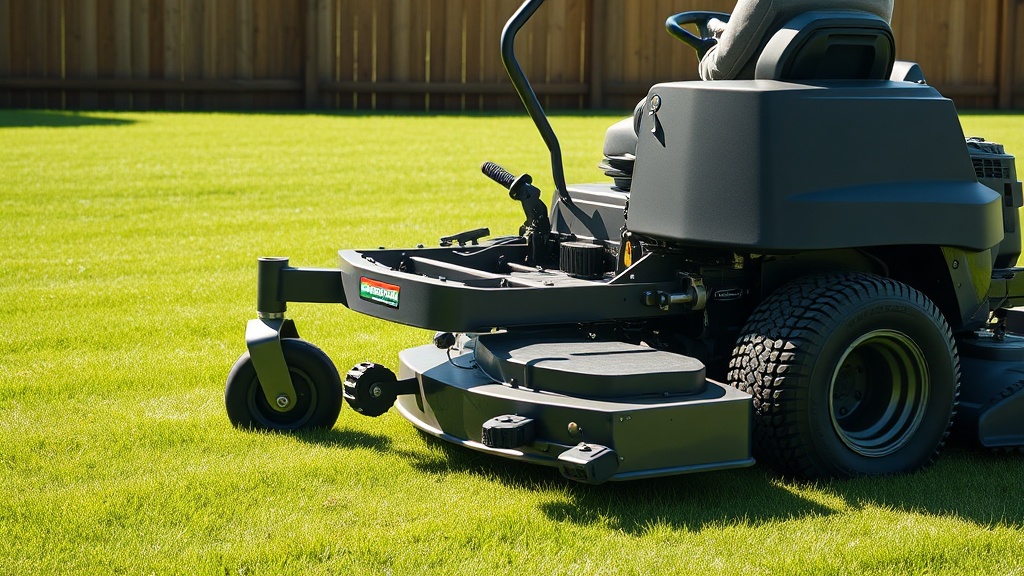
The TurfTech T-4600E employs a robust deck-cutting-system that uses a single-lever, foot-actuated height-of-cut mechanism, common on high-end residential zero-turn mowers. This system connects to a cam-and-linkage assembly beneath the operator platform, allowing the operator to raise or lower the entire 46-inch fabricated deck in precise increments. The deck floats on four anti-scalp wheels and is suspended by chains at the front and a stabilizer bar at the rear, ensuring consistent ground contact across uneven terrain. The cutting height range spans from 1.5 inches to 4.5 inches, adjustable in 0.25-inch increments via a detent pin that locks into a notched quadrant. Proper adjustment of this system is critical for achieving an even cut, preventing scalping, and maintaining engine efficiency. A misadjusted deck can lead to uneven grass clipping distribution, increased fuel consumption, and accelerated blade wear. The following guide provides a step-by-step process for setting the optimal deck height for your specific lawn conditions.
Before making any adjustments, always park the mower on a level surface, engage the parking brake, and ensure the engine is off with the key removed. Wear work gloves to protect your hands from sharp blade edges and pinch points. Familiarize yourself with the deck lift pedal and the height-of-cut pin located near the left rear tire.
For detailed maintenance of related components, refer to our TurfTech T-4600E Deck Belt Replacement: Step-by-Step Guide and TurfTech T-4600E Deck Anti-Scalp Wheels: Adjustment Guide for Even Cutting.
What Tools Are Required for Adjusting the Deck Height on the TurfTech T-4600E?
Adjusting the cutting height on the TurfTech T-4600E is a straightforward task that requires minimal tools. Most owners can complete the process in under ten minutes with the following items: a standard socket set or combination wrenches (10mm and 13mm), a tape measure or ruler, a tire pressure gauge, and a flat-blade screwdriver for prying any stuck linkage pins. A floor jack or jack stands may be needed if you plan to level the deck after the initial height setting, but the basic height adjustment does not require lifting the mower. Ensure your work area is well-lit and clean. It is also advisable to have a pair of mechanic’s gloves and safety glasses on hand. The table below lists the recommended tools and their purpose.
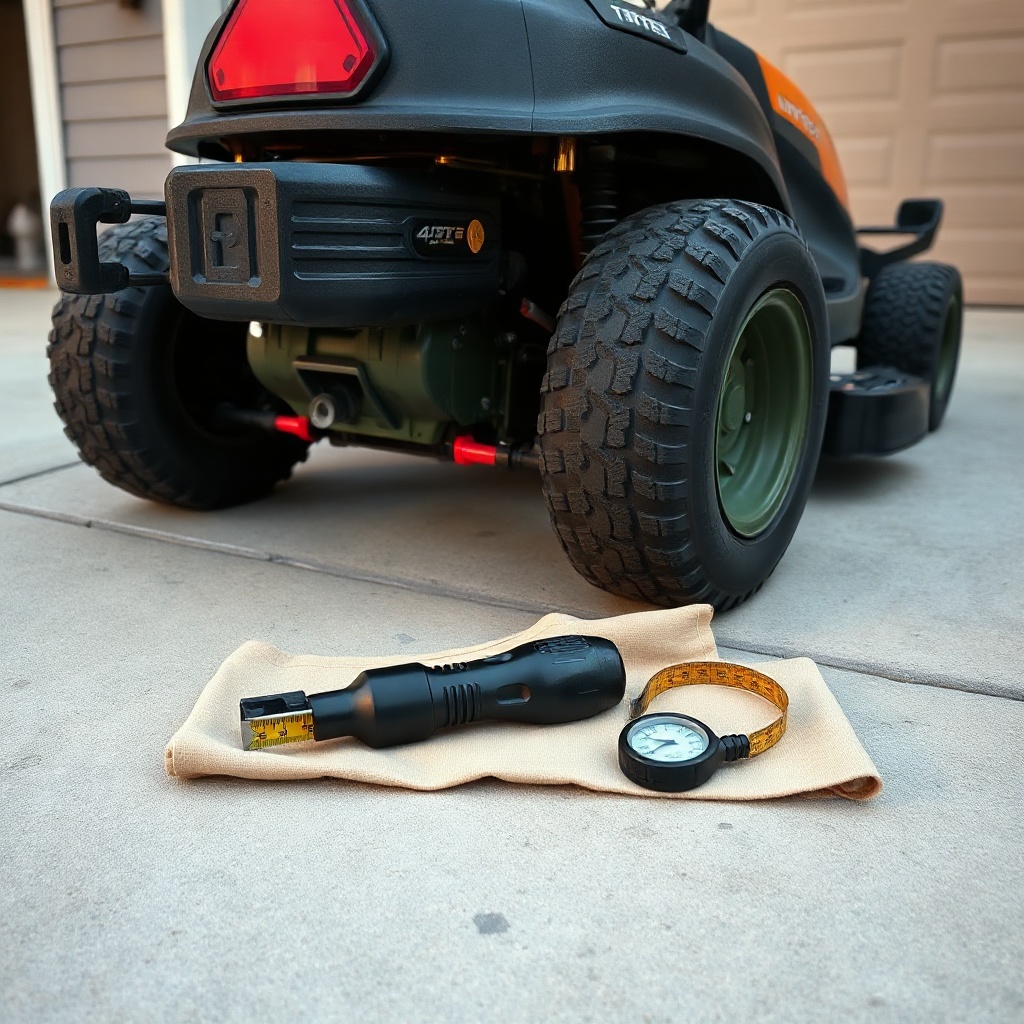
| Tool | Size/Type | Purpose |
|---|---|---|
| Combination Wrench | 10mm, 13mm | Loosening lock nuts on lift linkage and anti-scalp wheel bolts |
| Socket Set | ¼-inch drive, metric | Removing/adjusting deck support brackets |
| Tape Measure | 25-foot, with 1/16-inch markings | Measuring blade tip height from ground |
| Tire Pressure Gauge | 0-15 psi range | Checking rear tire pressure for consistent deck pitch |
| Flat-Blade Screwdriver | 6-inch shaft | Prying stuck height-of-cut pin or adjusting linkage cotter pins |
| Floor Jack (optional) | 2-ton capacity | Lifting mower for deck leveling procedure |
What Is the Step-by-Step Process to Set the Initial Cutting Height?
Setting the initial cutting height on the TurfTech T-4600E requires attention to detail to ensure even grass cutting and to avoid damage to the turf. Follow these steps precisely:
- Prepare the Mower: Park on a level concrete floor, engage the parking brake, and turn off the engine. Remove the key. Check tire pressures: rear tires should be at 12 psi, front casters at 15 psi. Uneven tire pressure will skew deck height readings.
- Locate the Height-of-Cut Pin: The pin is on the left side of the frame, near the rear tire, where the lift pedal linkage connects to the deck. It is a spring-loaded pin that fits into a notched quadrant.
- Select Desired Height: The quadrant has clearly marked numbers from 1.5 to 4.5, each representing inches. For a standard lawn (Bermuda or fescue), set it to 3.0 inches. Pull the pin outward, move the lift pedal to align the notch, and release the pin. You should hear it click into place.
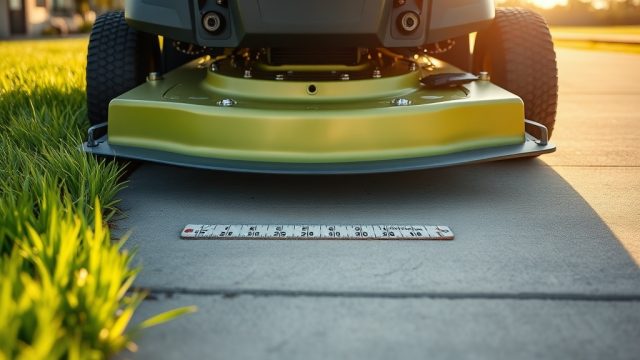
- Check Blade Tip Height: Using a tape measure, measure from the ground to the tip of the cutting blade (the lowest point of the blade tip). Rotate the blade by hand (wear gloves) to get the measurement at the front center of the deck and both sides. The reading should match your selected height within 1/8 inch.
- Adjust If Necessary: If the blade tip height differs, you may need to level the deck. For height-only adjustment, loosen the 13mm lock nut on the front lift linkage rod, turn the rod to raise or lower the front of the deck, and re-tighten. For rear height, adjust the stabilizer bar brackets. Refer to your owner’s manual for exact linkage locations.
- Verify and Tighten: After adjustment, re-measure all blade tips. Tighten all hardware to manufacturer torque specifications (usually 30-35 ft-lbs). Lower the mower fully and test-lift the deck to ensure smooth operation.
If you experience uneven cutting after this process, consider consulting the TurfTech T-4600E Deck Anti-Scalp Wheels: Adjustment Guide for Even Cutting for fine-tuning the deck’s attitude.
How Do You Adjust the Deck Pitch for Optimal Cut Quality?
Deck pitch—the angle of the deck relative to the ground—is critical for preventing windrowing and ensuring uniform grass clipping discharge. The TurfTech T-4600E requires the front of the deck to be 1/8 to 1/4 inch lower than the rear (called “nose-down” pitch) when the deck is at its highest cutting height. Here’s how to set it:
- Set the cutting height to 4.0 inches using the height-of-cut pin. This gives you access to the deck’s full range of adjustment.
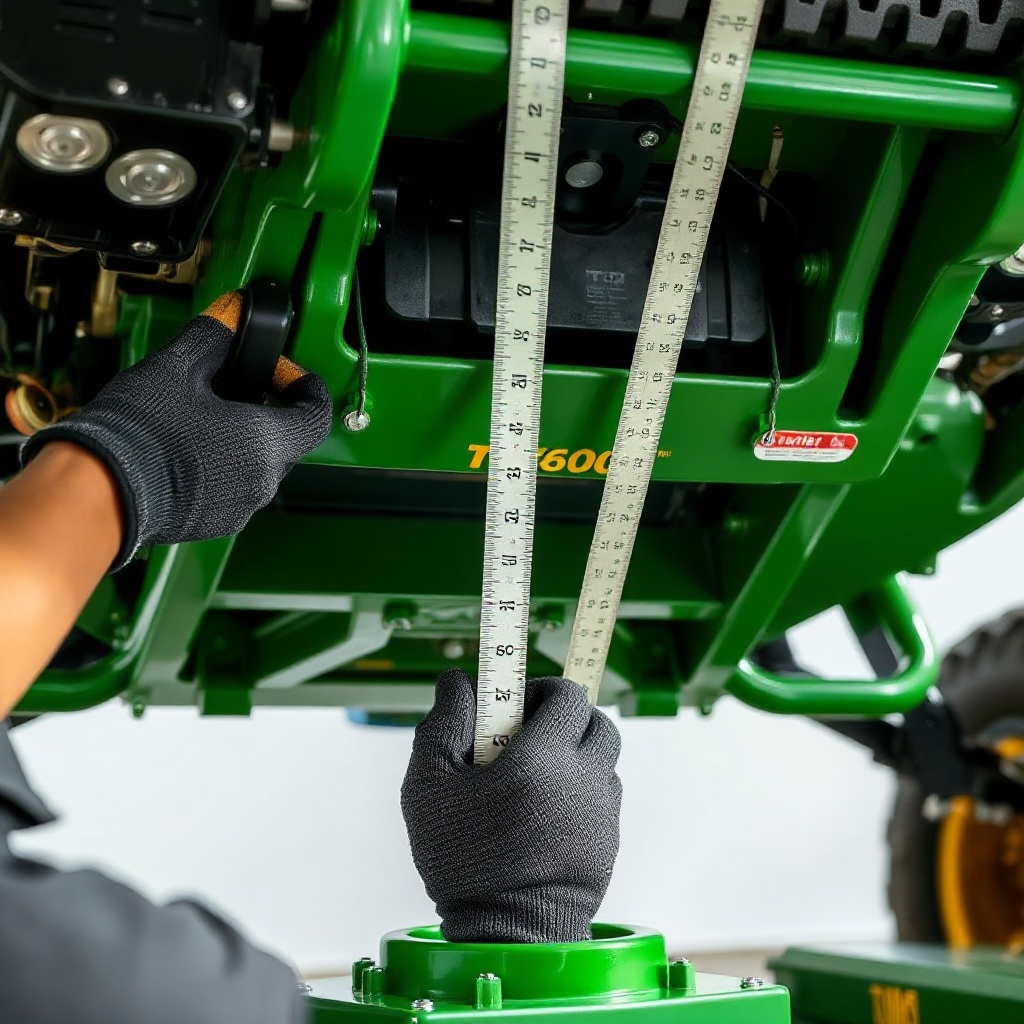
- Measure the blade tip height at the front center and rear center of the deck. The front should be 1/8 to 1/4 inch lower than the rear. Use a ruler placed vertically at each blade tip while the blades are oriented front-to-rear.
- Locate the front lift chains or linkage rods. On the T-4600E, there are two short chains that connect the deck to the mower frame. Each chain has a bolt and lock nut for adjustment. To lower the front of the deck, lengthen the front chains by loosening the lock nut and turning the chain anchor bolt clockwise. To raise it, shorten the chains.
- Re-measure after each adjustment. Tighten lock nuts to 35 ft-lbs. Check the rear stabilizer bar: it should be parallel to the ground and not binding. If the rear of the deck is too low, shim the stabilizer bracket with washers.
- Once pitch is correct, re-set the cutting height to your desired level (e.g., 3.0 inches) and double-check blade tip heights across all four corners. Consistency within 1/8 inch is acceptable.
Improper pitch can cause the mower to “scalp” high spots or leave uncut clumps in low areas. For deeper maintenance, see the TurfTech T-4600E Deck Belt Replacement: Step-by-Step Guide if you suspect belt wear is affecting deck performance.
How Does Tire Pressure Affect Deck Height and Cut Uniformity?
Tire pressure is often overlooked but directly impacts the deck-cutting-system’s performance. The TurfTech T-4600E has a rigid frame, so uneven tire pressure causes the deck to tilt, resulting in an uneven cut. Standard pressure for the 20×10-10 rear tires should be 10-12 psi (depending on load), and 15 psi for the 13×6.5-6 front casters. If the rear tire pressure is too low, the deck will sit lower on that side, scalping the grass. Too high, and the deck will ride high, leaving uncut grass. Before any height adjustment, inflate all tires to the recommended PSI. Check pressure when tires are cold. For every 1 psi difference between left and right rear tires, the deck can tilt by as much as 0.1 inch. This compounds over uneven terrain. A simple pressure check at the start of each mowing season and after temperature changes (e.g., spring to summer) can prevent hours of troubleshooting. Use a high-quality gauge with a 0.25 psi resolution.
What Owners Say About the TurfTech T-4600E Deck Adjustment System
Users on lawn care forums and TurfTech owners groups consistently report high satisfaction with the T-4600E’s cutting height adjustment mechanism. The foot pedal operation is widely praised for its ease of use, allowing rapid height changes without stopping the mower. One owner from Texas noted, “I mow a variety of grasses throughout the year—Bermuda in summer, fescue in winter—and the quadrant system makes switching heights a 30-second task.” Another owner appreciated the durability of the fabricated deck, stating that after 200 hours, the adjustment pin and notches still engage positively without slop. However, some owners advise that the initial factory setting is often too high; many found a 2.75-inch height with a nose-down pitch of 1/4 inch produced the best results on organic lawns. A common criticism is that the anti-scalp wheels need adjustment after the first few mows, as they can settle. This aligns with our TurfTech T-4600E Deck Anti-Scalp Wheels: Adjustment Guide for Even Cutting. Overall, the consensus is that the system is reliable and precise when maintained properly.
Frequently Asked Questions (FAQ)
- Q: How do I know if my TurfTech T-4600E deck is level?
A: Park on a level surface, set cutting height to 3.0 inches, and measure from the ground to the blade tip at the front center and both sides—all should be within 1/8 inch. If not, adjust the front chains and rear stabilizer bar. - Q: Can I adjust the cutting height while the engine is running?
A: Yes, the foot pedal mechanism allows height-on-the-fly adjustment without stopping the mower, but always disengage the blades before moving the lever to avoid sudden deck movement. - Q: How often should I lubricate the height adjustment linkage?
A: Lubricate the pivot points and pin with a silicone-based spray lubricant every 25 operating hours or at the start of each mowing season to prevent rust and binding. - Q: What if the height-of-cut pin doesn’t engage properly?
A: Inspect the pin for bent or missing spring. Clean the notched quadrant with a wire brush and apply a light grease. If the pin still slips, replace it (part number T-4600E-PIN). - Q: Does deck height affect engine performance or fuel consumption?
A: Yes, cutting too low (below 2.0 inches) increases load on the engine, requiring more fuel and potentially clogging the carburetor. For best efficiency, use the recommended 2.5-4.0 inch range. For carburetor issues, see our TurfTech T-4600E Carburetor Cleaning: Step-by-Step Guide and Tips. - Q: Why is grass clumping more on the left side of the cut?
A: This typically indicates the deck is not level left-to-right, or the anti-scalp wheel on the left side is set too low. Check blade tip heights and adjust the left wheel height per the anti-scalp wheel guide.