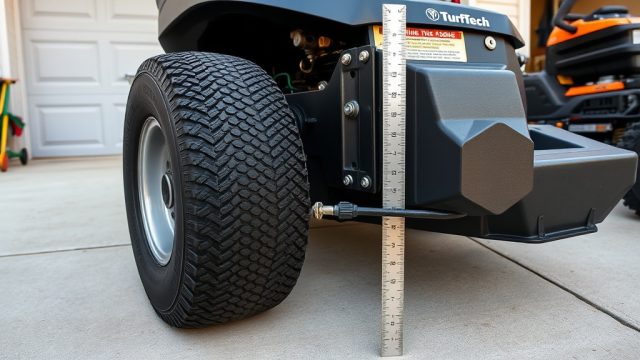
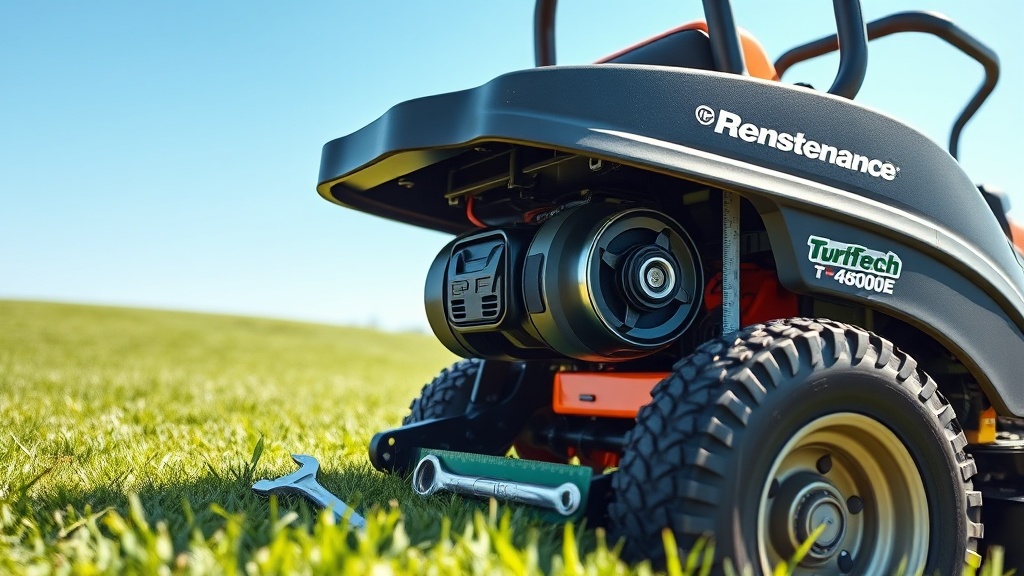
Introduction: Maintaining Deck Belt Tension on the TurfTech T-4600E
The deck belt on your TurfTech T-4600E is the critical link between the electric start engine and the cutting blades. Over time, belt stretch and normal wear can cause slack, leading to poor blade engagement, reduced cutting quality, and even belt slippage that can damage the pulleys. Adjusting the deck belt tension is a routine maintenance task that ensures consistent performance and extends the life of your belt and deck components. This guide provides a step-by-step walkthrough for checking and correcting belt tension on the T-4600E, using the built-in tensioner mechanism.
What Tools Do You Need for TurfTech T-4600E Belt Tension Adjustment?
Before starting, gather the following tools and equipment. Using the correct tool prevents damage to the tensioning system and ensures accurate adjustment.
- 13mm combination wrench or socket
- 10mm combination wrench or socket
- Flathead screwdriver (medium size)
- Torque wrench (optional but recommended for precise tensioner pulley bolt torque)
- Safety glasses and work gloves
- Measuring tape or ruler (to check belt deflection)
How Does the Deck Belt Tensioner System Work on the T-4600E?
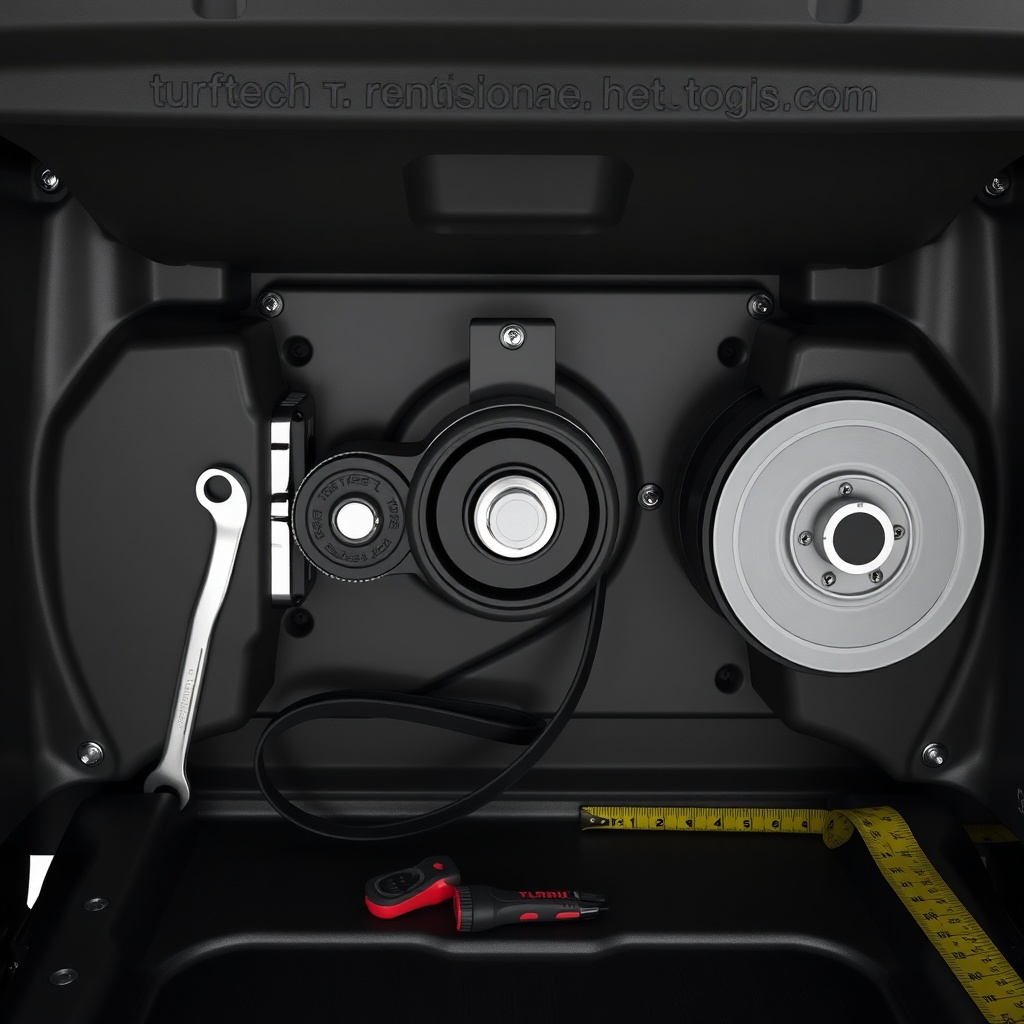
The T-4600E uses a spring-loaded, manually adjustable tensioner pulley. A pivoting arm holds an idler pulley against the belt’s outside run. The arm is secured by a lock nut on a threaded stud. Adjusting the nut changes the pulley position, increasing or decreasing belt tension. The system also has a secondary lock bolt that prevents the pivot arm from moving during operation. Understanding this mechanism is crucial before making adjustments.
Step-by-Step Procedure for Adjusting Deck Belt Tension
Follow this precise sequence to ensure correct tension without over-tightening.
1. Safety First
Disconnect the spark plug wire and remove the key from the ignition to prevent accidental starts. Ensure the deck is fully lowered for access.
2. Locate the Tensioner Assembly
On the right side of the deck (as seated on the tractor), find the tensioner pulley mounted on a pivoting arm. There will be two fasteners: a 13mm lock nut on the threaded stud protruding from the arm, and a 10mm bolt securing the arm’s pivot point.
3. Loosen the Pivot Bolt
Using the 10mm wrench, loosen the pivot bolt by turning it counterclockwise about half a turn. Do not remove it completely—just free it enough to allow movement.
4. Adjust the Lock Nut
Insert a 13mm wrench onto the lock nut. Turn it clockwise to increase tension (push the pulley outward) or counterclockwise to decrease tension. Turn in small increments (quarter turns). As you adjust, the arm will rotate, changing the belt path.
5. Check Belt Deflection
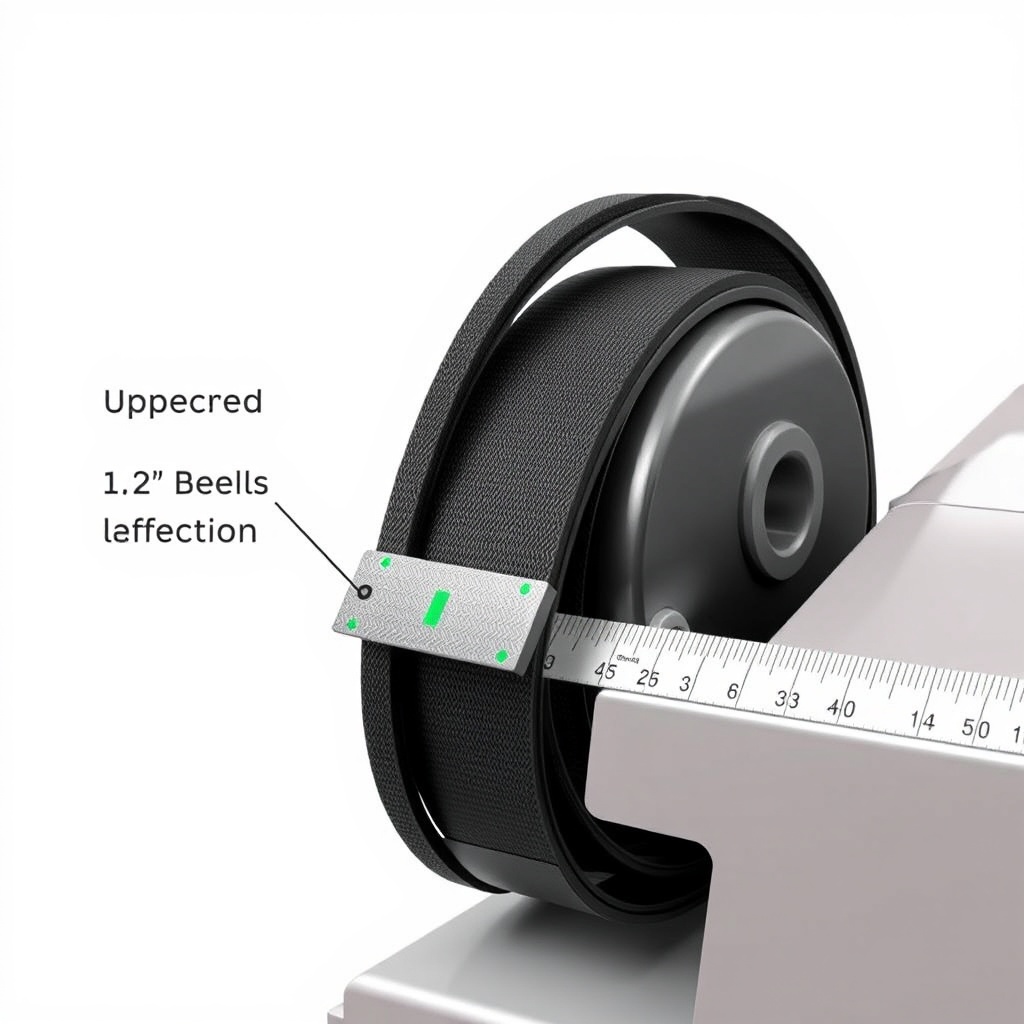
With the belt installed, press down firmly on the belt midway between the two largest pulleys. The belt should deflect between ½ inch (12 mm) and ¾ inch (19 mm) with moderate hand pressure. If it deflects more, tighten further; if less, loosen.
6. Tighten the Pivot Bolt
Once correct deflection is achieved, hold the lock nut steady with the 13mm wrench and torque the 10mm pivot bolt to 12–15 Nm. Then recheck deflection—tightening the pivot bolt can slightly alter tension.
7. Final Check
Rotate the blades by hand (with spark plug disconnected) to ensure they turn freely and the belt tracks in the center of each pulley. Reconnect spark plug wire and test under no-load conditions at slow speed.
| Parameter | Specification |
|---|---|
| Belt Deflection (moderate hand pressure) | 12–19 mm (½ to ¾ inch) |
| Tensioner pulley bolt torque (10mm) | 12–15 Nm |
| Recommended belt replacement interval | Every 100 operating hours or annually |
| Belt type/cross section | 5/8-inch wide Kevlar-reinforced |
| Belt length (part number 54-8208) | 82 inches (208 cm) |
| Maximum allowable belt stretch before replacement | 3% (approximately 2.5 inches) |
Common Problems with Deck Belt Tension and How to Resolve Them
Even with proper adjustment, you may encounter issues.
Belt Squealing Under Load
If you hear high-pitched squealing when engaging blades, the belt is likely too loose. Recheck deflection and tighten if needed. If squealing persists, inspect the belt for glazing or damage—replace if necessary.
Blades Fail to Engage
If the belt slips enough that blades don’t spin, check that the tensioner arm moves freely. Disassemble and lubricate pivot points with white lithium grease. Also verify that the TurfTech T-4600E Electric Start Battery Not Charging: Diagnosis and Fix does not affect the engagement solenoid—low voltage can prevent full blade engagement.
Belt Wears Unevenly
Uneven wear on one edge indicates misalignment. Check that all pulley grooves are clean and that the belt sits flush. The TurfTech T-4600E Modular Pin System Deck Adjustment: Step-by-Step Guide can help ensure deck levelness, which affects belt tracking.
What Owners Say About the T-4600E Belt Tension System
Feedback from TurfTech T-4600E owners highlights both strengths and maintenance tips. Many praise the simplicity of the manual tensioner once they understand the process. One long-term user on a lawn care forum noted, “After thirty minutes of fiddling the first time, I can now adjust the belt in under five minutes. The deflection spec is spot-on.” Another owner cautioned, “I over-tightened initially and the belt squealed more. Backed off to ¾ inch deflection and it ran perfectly.” Several owners emphasize checking the tensioner pivot bolt torque after adjustment, as it can loosen over time. A few experienced belt squealing that turned out to be caused by a worn idler pulley bearing—replacing the bearing resolved the noise. Overall, the T-4600E’s tensioner holds up well with TurfTech T-4600E Muffler Upgrade: Noise Reduction and Performance Improvement being a separate consideration for overall noise levels.
Frequently Asked Questions About TurfTech T-4600E Deck Belt Tension
1. How often should I check deck belt tension on my T-4600E?
Check belt deflection every 25 operating hours or at the start of each mowing season. Slack develops gradually, so regular checks prevent slippage accidents.
2. Can I use a generic belt instead of the TurfTech OEM part?
While aftermarket belts fit, they may have different stretch characteristics. For reliable performance and consistent wear, use the OEM part number 54-8208. Aftermarket belts can require more frequent adjustments.
3. Why does my belt keep slipping even after adjusting tension?
Possible causes include a worn or glazed belt (replace if shiny), a stuck tensioner arm (lubricate pivot), or a bent pulley flange. Inspect the entire drive system, and if the issue persists, check the TurfTech T-4600E Electric Start Motor Replacement: Step-by-Step Guide for potential motor shaft issues that might affect belt tracking.
4. What torque should I use on the tensioner pivot bolt?
The correct torque is 12–15 Nm. Over-tightening can strip the bolt or crack the pivot arm. Use a torque wrench for precision.
5. Is it normal for the belt to make a slight sound when engaging blades?
A brief chirp is normal as the belt stretches to load. Continuous squealing indicates incorrect tension or belt condition. Adjust immediately to avoid damage.
6. What if I cannot get the belt to track correctly after adjustment?
Check deck levelness using the modular pin system. Uneven decks cause belt wander. Also inspect pulley grooves for debris. If neither works, consider TurfTech T-4600E Starter Solenoid Replacement: Step-by-Step Guide if the electric engagement is intermittent, which can mimic belt issues. Finally, for persistent oil contamination issues, see TurfTech T-4600E Engine Oil Leak: Diagnosis and Repair Guide.