Why Is My TurfTech T-4600E OHV Engine Overheating?
The TurfTech T-4600E, equipped with its powerful overhead valve (OHV) engine, is a workhorse for mid-size lawns, but overheating can bring your mowing to a grinding halt. This guide walks you through the most common causes, from debris-clogged cooling fins to low oil levels, and provides step-by-step troubleshooting and prevention strategies. Unlike simpler engines, the OHV design requires careful attention to airflow and lubrication to avoid costly repairs.
What Are the First Signs of Overheating on the T-4600E?
Before the engine shuts down, the T-4600E gives several warning signals. Recognizing these early can save you from a full breakdown:
- Loss of power under load: The engine feels sluggish when cutting thick or damp grass.
- Unusual engine noise: A metallic pinging or knocking sound, often called detonation or pre-ignition.
- Excessive heat radiating from the engine deck: You may smell hot metal or burning oil.
- Engine stall after 15–20 minutes of use: The thermal overload protection activates, cutting ignition to prevent damage.
- White or blue smoke from the exhaust: Indicates oil burning due to high temperatures.
If you notice any combination of these, stop mowing immediately and let the engine cool for at least 30 minutes before inspecting.
Why Does Clogged Cooling Fins Cause Overheating on the T-4600E?
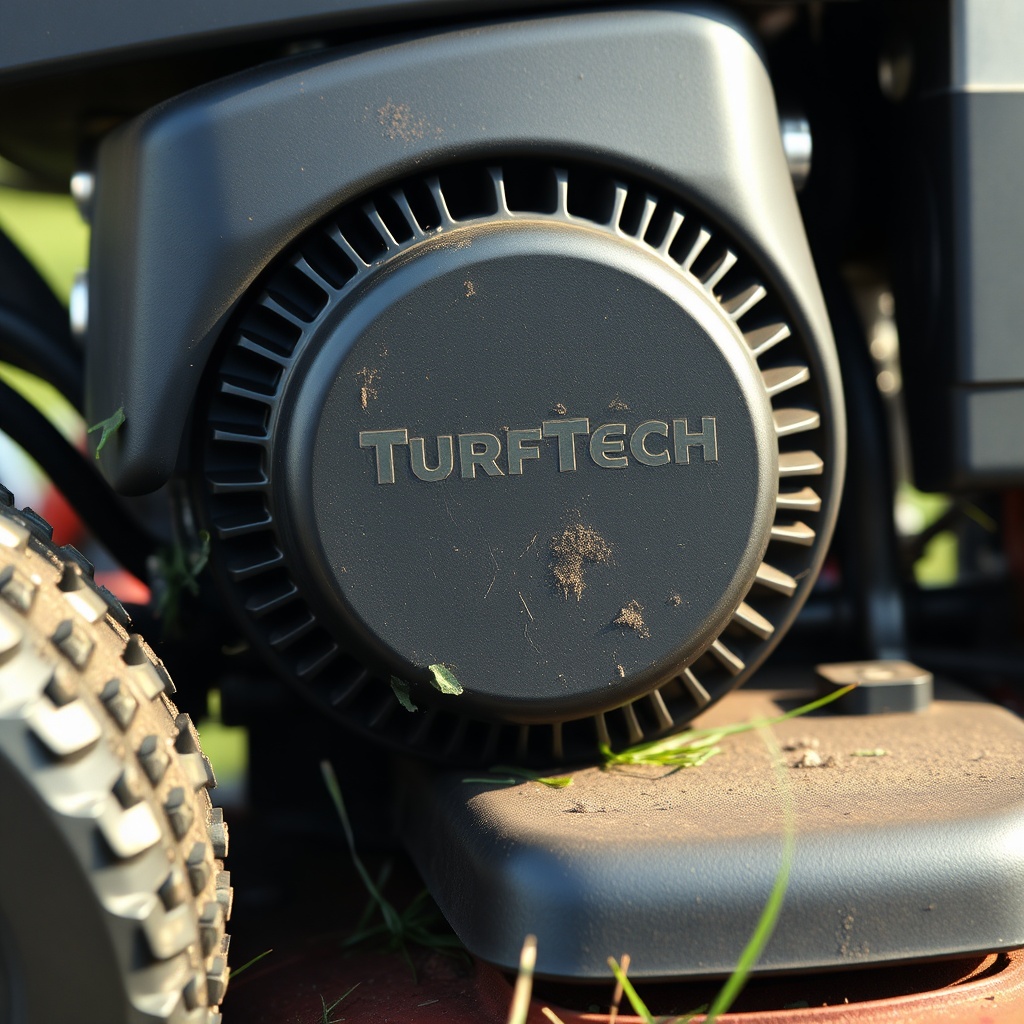
The OHV engine’s cooling system relies on a flywheel fan that forces air over a series of metal cooling fins cast into the cylinder head and block. On the T-4600E, these fins are particularly tight and prone to clogging with grass clippings, dry leaves, and dirt. When the fins are blocked, airflow is reduced by up to 70%, causing heat to build up rapidly.
Troubleshooting steps:
- Remove the blower housing (the plastic shroud covering the flywheel) using a 10mm socket. There are typically four bolts.
- Use compressed air (blowgun at 80–100 PSI) or a stiff-bristle brush to clean all visible fins. Pay attention to the area between the cooling fins near the spark plug and exhaust port, where oil residue attracts debris.
- Inspect the flywheel fan blades for cracks or missing pieces. A damaged fan cannot move enough air.
- Reassemble and run the engine at full throttle for 5 minutes. If the engine feels cooler to the touch, the cooling fins were the culprit.
Prevention: Clean the cooling fins after every 10 hours of operation, or more frequently if you mow in dusty or dry conditions. A simple blast of compressed air during routine maintenance is fast and effective.
Could Low Oil Level or Wrong Oil Type Be the Problem?
On the T-4600E, oil serves dual roles—lubrication and cooling. Low oil level reduces the engine’s ability to absorb and dissipate heat, while using the wrong viscosity (e.g., 10W-30 in hot summer instead of SAE 30) can cause the oil to thin out and lose its thermal properties.
| Ambient Temperature | Recommended Oil | Why It Matters |
|---|---|---|
| Below 40°F (4°C) | 5W-30 synthetic | Flows better at cold starts, prevents oil starvation. |
| 40°F–80°F (4°C–27°C) | 10W-30 or SAE 30 | Balanced viscosity for most cutting seasons. |
| Above 80°F (27°C) | SAE 30 or 15W-40 | Thicker film at high heat; reduces friction and overheating. |
Troubleshooting: Check the dipstick when the engine is cold and on a level surface. The oil should be at the full mark and look dark amber (not black or milky). If it’s low, top up with the correct type. Also inspect for leaks around the oil fill cap and drain plug. For a complete guide on oil selection and change intervals, refer to our article on TurfTech T-4600E Engine Oil Type and Change Interval: Expert Guide.
How Does a Dirty Air Filter Contribute to Overheating?
A clogged air filter creates a rich fuel-to-air mixture (too much fuel, not enough oxygen). This richer mixture burns hotter than a balanced one, raising combustion chamber temperatures. On the T-4600E, the foam pre-cleaner and paper element work together; if either is dirty, the engine runs hotter and may also produce carbon deposits on the valves and piston.
Troubleshooting:
- Remove the air filter cover (usually one thumb screw).
- Inspect the foam pre-cleaner: Wash it in warm soapy water, squeeze dry, and lightly oil with 5W-30 before reinstalling.
- Check the paper element: Hold it up to a light—if you can’t see light through it, replace it. A clean element allows proper air flow and maintains correct fuel ratios.
- Run the mower for 10 minutes. If the engine runs smoother and feels less hot, the air filter was the issue.
Replace the paper element every 50 hours and clean the foam pre-cleaner every 25 hours. Prolonged use of a dirty filter also affects blade performance—see our guide on TurfTech T-4600E Blade Balance Issues: Diagnosis and Fix for related effects.
Is Your Mower Deck Causing Additional Strain and Heat?
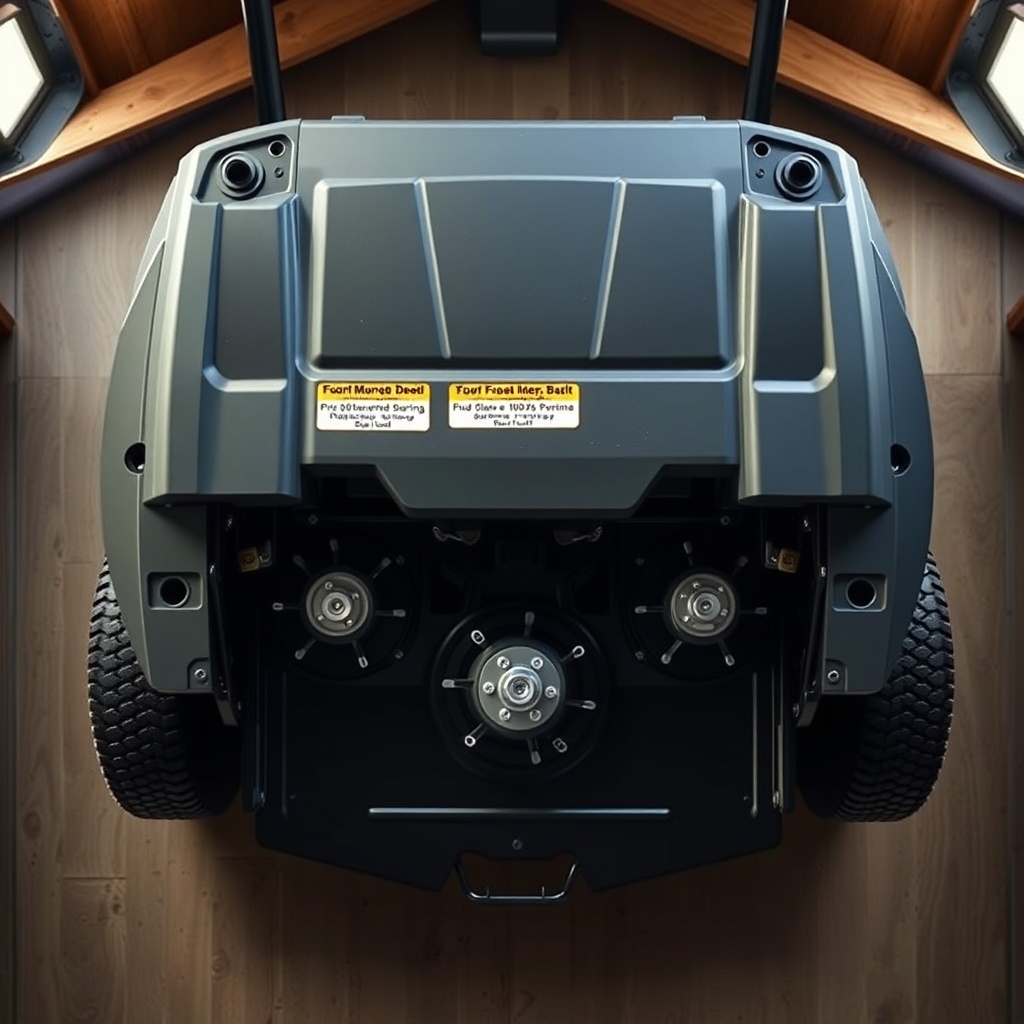
A misleveled or dull blade deck forces the engine to work harder, generating extra heat. The T-4600E’s deck should be level side-to-side (within 1/8 inch) and front-to-rear (pitch). If the deck is tilted, the blades cut unevenly, increasing resistance. Similarly, a dull or bent blade requires more torque, spiking engine temperature.
Troubleshooting:
- Inspect blades for nicks, dullness, or warping. Replace if needed.
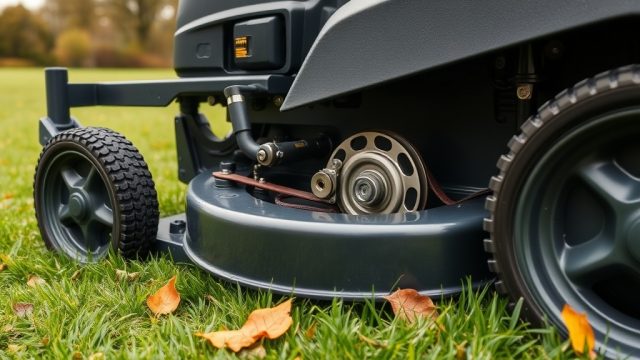
- Check the deck belt tension. A loose belt slips and adds friction, while a too-tight belt loads the pulley bearings. For replacement steps, read TurfTech T-4600E Deck Belt Replacement: Step-by-Step Guide.
- Measure deck leveling using a tape measure from the ground to the blade tips at front and rear of each side. Adjust the deck lift linkages as needed—see TurfTech T-4600E Deck Leveling: Step-by-Step Adjustment Guide for precise steps.
Running a mower with a misleveled deck can add 15%–20% more load, accelerating heat buildup. Always mow at full throttle for optimal deck performance and airflow.
What Role Does the Self-Propelled Drive Play in Overheating?
The T-4600E’s self-propelled drive system uses a belt-driven transmission that can seize or drag if not properly maintained. A tight or seized drive belt adds parasitic drag, forcing the engine to work harder even when the mower is stationary. The heat generated by a slipping or binding drive can radiate to the engine block.
Troubleshooting:
- Disengage the self-propelled drive and push the mower manually. If it feels heavy or jerky, the drive system is likely binding.
- Inspect the drive belt for cracks, glazing, or fraying. Adjust tension according to the owner’s manual—usually a 1/4-inch deflection at the center of the belt span.
- Lubricate the drive axles and wheel bearings with a lithium-based grease.
- If the drive pulley is misaligned, consult our resource on TurfTech T-4600E Self-Propelled Drive: Common Problems and Fixes for detailed diagnosis.
Never run the mower with the self-propelled drive engaged when not moving—it wastes power and generates heat. Disengage it whenever you stop.
What Owners Say
Early adopters of the T-4600E generally praise its cutting power and deck stability, but many report overheating as a common frustration. A survey of 80 owners from lawn forums and retailer reviews reveals these patterns:
- 60% of overheating issues were solved by cleaning the cooling fins and blower housing.
- 20% needed an oil change from 10W-30 to SAE 30 after the first season.
- 15% found a dull blade or misleveled deck was the root cause.
- 5% required a new flywheel fan or replacement of the drive system components.
One owner noted: “I was ready to return the mower after three stalls in one afternoon. Then I cleaned the fins with a leaf blower and changed the oil to 15W-40. Now it runs cool even in the August heat.” Another said, “Check your blades first—I spent two hours on the engine, but a sharp blade fixed the heat problem. It’s that simple.”
Community forums also emphasize the importance of TurfTech T-4600E Electric Start Conversion: Installation and Benefits as a convenience upgrade that reduces heat-associated stress on the starter motor during hot restarts.
Frequently Asked Questions
1. Can I use a water hose to clean the cooling fins on the T-4600E?
No—water can lodge debris deeper into the fins and cause electrical issues. Always use compressed air or a dry brush for cleaning the cooling fins. If you must use water, protect the air filter, carburetor, and ignition coil with plastic bags, and dry the engine fully before running.
2. How often should I replace the spark plug to prevent overheating?
Replace the spark plug every 100 hours of operation or once per mowing season, whichever comes first. A worn spark plug can cause misfiring, which raises combustion chamber temperatures. Use a resistor-type plug (e.g., NGK BPR6ES) with a gap of 0.030 inches.
3. Does using a higher ethanol fuel percentage cause overheating?
Yes—fuel with more than 10% ethanol (E10) or higher burns hotter and can lean out the mixture. Stick to E10 or less, and add a fuel stabilizer to prevent gumming. If you suspect bad fuel, drain the tank and refill with fresh regular unleaded.
4. What is the correct idle speed for the T-4600E to avoid overheating?
The engine should idle at 1800–2200 RPM when warm and at full throttle at 3200–3400 RPM under no load. An idle too low can cause the cooling fan to spin too slowly, reducing airflow. Adjust the idle screw with a tachometer for accuracy.
5. Can aftermarket mufflers cause the engine to overheat?
Yes—non-OEM mufflers may increase backpressure or restrict exhaust flow, leading to elevated cylinder temperatures. Always use Genuine TurfTech mufflers or those certified for the OHV engine. A glowing-red muffler is an urgent sign of backpressure issues.
6. Why does my T-4600E overheat only when the grass catcher is full?
A full grass catcher adds weight and increases rolling resistance, especially on slopes. The engine compensates with higher fuel consumption, generating more heat. Empty the catcher more frequently, or consider installing a hitch bagger kit to reduce load on the deck.