Introduction
Owners of the TurfTech T-4600E riding mower often report a rough cut and excessive vibration long before engine issues arise. These symptoms almost always trace back to blade balance problems, a condition that can escalate into costly spindle and bearing damage if ignored. This article provides a systematic diagnosis and fix for blade imbalance on the TurfTech T-4600E, covering everything from visual inspection to precision balancing techniques.
Why Does the TurfTech T-4600E Suffer from Blade Balance Issues?
The T-4600E uses a 46-inch fabricated deck with three blades—a center blade and two outer blades. Several design factors make this model prone to imbalance: the blades are relatively long (18.5 inches) and heavy (1.2 kg each), the spindle bearings are preloaded, and the blade retention system uses a single 5/8-inch hex bolt. Over time, even minor wear or accumulated debris can throw the blade assembly out of balance. Common contributors include:
- Grass clippings and mud trapped under the blade deck.
- Blade edge damage from rocks, roots, or steel stakes.
- Uneven blade sharpening by the owner.
- Stripped or damaged blade adapter holes.
- Manufacturing tolerances in replacement blades.
Ignoring a slightly unbalanced blade multiplies stress on the T-4600E’s spindle assembly, leading to bearing failure and potential shaft bending. For details on how engine problems mimic blade issues, read our guide on TurfTech T-4600E OHV Engine: Common Problems and Troubleshooting Tips.
What Are the Symptoms of an Unbalanced Blade on the T-4600E?
Recognizing imbalance early saves you repair costs. The TurfTech T-4600E will exhibit one or more of these signs:
- Excessive vibration—felt through the steering wheel and footrests. The vibration intensifies at full throttle (3600 rpm).
- Uneven cut—striping or scalping of the lawn, especially on flat ground.
- Noise—a rhythmic thumping or whirring sound from under the deck.
- Deck movement—the entire mower deck may bounce or sway.
- Blade tip damage—curved or bent tips after striking an object.
If you notice any combination of these, stop mowing and inspect the blades immediately. Operating with a seriously out-of-balance blade can crack the deck weldments.
How to Diagnose Blade Balance on the TurfTech T-4600E at Home
Diagnosis requires removing the blades. Follow these steps:
- Disconnect the spark plug wire and remove the ignition key.
- Raise the mower deck to its highest position and safely block the mower with jack stands. Never rely on the hydraulic deck lift alone.
- Use a 5/8-inch socket and a breaker bar to remove each blade bolt. The bolt torque is 55–65 ft-lb; a pneumatic impact wrench speeds removal.
- Clean each blade with a wire brush and solvent to remove all grass and sap.
- Inspect each blade for bends, cracks, nicks, and missing metal. A bent blade is almost always unbalanced.
- Place the blade on a commercial blade balancer (or a cone-style balancer). Mark the heavy side with a marker.
If the blade stops with the same side down each time, it is out of balance. For a quick shop test, hang the blade horizontally on a nail through the center hole; a balanced blade will remain horizontal. Most T-4600E blades are considered unbalanced if they deviate more than 10 degrees from level.
Also check the blade adapter (also called the blade holder or pulley). A worn adapter hole can cause blade wobble that mimics imbalance. Replacement adapters cost about $12 each.
Step-by-Step Fix: Rebalancing a TurfTech T-4600E Blade
Fixing an unbalanced blade is straightforward. You will need a bench grinder or a hand file, a digital balancer (recommended), and eye protection.
- Grind only the heavy end. Remove material from the back edge of the blade, not the cutting edge. Removing metal from the cutting edge changes the blade geometry and reduces cut quality.
- Take small amounts—0.5 grams per pass is safe. After each grinding pass, re-check balance on the cone. The goal is to have the blade stop at random positions, not rest in one orientation.
- Match blade weight—ideally, all three blades should weigh within 1 gram of each other. For the T-4600E, factory blade weight is 1,180–1,220 grams. A kitchen scale with 0.1 g resolution works for this.
- Repeat for each blade. Even a single unbalanced blade will create vibration.
- Reinstall with fresh blade bolts (replace if threads are damaged). Torque to 60 ft-lb. Use blue Loctite on the bolt threads.
After installation, run the mower at low rpm and listen for thumping. Then gradually increase to full throttle. The vibration should be gone. If it persists, examine the spindles for wear.
For persistent vibration that balancing doesn’t fix, the issue may be a bent spindle shaft. This requires removing the entire spindle assembly. See our TurfTech T-4600E OHV Engine: Common Problems and Troubleshooting Tips article for related drivetrain checks.
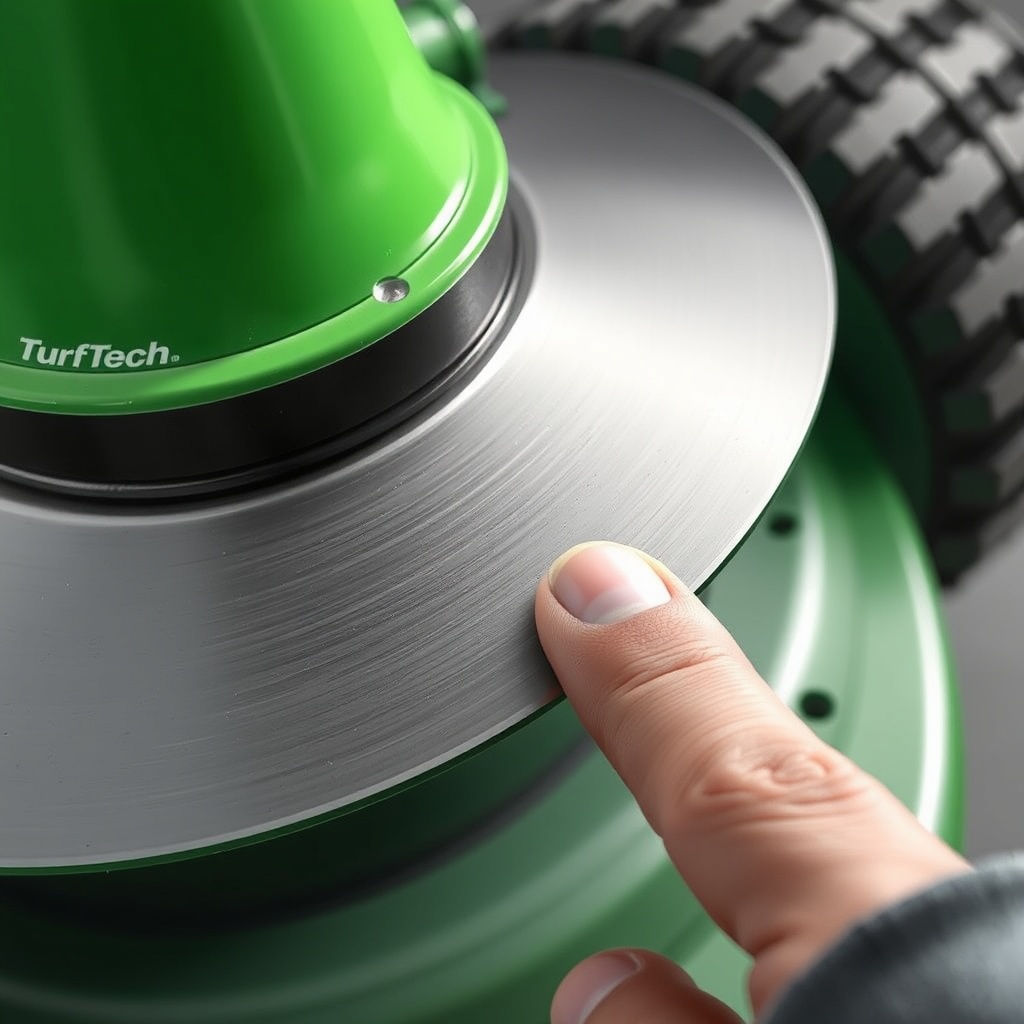
Severity Chart: Blade Imbalance Levels and Repairs
The table below classifies imbalance severity and the corresponding corrective action for the TurfTech T-4600E.
| Severity Level | Visual Symptom | Vibration Intensity | Recommended Fix | Approximate Cost (GBP) |
|---|---|---|---|---|
| Mild | Blade stops in same position on balancer (10–20° deviation) | Light tremor at full throttle | Grind off 1–2 g from heavy side; re-sharpen cutting edge | £0 (DIY) or £8 (shop service per blade) |
| Moderate | Blade visibly bent (tip deflection > 3 mm) | Noticeable vibration through seat; uneven cut | Replace damaged blade; balance new blade before installation | £22–£28 per new OEM blade |
| Severe | Blade tip missing or crack visible | Strong rhythmic thumping; deck shakes | Replace blade and inspect spindle bearings for damage; replace spindle if needed | £22 (blade) + £45 (spindle assembly) + £15 (labour if professional) |
Note: Prices are approximate at time of writing and may vary by retailer.
What Owners Say
Feedback from TurfTech T-4600E owners on forums and review sites highlights several real-world experiences with blade imbalance:
- John from Yorkshire reports that after hitting a small rock, his center blade developed a 4 mm bend. Replacing the blade and adding a balancing step to his seasonal maintenance eliminated vibration.
- Sarah, who mows a 2-acre property in Kent, found that the mower’s deck began bouncing after she sharpened blades unevenly with a hand grinder. She now uses a dedicated balancer and reports “smooth as new” operation.
- Mike, a garden machinery dealer, notes that about 15% of warranty returns on the T-4600E involve blade imbalance rather than engine failure. He recommends owners check blade balance during every oil change.
- Owners also warn that cheap aftermarket blades often have poor balance from the factory. Sticking with OEM parts (£24 each) saves time.
Frequently Asked Questions
How often should I balance TurfTech T-4600E blades?
Balance blades every 25 hours of mowing or after any impact with a solid object. Many owners check balance seasonally (every spring and mid-summer).
Can I use a bubble balancer for T-4600E blades?
Yes, a cone-type bubble balancer works well for these 18.5-inch blades. Ensure the cone fits tightly in the center hole (1-inch diameter). Digital balancers offer higher accuracy.
Will a slightly unbalanced blade damage the engine?
Not directly, but the vibration stresses the spindle bearings, deck, and belt drive system. Prolonged operation with moderate imbalance can cause premature bearing failure and belt wear. Engine damage is unlikely unless vibration is severe enough to loosen mounting bolts. For engine-specific symptoms, refer to TurfTech T-4600E OHV Engine: Common Problems and Troubleshooting Tips.
What is the correct torque for T-4600E blade bolts?
Torque to 55–65 ft-lb (75–88 Nm). Use a torque wrench to avoid over-tightening, which strips the adapter threads, or under-tightening, which allows blade wobble.
Can I sharpen the blades while they are still on the mower?
Not recommended. On-deck sharpening can introduce imbalance because you cannot remove equal material from each end. Always remove blades for sharpening and balance them afterward.
My T-4600E still vibrates after new, balanced blades. Why?
Check for a bent pulley, worn spindle bearings (play in the shaft), or debris stuck to the top of the deck. Also inspect the blade adapter for wear. A bad spindle bearing is a common hidden cause. Replace the spindle assembly if necessary.