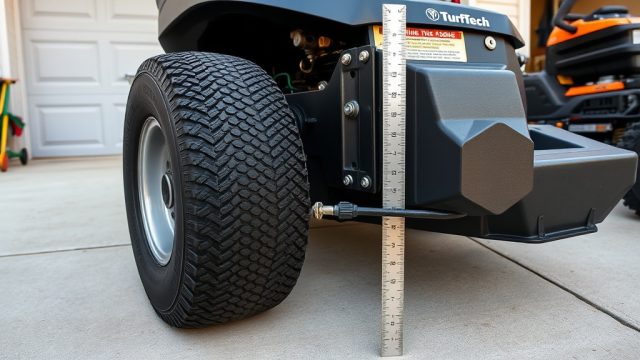
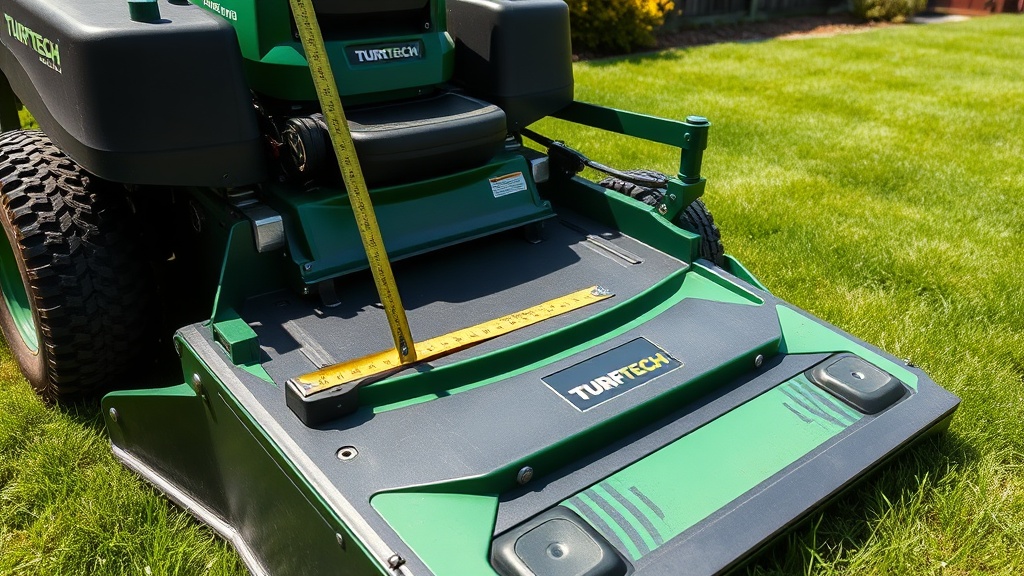
Why Is Proper Deck Leveling Critical for the TurfTech T-4600E?
Uneven cutting height on a TurfTech T-4600E leads to scalped patches, missed grass tufts, and premature blade wear. Deck leveling ensures the mower deck sits parallel to the ground at the desired cutting height, delivering a consistent, professional-quality cut every pass. This guide walks through the specific steps to level the 46-inch fabricated deck on the T-4600E, using the model’s factory adjustment points and recommended tolerances.
Before starting, park the mower on a flat, level surface, disengage the blades, set the parking brake, and remove the spark plug wire. You will need a tape measure, a 14 mm and 17 mm socket wrench, and a clean, dry area. For related engine issues that can mimic deck problems, review our TurfTech T-4600E OHV Engine: Common Problems and Troubleshooting Tips to rule out speed or power irregularities.
How Do I Check Initial Deck Level on My TurfTech T-4600E?
Begin by setting the deck height lever to the 3.0-inch (76 mm) position—the most commonly used cutting height. Measure from the ground to the front blade tip of the left spindle, then the right spindle, ensuring the blades are oriented side to side (not forward).
- Left spindle measurement: Place the tip of the tape at the ground, directly below the blade tip.
- Right spindle measurement: Use the same method, ensuring the blade tip is at the same rotational angle.
The front-to-rear measurement should be approximately 1/8-inch (3 mm) lower at the front blade tips than the rear. This slight “rake” prevents the deck from bouncing on thick turf. Record both side-to-side and front-to-rear differences.
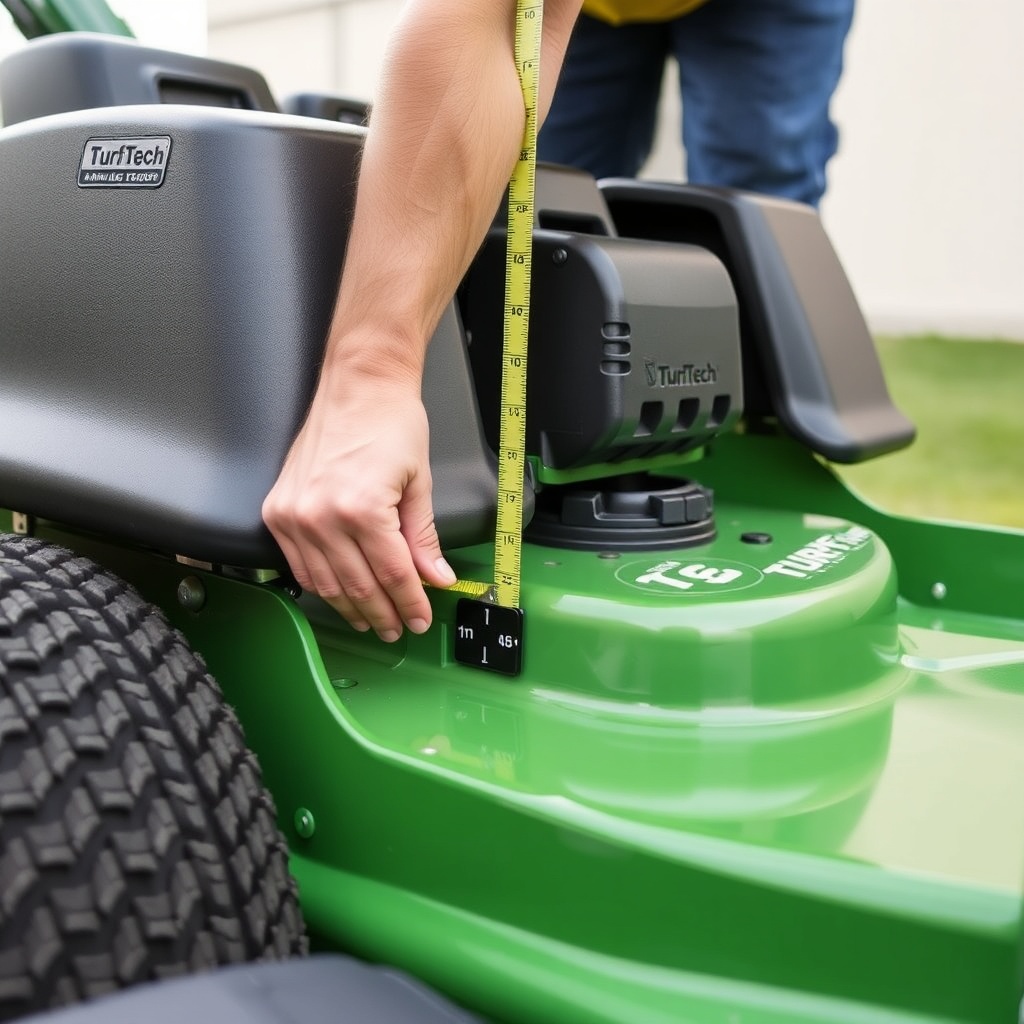
Which Adjustment Points Control Deck Level on the T-4600E?
The TurfTech T-4600E uses three primary adjustment points: the two front lift bracket bolts (one per side) and the rear draft arm pivot pin bolt at the center rear of the deck. A fourth adjustment exists on each side of the deck for the anti-scalp rollers, but those affect roller height, not deck plane.
| Adjustment Point | Location | Hardware Type | Torque Spec (ft-lbs) |
|---|---|---|---|
| Front lift bracket bolt (left) | Left side, under front bracket | 14 mm hex head bolt | 35-40 |
| Front lift bracket bolt (right) | Right side, under front bracket | 14 mm hex head bolt | 35-40 |
| Rear draft arm pivot pin bolt | Center rear of deck, near frame | 17 mm hex head bolt | 50-55 |
These three bolts are locking fasteners; you will need to loosen them approximately two full turns before making any adjustments. Do not remove them completely—this prevents the deck from dropping unsafely.
What Is the Correct Front-to-Rear Rake for the T-4600E?
The factory specification for the TurfTech T-4600E deck is a front-to-rear rake of 1/8 inch to 1/4 inch (3 mm to 6 mm) lower at the front blade tips compared to the rear blade tips. This rake compensates for the deck’s tendency to tilt upward under mowing speed and airflow.
- After setting the deck to the 3-inch height, measure the rear blade tips on both spindles.
- If the front tips are more than 1/4 inch lower than the rear, the deck is too aggressive and may scalp on uneven terrain.
- If the front tips are higher than the rear (positive rake), the deck will leave uncut strips.
- Adjust the rear draft arm pivot pin bolt to raise or lower the rear of the deck relative to the front.
For every full turn of the rear pivot bolt (counterclockwise to lower the rear, clockwise to raise), the rear height changes approximately 1/16 inch (1.6 mm). Make small adjustments, then re-measure.
How Do I Correct Side-to-Side Deck Imbalance?
Side-to-side imbalance on the T-4600E is corrected using the two front lift bracket bolts independently. If the left side measures 2.5 inches and the right side measures 2.75 inches, adjust the left side upward or the right side downward, depending on overall height targets.
- To raise one side: Tighten the front lift bracket bolt for that side (clockwise) in 1/4-turn increments.
- To lower one side: Loosen the same bolt (counterclockwise) while supporting the deck with a jack or wood block to prevent sudden drop.
After each adjustment, tighten the bolt to the specified torque (35 ft-lbs) and re-measure both sides. The two sides should be within 1/16 inch (1.6 mm) of each other at the same front-to-rear position. Uneven blade wear or repetitive scalping on one side indicates the side-to-side level is off.
If blade balance is also a concern, check our TurfTech T-4600E Blade Balance Issues: Diagnosis and Fix for complementary diagnostics on vibration and cut quality.
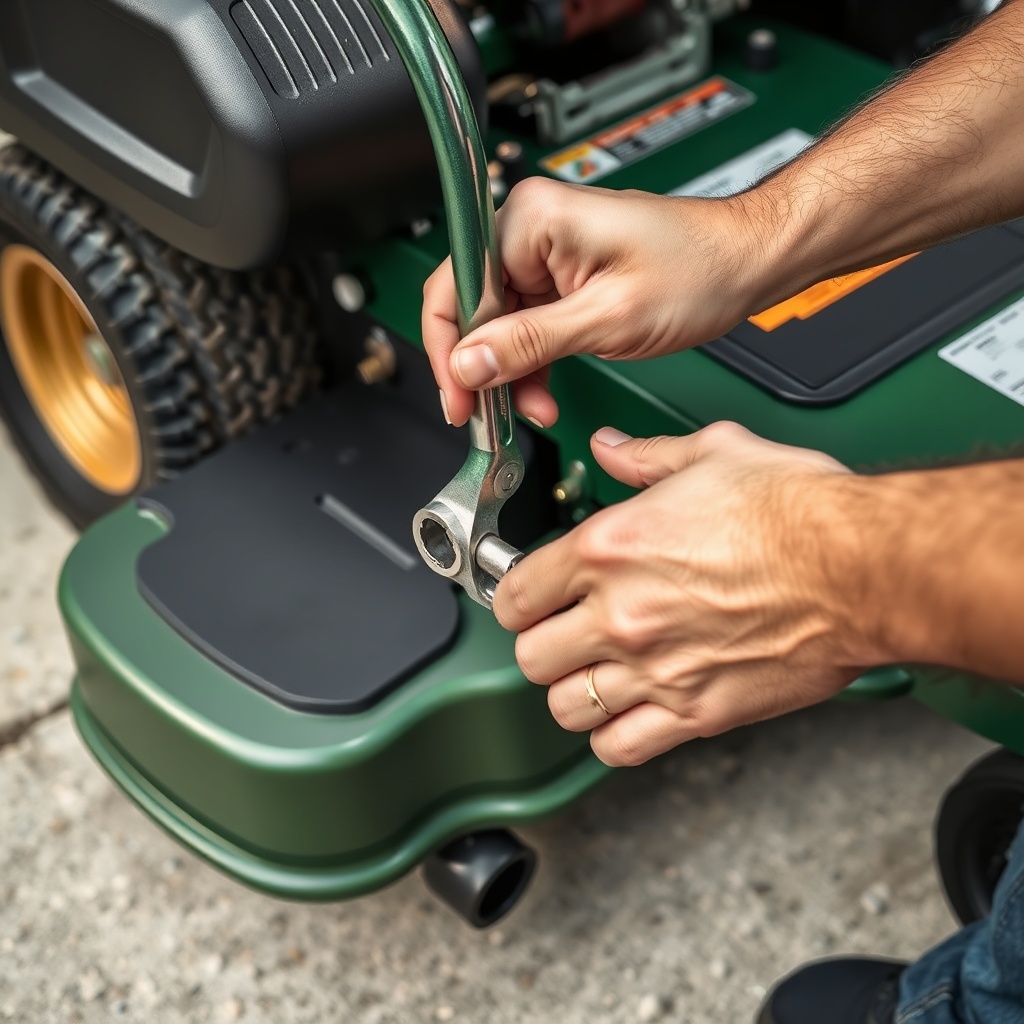
What Post-Adjustment Checks Should I Perform?
After completing all adjustment bolt tightening and verifying measurements, reconnect the spark plug wire and perform a visual test run on a flat concrete pad. Engage the blades at low throttle and listen for any scraping or uneven blade contact. Then mow a small strip of grass (approximately 10 feet long) at half throttle and inspect the cut pattern.
Signs of correct leveling include:
- Uniform cut height across the width of the deck.
- No scalped areas, even over minor dips.
- No visible streaking or uncut grass between blade paths.
If the cut still appears uneven, re-measure with the deck at the same height setting. Loose hardware or bent spindle housings can mimic leveling problems. For chronic issues, inspect the deck’s structural integrity—the T-4600E fabricated deck can warp if frequently used on extremely rough terrain.
What Owners Say About Deck Leveling on the TurfTech T-4600E
Frequent feedback from TurfTech T-4600E owners highlights the importance of the front-to-rear rake adjustment. Many report that after setting a 1/8-inch rake, the mower stops leaving “golf ball-sized clumps” of cut grass. Owners also praise the simplicity of the three-bolt system, though some note that the rear pivot bolt can be difficult to access without a U-joint socket.
A common complaint is that the deck tends to lose level after 30-40 hours of mowing, particularly on the left side if the operator turns frequently. One owner from Ohio stated: “I check the front-to-rear rake every spring and usually find it needs a quarter-turn adjustment on the rear bolt. It’s a five-minute job once you know where to measure.”
Several owners recommend marking the rear pivot bolt’s position with a paint marker after achieving perfect level, so future adjustments are faster. For those with engine stalling issues that mimic deck binding, the troubleshooting guide on TurfTech T-4600E OHV Engine: Common Problems and Troubleshooting Tips is frequently referenced.
Frequently Asked Questions
1. How often should I level the deck on my TurfTech T-4600E?
Check deck level every 25 hours of mowing or at the start of each mowing season. Heavy use on uneven ground requires more frequent checks (every 10-15 hours).
2. Can I level the deck using only the rear pivot bolt?
No. The rear pivot bolt adjusts front-to-rear rake only. Side-to-side leveling requires independent adjustment of the two front lift bracket bolts.
3. What if the deck level is correct but the cut is still uneven?
Inspect blade sharpness, blade balance, and spindle bearing condition. Dull or bent blades cause uneven cut regardless of deck level. See TurfTech T-4600E Blade Balance Issues: Diagnosis and Fix for further diagnostics.
4. Is there a way to level the deck without loosening the bolts completely?
Always loosen bolts to at least two full turns to allow free movement. Attempting to adjust without loosening can strip threads or damage adjustment brackets.
5. Does a new TurfTech T-4600E come with the deck pre-leveled?
Yes, factory decks are set to a nominal level, but shipping vibration and assembly tolerances often shift alignment. Always verify and re-level after the first hour of mowing.
6. What torque should I use for the antiscalp roller bolts?
The antiscalp roller bolts require 20-25 ft-lbs. Do not overtighten, as this can crack the roller bracket. These bolts do not affect deck plane, only roller height relative to the deck surface.