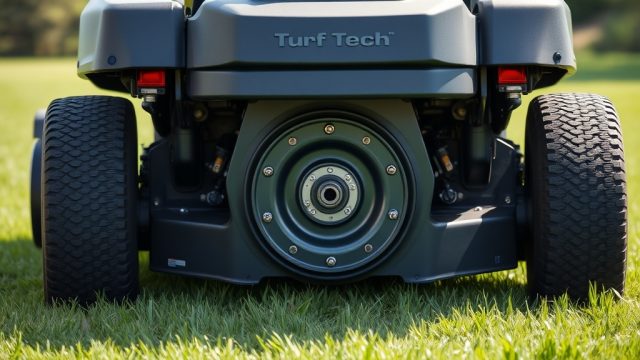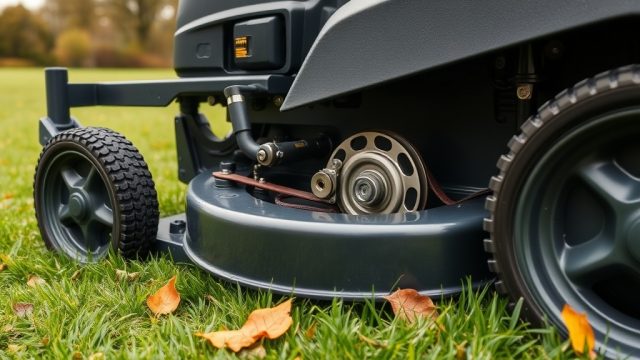
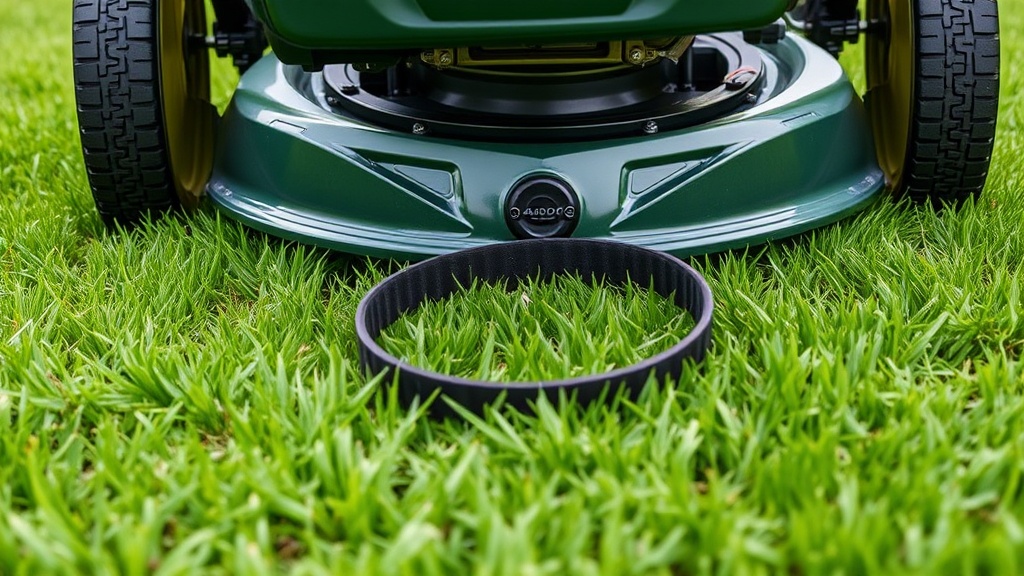
Why Does My TurfTech T-4600E Keep Throwing the Deck Belt?
A common complaint among TurfTech T-4600E owners is the deck belt either slipping off or snapping prematurely. This issue typically stems from a worn belt, misaligned pulleys, or a seized idler arm. Before you start the replacement, inspect the belt routing diagram, usually printed under the deck or in the owner’s manual. If you have also noticed uneven cuts, check our guide on blade balance issues, as a wobbling blade can accelerate belt wear. The standard factory belt costs £32.99–£45.00 depending on the retailer, while aftermarket belts range from £18.95 to £28.50.
What Tools Do I Need for a TurfTech T-4600E Deck Belt Replacement?
You will need the following items before starting the repair. Gather them in advance to avoid frustration mid-project:
- Socket set (metric): 10 mm, 13 mm, and 15 mm sockets for pulley bolts and deck mounting nuts.
- ½-inch ratchet and extensions: For reaching recessed bolts.
- Screwdrivers: Flathead (medium) for prying off belt guides.
- Belt removal tool (optional): A 12-inch long lever tool or a pair of large locking pliers to release tension from the idler spring.
- Penetrating oil: WD-40 or similar, for corroded fasteners.
- New OEM or aftermarket belt: The correct cross-section is A-section (5/8-inch wide) with a length of 120 inches for the T-4600E.
- Safety gear: Gloves and safety glasses.
The entire job can be done in 45–90 minutes.
How Do I Access the Deck Belt on the TurfTech T-4600E?
First, park the mower on level ground, engage the parking brake, and disconnect the spark plug wire. Use a floor jack or wooden blocks to lift the mower enough to safely slide under the deck. For most T-4600E models, you must lower the deck to its lowest cutting position. Locate the two deck lift pins on each side of the frame; remove the cotter pins and slide the lift pins out. Then, unhook the deck lift cable from the front of the deck. At the rear of the deck, there is a single drive belt from the engine pulley to the deck; you may need to release tension from that belt first. Follow the belt path from the engine pulley to the deck input pulley. If you are also experiencing poor self-propelled movement, check our article on self-propelled drive issues as a separate component but related deck access step.
What Is the Correct Belt Routing for the TurfTech T-4600E Deck Belt?
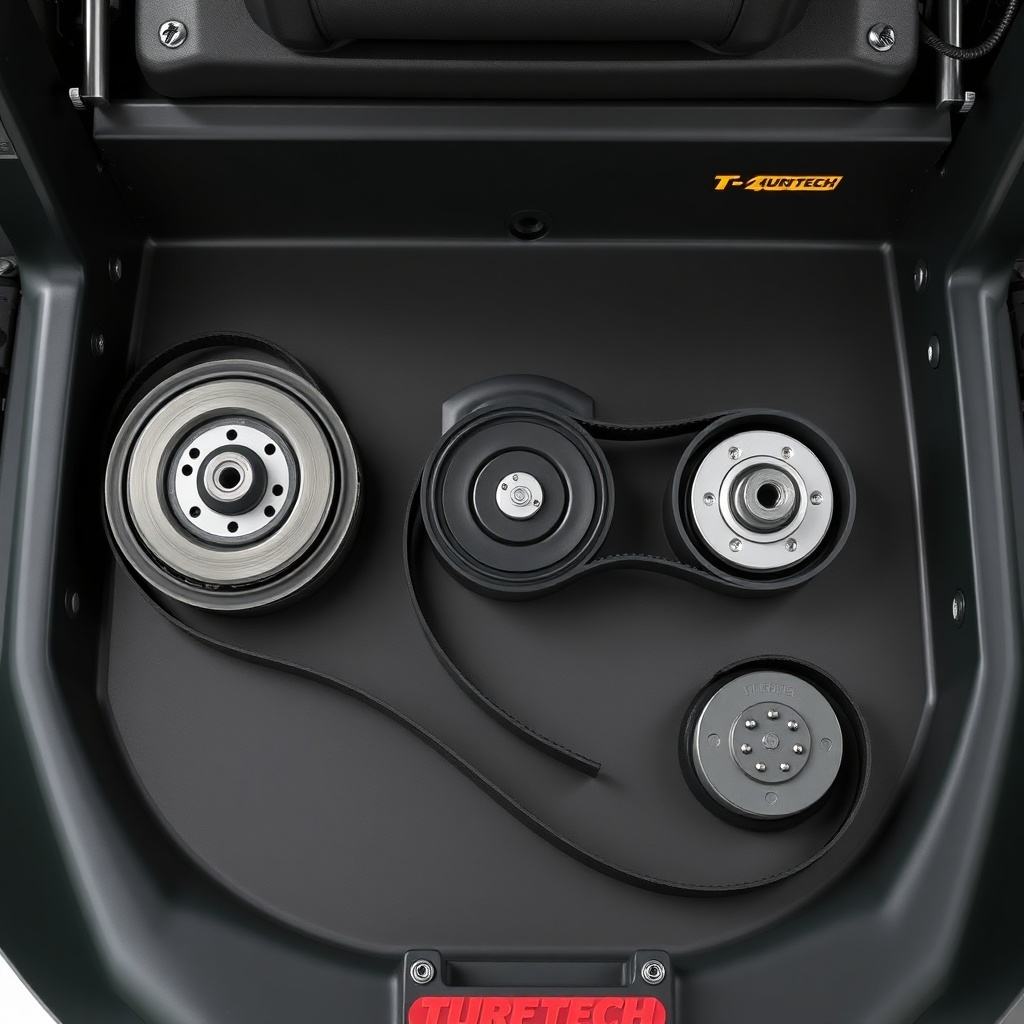
The deck belt on the T-4600E routes around three main pulleys: the engine deck pulley (at the front right when facing forward), the left-hand spindle pulley, and the right-hand spindle pulley. There is also an idler pulley and a belt keeper guide. Follow this step-by-step routing:
- Step 1: Place the new belt over the engine deck pulley first, ensuring it seats fully in the groove.
- Step 2: Route the belt to the left-hand spindle pulley, passing it behind the belt keeper guide.
- Step 3: Use a flathead screwdriver to pry the idler arm back, compressing the idler spring, and loop the belt around the idler pulley.
- Step 4: Finally, route the belt around the right-hand spindle pulley and then back to the engine pulley.
A common mistake is routing the belt on the wrong side of the keeper guide, which causes immediate slipping. After routing, rotate the pulleys by hand to ensure the belt tracks straight. If the belt still appears misaligned, you may need to inspect the deck leveling. Refer to our deck leveling guide for proper adjustment.
How Do I Tension the New Deck Belt on the TurfTech T-4600E?
The T-4600E uses a spring-loaded idler arm for automatic tension. After you route the belt, double-check that the idler spring is not hooked backward or twisted. The belt should have about ½ to ¾ inch of deflection when pressed midway between the two spindle pulleys. If it is too loose, check that the idler pulley moves freely and is not seized. A seized idler arm will cause immediate belt failure. If the belt is too tight, the mower may struggle to cut and the engine may bog down. For optimal performance, verify your engine oil type and change interval to avoid engine strain; see this expert guide on the correct oil specifications.
| Measurement Point | Specification | Tool Used |
|---|---|---|
| Mid-span deflection (between spindle pulleys) | 12–19 mm (0.47–0.75 in) | Ruler or tape measure |
| Belt twist tolerance (at 45-degree angle) | No more than 90° rotation | Hand twist test |
| Idler spring free length | 45–48 mm (1.77–1.89 in) | Vernier caliper |
| Belt cross-section width | 15.9 mm (0.625 in) | Contact micrometer |
What Are the Signs That the Deck Belt Needs Replacement?
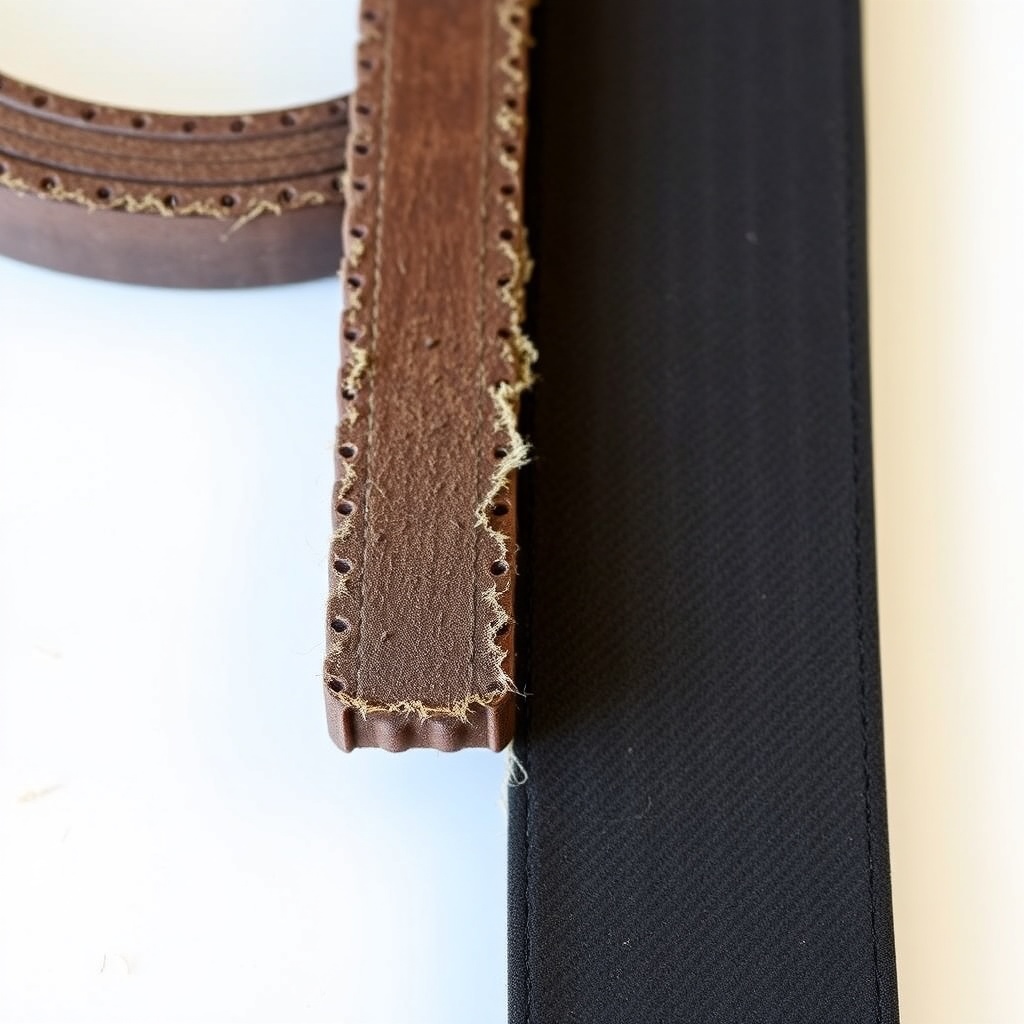
Even before the belt snaps, your T-4600E will give warning signs. Listen for a high-pitched squeal during blade engagement or a slapping sound under the deck. Look for fraying edges, visible cracks, or glazing (shiny surface) on the belt. A belt that has stretched beyond its limit will cause the blades to slow down, leading to ragged cuts. If you have already noticed irregular cutting patterns, check for blade balance issues as a separate cause. As a rule of thumb, replace the deck belt every 100–150 hours of operation, or annually in heavy-use seasons. The cost of a new belt is small compared to the damage a thrown belt can cause to spindle bearings.
What Owners Say About TurfTech T-4600E Deck Belt Replacement
Long-time TurfTech T-4600E owners generally agree that the replacement process is straightforward for those moderately handy with tools. One owner from Hampshire shared: “My belt snapped in the middle of a big lawn. Replacing it took me about an hour – the hardest part was getting the idler spring back. Pay attention to the belt routing label under the deck.” Another owner in Scotland noted: “I bought a cheap aftermarket belt for £19.99 and it lasted only three months. I switched to OEM belt for £39.99 and it’s been fine for two seasons.” A third repeated suggestion is to inspect the idler pulley bearings during belt replacement. If the pulley wobbles, replace it immediately. Some owners also recommend upgrading to a heavy-duty belt if you cut tall, tough grass regularly. Many owners report that once they understood the tensioning mechanism, belt replacements became a 30-minute job.
Frequently Asked Questions About TurfTech T-4600E Deck Belt Replacement
Q: How often should I replace the deck belt on my TurfTech T-4600E?
A: Replace the deck belt every 100–150 hours of operation or annually, whichever comes first. Frequent use in sandy or wet conditions may require more frequent replacement.
Q: Can I use a generic belt instead of the OEM TurfTech belt?
A: Yes, but ensure the generic belt is A-section (5/8-inch wide) and 120 inches long. However, OEM belts typically last 30–50% longer due to higher rubber compound quality.
Q: What should I do if the new belt slips immediately after installation?
A: Check that the belt is routed correctly, especially around the idler pulley and belt keepers. Also, confirm the idler arm moves freely. If the belt still slips, inspect the pulley grooves for wear or glazing.
Q: Do I need to remove the deck to replace the belt?
A: No, you can replace the belt without removing the entire deck by lowering it to the lowest cutting position and accessing from above. However, removing the deck makes the job easier and allows you to inspect pulleys.
Q: My belt keeps breaking after a few hours. What is causing this?
A: This often indicates a seized idler pulley, bent spindle, or damaged belt keeper. Also, check for a misaligned deck that causes the belt to rub against structural parts. Refer to our deck leveling guide for proper alignment.
Q: Is it worth upgrading the belt to Kevlar or heavy-duty?
A: If you mow heavy grass or often encounter stones and sticks, a heavy-duty belt (typically £45–£60) provides better abrasion resistance. For standard domestic use, OEM belt performance is adequate.