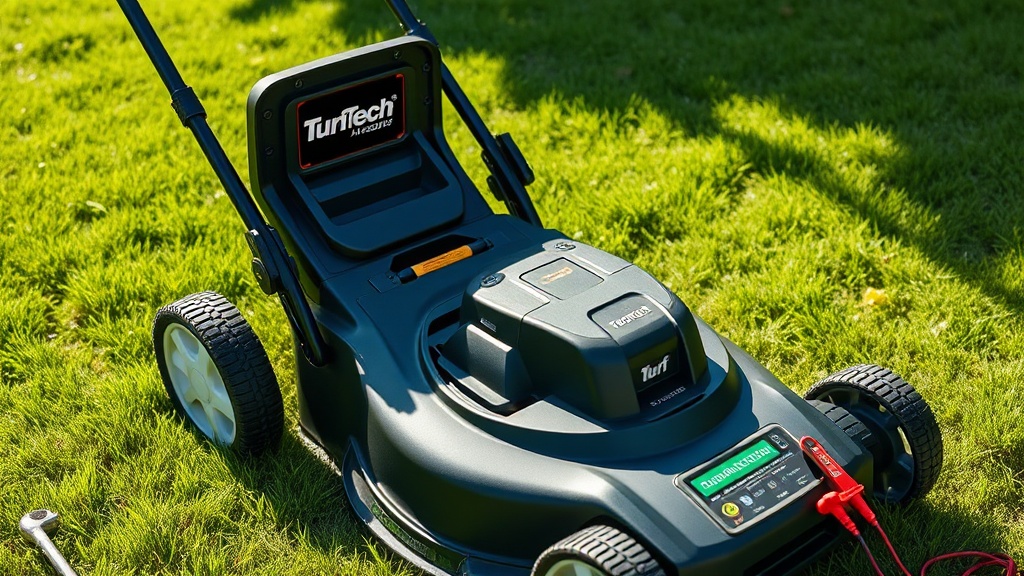
Introduction: Why Your TurfTech T-4600E Electric Start Battery Matters
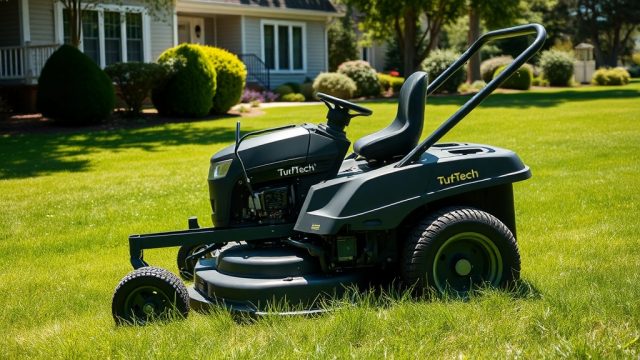
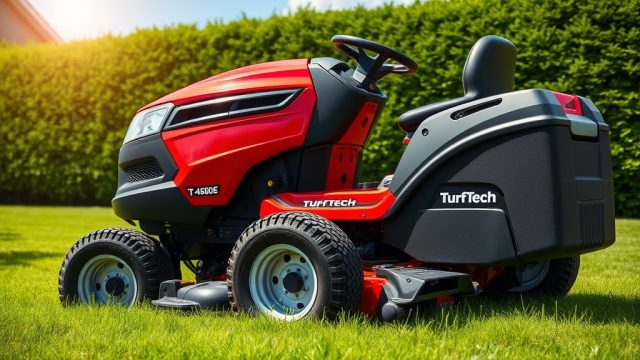
The TurfTech T-4600E is a robust electric-start mower designed for large residential lawns and light commercial use, pairing a 22-horsepower OHV engine with a reliable 12-volt starter system. When the battery begins to fail—often after 18 to 24 months of regular use—the symptoms are unmistakable: a slow cranking sound, hesitation at the key turn, or complete silence. Replacing the battery promptly keeps the machine reliable and prevents unnecessary strain on the starter motor and charging system. This guide walks through the entire battery replacement process for the TurfTech T-4600E, from selecting the correct replacement part to disposing of the old unit safely. For deeper insight into the electrical system, see the companion piece on TurfTech T-4600E Electric Start Battery Maintenance: Tips and Troubleshooting.
What Type of Battery Does the TurfTech T-4600E Use?
The TurfTech T-4600E is factory-equipped with a sealed lead-acid (SLA) battery, specifically a Group U1 size, rated at 12 volts and 28 ampere-hours (Ah). This battery provides 300 cold cranking amps (CCA) to reliably spin the 0.8 kW starter motor even in cooler temperatures. Some owners opt to upgrade to an absorbed glass mat (AGM) battery, which offers spill-proof operation and better vibration resistance. The OEM part number is TT-BAT28L, but aftermarket equivalents from brands like Yuasa or Exide fit perfectly. Always confirm the terminal layout—the T-4600E requires right-positive, left-negative (standard) orientation with posts measuring 0.625 inches (M6 thread). Using a battery with lower CCA can result in hard starting, especially below 40°F (4°C).
Recommended Battery Specifications for TurfTech T-4600E
| Specification | OEM Value | Aftermarket Recommendation |
|---|---|---|
| Voltage | 12 V | 12 V |
| Capacity (Ah) | 28 Ah | 28-32 Ah |
| CCA (Cold Cranking Amps) | 300 CCA | 300-350 CCA |
| Group Size | U1 | U1 |
| Terminal Type | SAE Post (Standard) | SAE Post (Standard) |
| Weight | 10.8 lb (4.9 kg) | 10–12 lb |
| Typical Price | £45–£55 | £35–£65 |
Note: Always check the manufacturing date on the battery; a battery older than six months may have reduced capacity due to sulfation.
When Should I Replace the Battery on a TurfTech T-4600E?
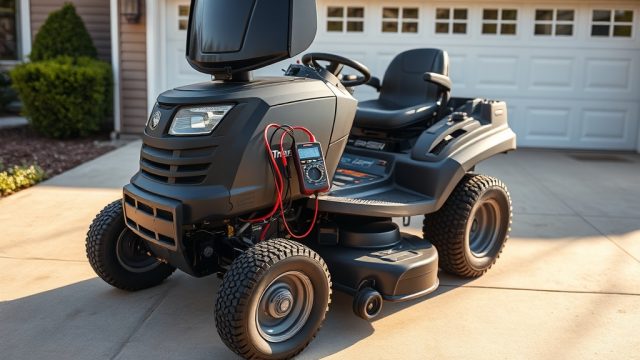
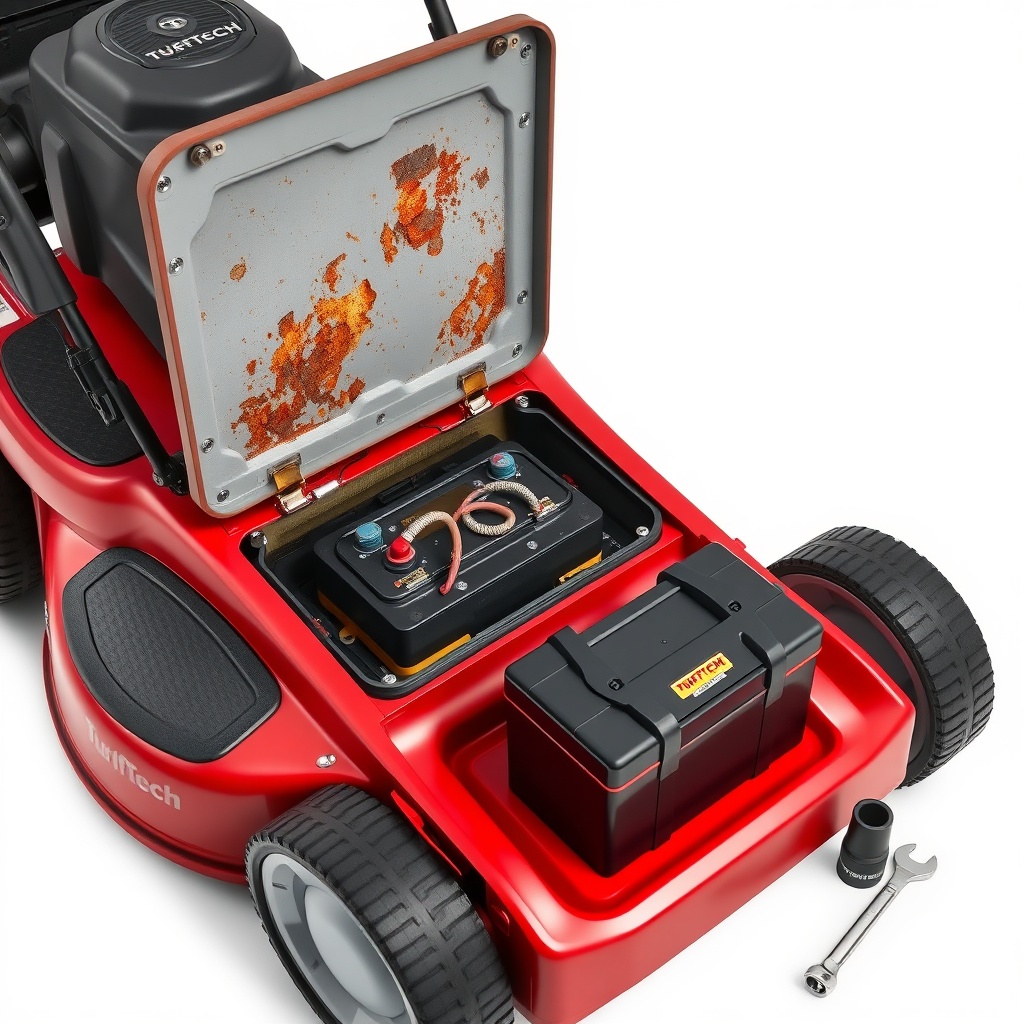
The standard service life for the T-4600E’s OEM battery is 18 to 24 months under normal operating conditions. Key indicators that replacement is due include: the starter cranks slowly even after a full night’s charge; the voltage across the terminals drops below 12.4 volts when the engine is off; the battery case appears swollen or cracked; or the electrolyte level (in serviceable batteries) is low. A common oversight is expecting the battery to last longer in cold climates—cold reduces chemical reaction rates, effectively lowering capacity by up to 30% at 32°F (0°C). If the machine has not been used for several months and the battery is dead, a full charge test (e.g., with a multimeter) can confirm whether the battery can hold a charge. If it fails to reach 12.6 volts after a slow charge at 2 amps for 10 hours, replacement is the most reliable option. For more on diagnosing charging issues, see TurfTech T-4600E Electric Start Battery Not Charging: Diagnosis and Fix.
What Tools Do I Need for the Battery Replacement?
Replacing the battery on a TurfTech T-4600E requires only basic hand tools, but having the right items on hand makes the job faster and safer.
- Socket set – 10 mm socket for the terminal bolts, 13 mm socket for the hold-down bracket
- Combination wrench – 10 mm open-end wrench for loosening the battery cable nuts
- Battery terminal puller – optional, but helpful if terminals are corroded
- Wire brush or terminal cleaner – for cleaning corrosion from cables
- Multimeter – to verify voltage before and after installation
- Safety glasses and gloves – protection from acid and debris
- Baking soda and water mixture – neutralizing any acid spills
- Trickle charger or maintainer – for pre-charging the new battery if it sat on a shelf
Most of these tools are commonly found in a homeowner’s garage. The entire replacement process takes about 30 minutes, including cleaning and inspection.
How Do I Remove the Old Battery from the T-4600E Safely?
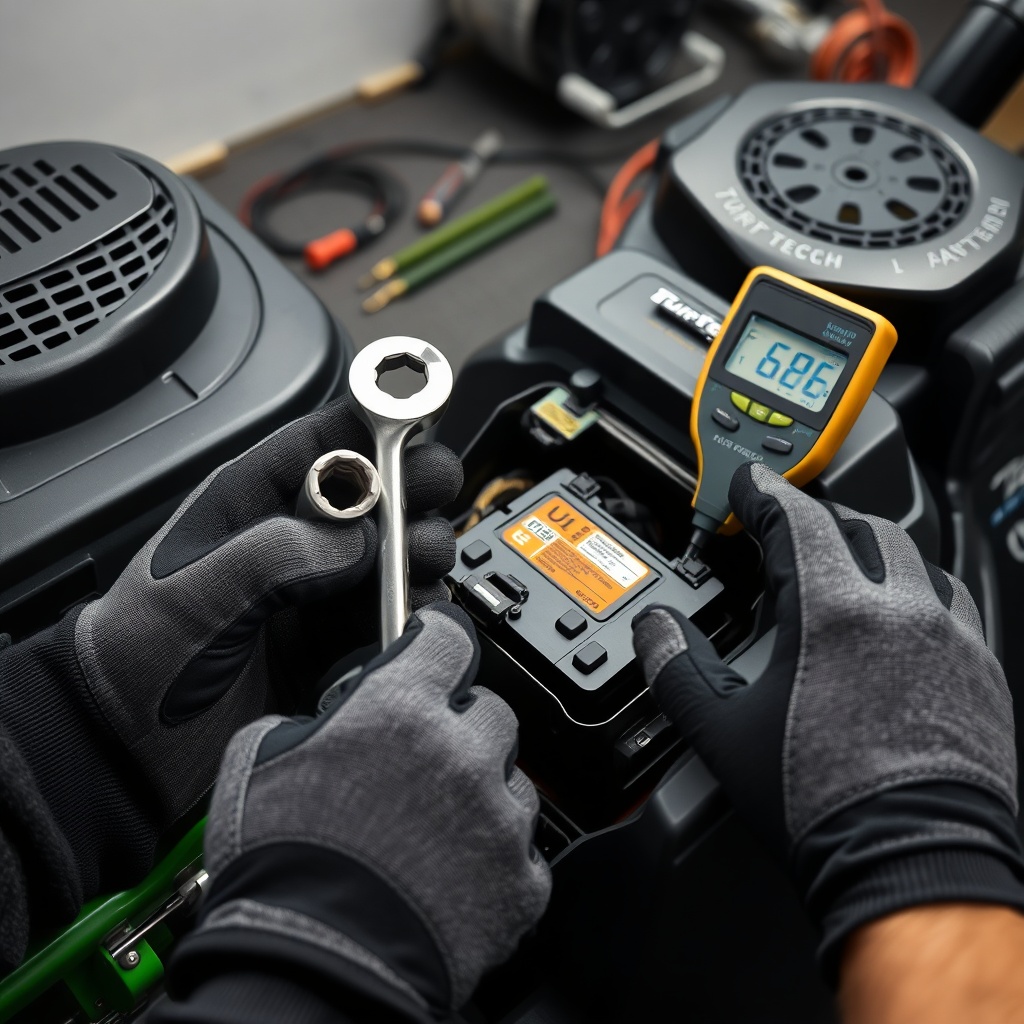
Safety is paramount when handling a lead-acid battery—hydrogen gas can accumulate, and acid can cause burns. Follow these steps in order.
Step 1: Prepare the work area. Park the mower on a level, dry surface. Engage the parking brake and turn the ignition key to the OFF position. Remove the key to prevent accidental start. Allow the engine to cool if it was running.
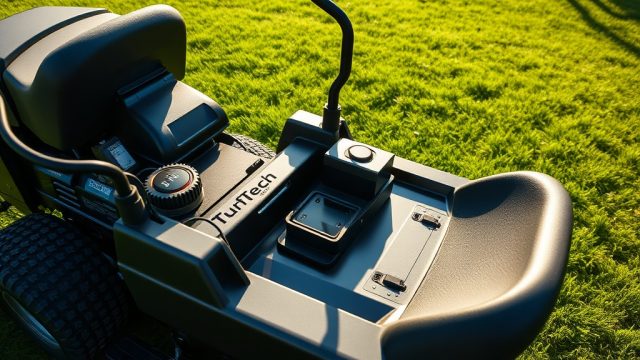
Step 2: Disconnect the negative terminal first. Locate the battery under the seat or side panel (depending on your T-4600E model year). Use a 10 mm socket to loosen the negative (black, -) cable nut. Gently wiggle the cable off the post. This sequence prevents a short circuit if a tool touches the frame while working on the positive terminal.
Step 3: Disconnect the positive terminal. Loosen the positive (red, +) cable nut and remove the cable. Move both cables away from the battery.
Step 4: Remove the hold-down bracket. The T-4600E uses a metal bracket secured by two 13 mm nuts at the base. Remove these nuts and lift off the bracket.
Step 5: Lift out the old battery. Grasp the battery by its handle or sides—do not lift by the terminals. Lift carefully; the battery weighs about 11 pounds (5 kg). Place it on a non-conductive surface. Inspect the battery tray for corrosion or debris; clean if necessary with a baking soda solution and a stiff brush.
Step 6: Dispose of the old battery. Take the used battery to a recycling center, auto parts store, or municipal collection point. In the UK, most retailers accept old batteries under the Waste Batteries and Accumulators Regulations (2012). Never discard in household waste.
How Do I Install the New Battery Correctly?
Installing the new battery in your TurfTech T-4600E demands attention to polarity and fastener torque. Incorrect installation can damage the voltage regulator or starter solenoid.
Step 1: Verify the new battery. Check that the voltage reads at least 12.5 volts on the multimeter. If below 12.4 volts, charge the battery at 2 amps for 8–12 hours before installation to ensure full capacity.
Step 2: Place the battery in the tray. Position the battery with the positive terminal (red) on the right side and negative on the left (viewed from the operator’s seat). This matches the factory wiring orientation.
Step 3: Install the hold-down bracket. Place the bracket over the battery and tighten the two 13 mm nuts to 8–10 Nm (6–7 ft-lb). Over-tightening can crack the battery case.
Step 4: Connect the positive terminal first. Slide the red positive cable terminal onto the positive post. Tighten the nut to 6–8 Nm (4.5–6 ft-lb). Do not overtighten—thread damage is a common issue.
Step 5: Connect the negative terminal. Attach the black negative cable terminal to the negative post and tighten to the same torque. Ensure the terminal is fully seated on the post.
Step 6: Apply a thin layer of dielectric grease. This prevents corrosion on the terminals. Do not use petroleum jelly as it can degrade rubber boots.
Step 7: Test the system. Turn the key to the RUN position (not start). Listen for a click from the solenoid. Then start the engine. The mower should crank briskly. Verify that the charging system is working—the voltage at the battery with the engine running at full throttle should be between 13.5 and 14.5 volts.
If the starting system behaves oddly, refer to the TurfTech T-4600E Electric Start Conversion: Benefits and Installation Guide for compatibility details, or check the TurfTech T-4600E OHV Valve Lash Adjustment: Step-by-Step Guide and Tips for valve-related starting issues.
What Owners Say About Battery Replacement on the T-4600E
Owners of the TurfTech T-4600E generally find the battery replacement straightforward, with most completing the task in under 40 minutes. One common positive remark is the battery’s “plug-and-play” nature: “I swapped it in 20 minutes with a socket set and a new U1 battery from the local shop. The trick is to clean the terminals with a wire brush first.” Another owner notes the importance of pre-charging: “I bought a battery from a warehouse club, and it cranked slow. After a 6-amp charge overnight, it fired up perfectly.”
A frequently cited frustration is the terminal design. Several owners report that the stock positive cable terminal has a small boss that can make the bolt hard to seat if not aligned perfectly. “I used a 10 mm combo wrench to hold the nut while tightening the bolt—much easier than using the socket on top.” Another concern is that the battery tray has a slight forward tilt, causing the battery to slide forward if the hold-down bracket is not snug. Using a strip of rubber matting under the battery prevents movement.
In terms of aftermarket choices, many owners prefer AGM batteries for longevity: “My Yuasa AGM U1 lasted three years and still took a charge fine. The AGM is worth the extra £15–£20.” Others have fitted a smaller battery from a motorcycle (e.g., a YTX14-BS) but caution that the terminal posts are smaller and may require adapters. Overall, the consensus is that routine battery replacement is an easy DIY task that keeps the T-4600E in top shape.
Frequently Asked Questions About TurfTech T-4600E Battery Replacement
Q1: Can I use a car battery in my TurfTech T-4600E?
A: No. A car battery (Group 24 or larger) is physically too large and heavy for the T-4600E’s battery tray. It may also exceed the voltage regulator’s charging capacity, leading to overheating or damage. Stick with a U1 size battery designed for powersports and lawn equipment.
Q2: How often should I replace the battery?
A: Every 18 to 24 months is typical, even if the battery seems functional. Regular replacement prevents unexpected failure during mowing season, especially if the mower is stored in cold or damp conditions.
Q3: My new battery still cranks slowly. What could be wrong?
A: Check the voltage under load—if it drops below 10 volts while cranking, the battery might be defective or insufficiently charged. Also inspect the starter cables for corrosion, tightness, and the ground connection to the engine block. Consider reviewing TurfTech T-4600E Electric Start Battery Not Charging: Diagnosis and Fix for deeper troubleshooting.
Q4: Do I need to reset any electronics after battery replacement?
A: The T-4600E has no computer or memory that requires resetting. The starter solenoid and voltage regulator are passive components. However, the hour meter may reset to zero if the battery is disconnected for more than a few minutes; note this for service record-keeping.
Q5: Can I replace the battery with a lithium-ion model?
A: It is possible but not recommended without a compatible charger. Lithium batteries (e.g., LiFePO4) require a different charging profile (14.4–14.6 volts constant voltage, low ripple current). The T-4600E’s stock regulator may overcharge lithium cells, causing thermal runaway. If you do convert, use a specialised lithium battery charger and ensure the battery has built-in battery management system (BMS).
Q6: Should I use a battery maintainer during winter storage?
A: Yes. A smart trickle charger (1–2 amps) that automatically switches to float mode when full is ideal. This prevents sulfation and keeps the battery ready for spring. For long-term storage, disconnect the negative terminal and store the battery in a cool, dry location. Also see TurfTech T-4600E Fuel System Cleaning: Step-by-Step Guide and Tips for comprehensive off-season preparation.