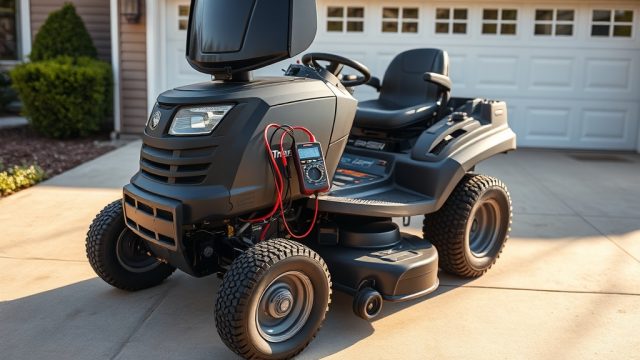
If your TurfTech T-4600E struggles to start after sitting overnight, or if the battery seems to drain faster than it should, a parasitic draw might be the culprit. This guide provides a step-by-step voltage drain test to identify and resolve unwanted current drains. You’ll learn how to measure voltage drop across fuses, interpret the readings, and decide whether to fix it yourself or call a professional.
What Creates a Parasitic Draw in the TurfTech T-4600E Electrical System?
A parasitic draw is a small, continuous current that flows from the battery when the ignition is off. In the T-4600E, this can come from several sources: a stuck starter solenoid, a faulty seat switch, a failing electronic control module (ECM), or even an aftermarket accessory like a USB charger or lights left plugged in. Even a current as low as 50 milliamps (mA) can drain a fully charged 12-volt battery over several days, leading to a no-start situation.
Unlike older mowers, the T-4600E uses a CAN-bus system for electrical communications. This means that even in the “off” state, the ECM and other modules require a small “keep-alive” current (usually less than 10 mA) to maintain memory. A draw above 50 mA is considered abnormal and warrants investigation.
Before testing, ensure the battery is fully charged and in good condition. A weak battery can mimic parasitic draw symptoms. Also, if you’ve recently performed work on the TurfTech T-4600E Deck Anti-Scalp Wheels: Adjustment Guide for Even Cutting, double-check that no wires were pinched during reassembly.
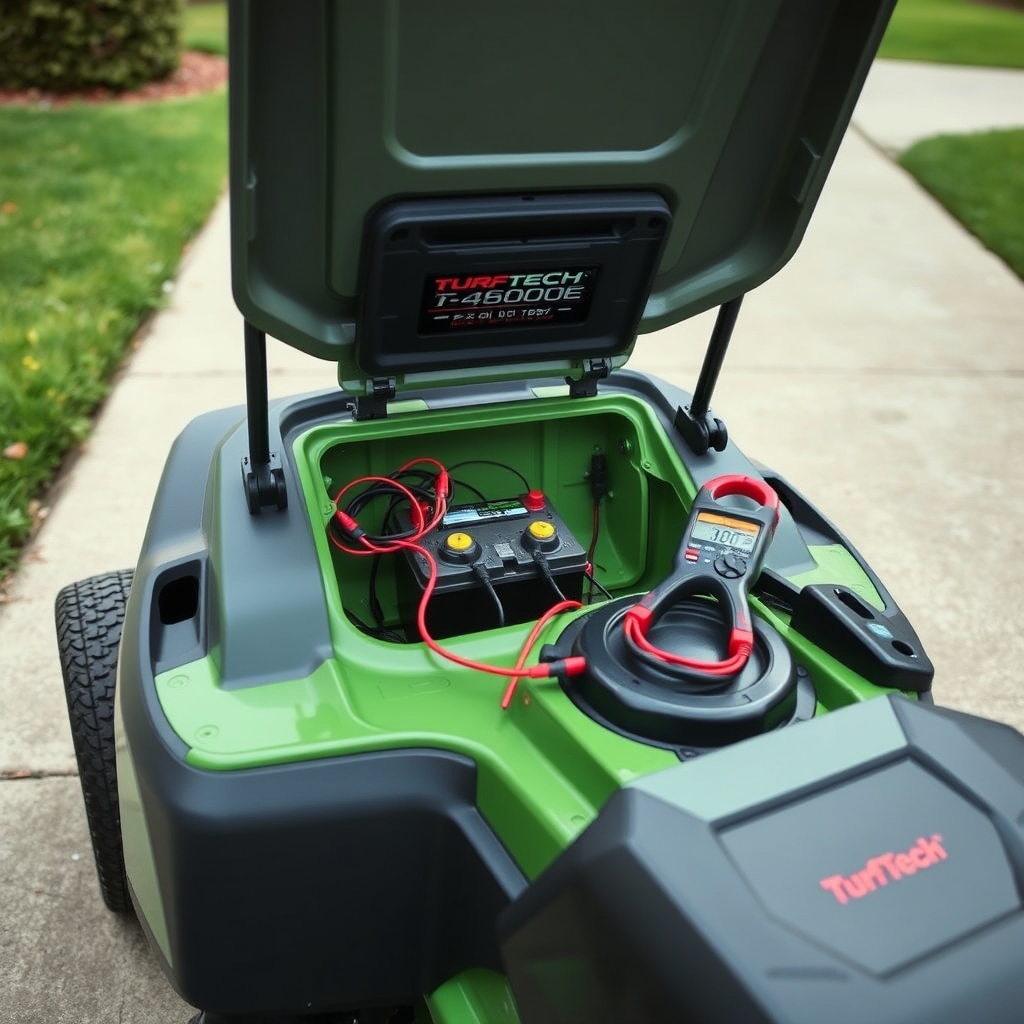
How to Test for Battery Voltage Drain Using a Digital Multimeter?
You will need a digital multimeter (DMM) capable of measuring DC amperes (at least 10A range) and a set of alligator clip leads. Park the mower on level ground, engage the parking brake, and ensure the key is completely removed from the ignition. Open the hood and locate the battery—typically a Group U1R battery, rated at 12.8V or higher when fully charged.
- Set the DMM to DC Amps (A). Most DMMs have a dedicated 10A port. If your meter has a “20A” setting, use that. Connect the red lead to the 10A port and the black lead to the COM port.
- Disconnect the negative (-) battery cable. Use a 10mm wrench to loosen the nut and remove the cable from the battery terminal. Wait 2–3 minutes for any modules to go to sleep.
- Connect the DMM in series. Connect the red probe to the negative battery cable (the loose end) and the black probe to the negative battery post. The meter will now read the current flowing out of the battery.
- Observe the reading. Allow 5 minutes for all modules (ECM, seat controller, headlight module) to enter sleep mode. A normal reading is 0.00–0.01A (0–10 mA). Anything above 0.05A (50 mA) indicates a parasitic draw.
- If a draw is found, do not disconnect the meter. Leave it in series while you move to the next test.
This method is safe for the T-4600E because it does not risk damaging the CAN-bus system. Avoid using a test light for current measurement, as it can create a low-resistance path and confuse the CAN-bus modules.
How to Isolate the Faulty Circuit Using Voltage Drop Across Fuses?
Once you’ve confirmed a parasitic draw, the fastest way to locate the source is by measuring the voltage drop across each fuse in the main fuse panel. This technique works because any current flowing through a fuse creates a measurable voltage drop proportional to the current. You do not need to remove fuses, which is critical on the T-4600E because removing a fuse can wake up the CAN-bus and change the draw reading.
Locate the two fuse panels: one under the hood near the battery (engine compartment fuse box) and one behind the dash (dashboard fuse box). Set your DMM to the millivolt DC (mV DC) range. With the engine off, key out, and all accessories disconnected, probe the two small test points on top of each fuse. The measurement will be in millivolts (mV).
| Voltage Drop (mV) Across a 10A Standard (ATO) Fuse | Approximate Current Draw (mA) | Severity |
|---|---|---|
| 0.0 – 1.5 mV | 0 – 10 mA | Normal (keep-alive) |
| 1.5 – 5.0 mV | 10 – 35 mA | Minor (check accessories) |
| 5.0 – 15.0 mV | 35 – 100 mA | Moderate (likely fault) |
| 15.0 mV and above | 100+ mA | Severe (will drain battery overnight) |
For example, if you measure an 8.0 mV drop across the “ECM” fuse (15A), that corresponds to roughly 53 mA of current (using the known resistance of a standard ATO fuse). Focus on fuses with drop values in the “Moderate” or “Severe” range. On the T-4600E, common culprits include the “Seat Switch” fuse, “Fuel Pump” relay circuit, and “Accessory” fuse (if you have a USB charger installed).
If you suspect a fuel system issue that might affect starting, check the TurfTech T-4600E Carburetor Cleaning: Step-by-Step Guide and Tips for related electrical connectors that might be loose.
What About the CAN-Bus Wake-Up Current and Testing Intervals?
The TurfTech T-4600E uses a Controller Area Network (CAN-bus) that operates even when the key is off. Initially, after you disconnect and reconnect the battery, the CAN-bus may stay “awake” for up to 5 minutes as modules communicate. During this time, the current draw may jump to 150–200 mA. This is normal. After 5 minutes, it should drop below 10 mA. If you measure a draw before this sleep period, you may falsely diagnose a problem.
To avoid this, always perform the test after a full “sleep” cycle. Lock the mower if equipped with a keyless entry and wait at least 5 minutes before connecting the DMM. Also, never open doors or engage the parking brake during the test, as these actions can wake the CAN-bus.
If the draw remains high after 10 minutes, suspect a module that is not sleeping. On the T-4600E, the headlight control module and the seat occupancy sensor module are known for staying awake if they receive stray voltage from a corroded connector. Inspect the connectors behind the dash and under the seat for signs of moisture or corrosion.
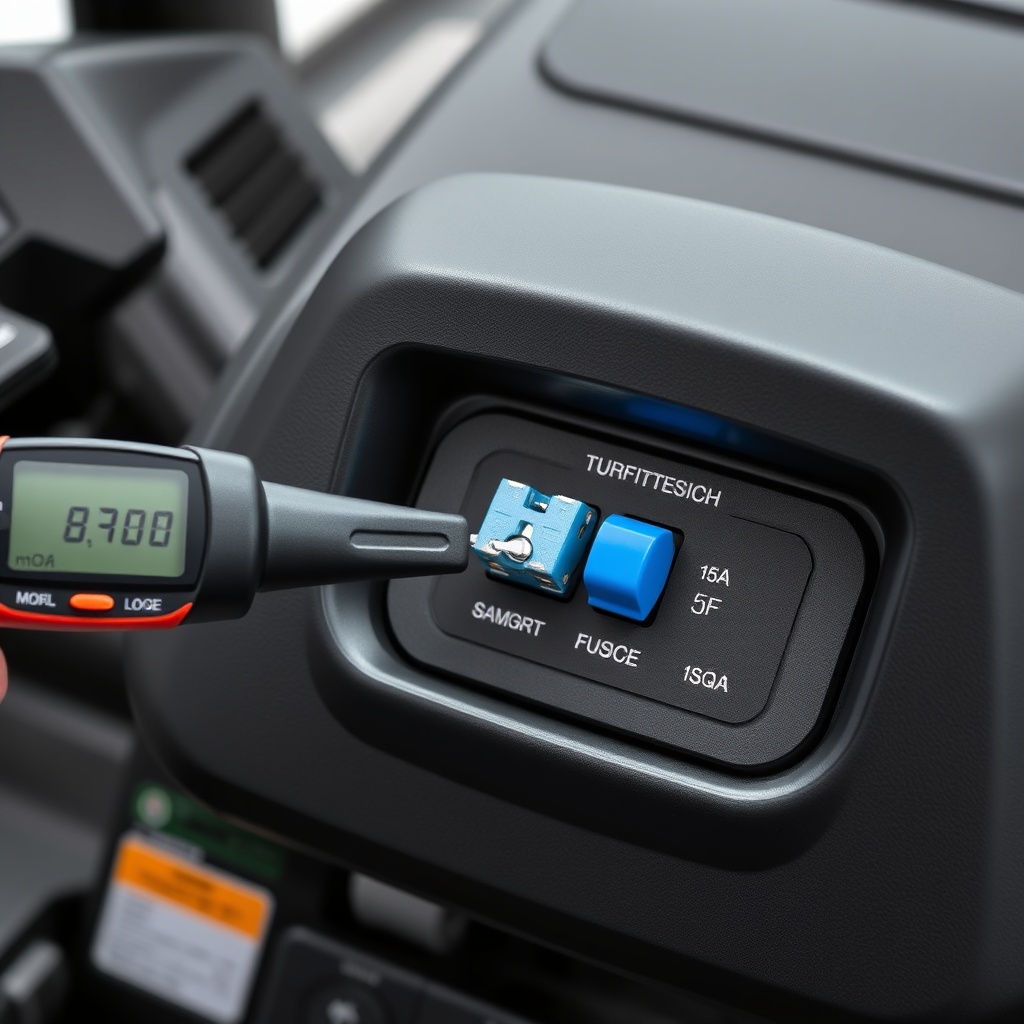
How to Test Individual Components Like the Starter Solenoid and Seat Switch?
Once you have narrowed the draw to a specific fuse circuit (e.g., the “Seat Switch” fuse), you can test the components on that circuit individually. For the T-4600E, the starter solenoid and the seat switch are common failure points.
Testing the starter solenoid: The solenoid has a small control wire that can short internally. With the DMM still in series (measuring current draw at the battery), disconnect the small signal wire from the solenoid. If the draw drops to normal, the solenoid is faulty and needs replacement. Ensure you reconnect it after the test.
Testing the seat switch: The seat switch is a normally open switch that closes when you sit down. A stuck closed switch can draw current even when the key is off. Locate the switch under the seat, unplug its connector, and see if the draw disappears. If yes, replace the seat switch.
Testing aftermarket accessories: If you have a USB charger, LED light bar, or GPS tracker installed, unplug them one by one. These accessories often have a small internal regulator that draws current even when turned off. A quality USB charger should draw less than 1 mA in standby; many cheap ones draw 50 mA or more.
Remember to always reconnect components after testing. If you need to adjust the deck height after testing, refer to the TurfTech T-4600E Cutting Height Adjustment: Step-by-Step Guide for Optimal Deck Height for the proper procedure.
What Owners Say
Owners of the TurfTech T-4600E who have completed this parasitic draw test report that the voltage drop method across fuses is far easier than pulling fuses one by one. One owner from Wisconsin noted that a stuck seat switch caused a 120 mA draw, which killed the battery within two days. After replacing the switch (part number 147-3299), the draw dropped to 4 mA and the battery now holds charge for weeks.
Another owner in Texas found that a corroded connector at the headlight module (under the left fender) was responsible for a 95 mA draw. Cleaning the connector with contact cleaner and applying dielectric grease resolved the issue. A third owner mentioned that his T-4600E would not start after heavy rain; using the voltage drop test revealed a wet ECM connector causing a 200 mA draw. After drying the connector and sealing it, the draw returned to normal.
A common tip from experienced owners is to always test with the hood closed and the seat in the normal riding position, as some modules only go to sleep when the seat is empty and the hood is latched. Several owners also recommend keeping a spare 10A fuse in the toolbox, as the test can occasionally blow a fuse if you accidentally short a probe.
If you also experience traction issues while mowing, check the TurfTech T-4600E Traction Drive Belt Tension Adjustment: Step-by-Step Guide for proper belt adjustment, as a slipping belt can strain the electrical system indirectly.
Frequently Asked Questions
What is a normal parasitic draw on a TurfTech T-4600E?
A normal parasitic draw after all modules have entered sleep mode (5 minutes after key-off) is 0–10 milliamps (mA). This current is used to maintain the ECM memory and the CAN-bus system settings. A draw above 50 mA indicates a fault.
Can a bad battery cause a parasitic draw reading?
No, a bad battery does not cause a parasitic draw; it only cannot hold a charge. However, a sulfated or internally shorted battery can seem to drain quickly. Always test the battery’s resting voltage (12.6V or higher) and perform a load test before diagnosing a parasitic draw.
Do I need to disconnect the battery to test for a draw?
Yes, for a precise current measurement, you must connect the multimeter in series with the battery by disconnecting the negative cable. However, you can safely do this without triggering error codes on the T-4600E as long as you wait for the 5-minute sleep cycle before connecting the meter.
Why does my T-4600E draw 150 mA right after turning off?
This is normal. The CAN-bus modules and the ECM require up to 5 minutes to enter sleep mode. During that time, current draw can be as high as 200 mA. Wait 5 minutes with the key out and all doors/panels closed before taking a reading.
Can a faulty catalytic converter cause a parasitic draw?
No, the catalytic converter is a mechanical emission component and does not draw electrical current. However, if you suspect a more complex electrical issue related to the engine management system, refer to the TurfTech T-4600E Catalytic Converter Replacement: Step-by-Step Guide for information on the related oxygen sensors, which can affect the ECM’s power draw.
Should I replace the battery or fix the draw?
Always fix the draw first. Installing a new battery into a mower with a parasitic draw will ruin the new battery within days. Find and repair the source of the draw (often a relay, switch, or module), then measure the current again to confirm it is below 10 mA. Only then should you install a fully charged battery.