Why Does the TurfTech T-4600E Deck Belt Tensioner Pulley Need Replacement?
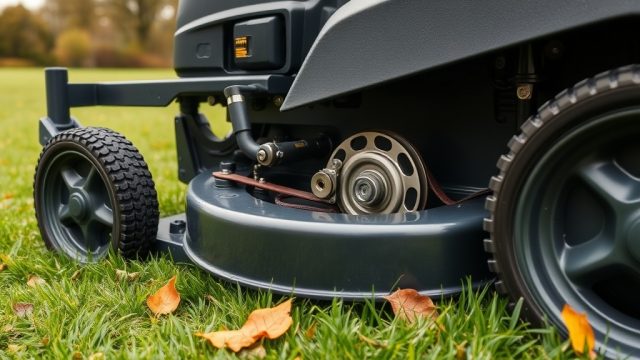
The TurfTech T-4600E is a robust machine, but the deck belt tensioner pulley endures significant stress during operation. Over time, the bearing inside the pulley can wear, seize, or develop play, leading to belt slippage, uneven cutting, and potential belt damage. A faulty tensioner pulley is a common issue on the T-4600E, especially after extended use in sandy or wet conditions. Replacing it promptly restores proper belt tension and protects the deck belt from premature failure.
What Tools and Parts Are Needed for This Repair?
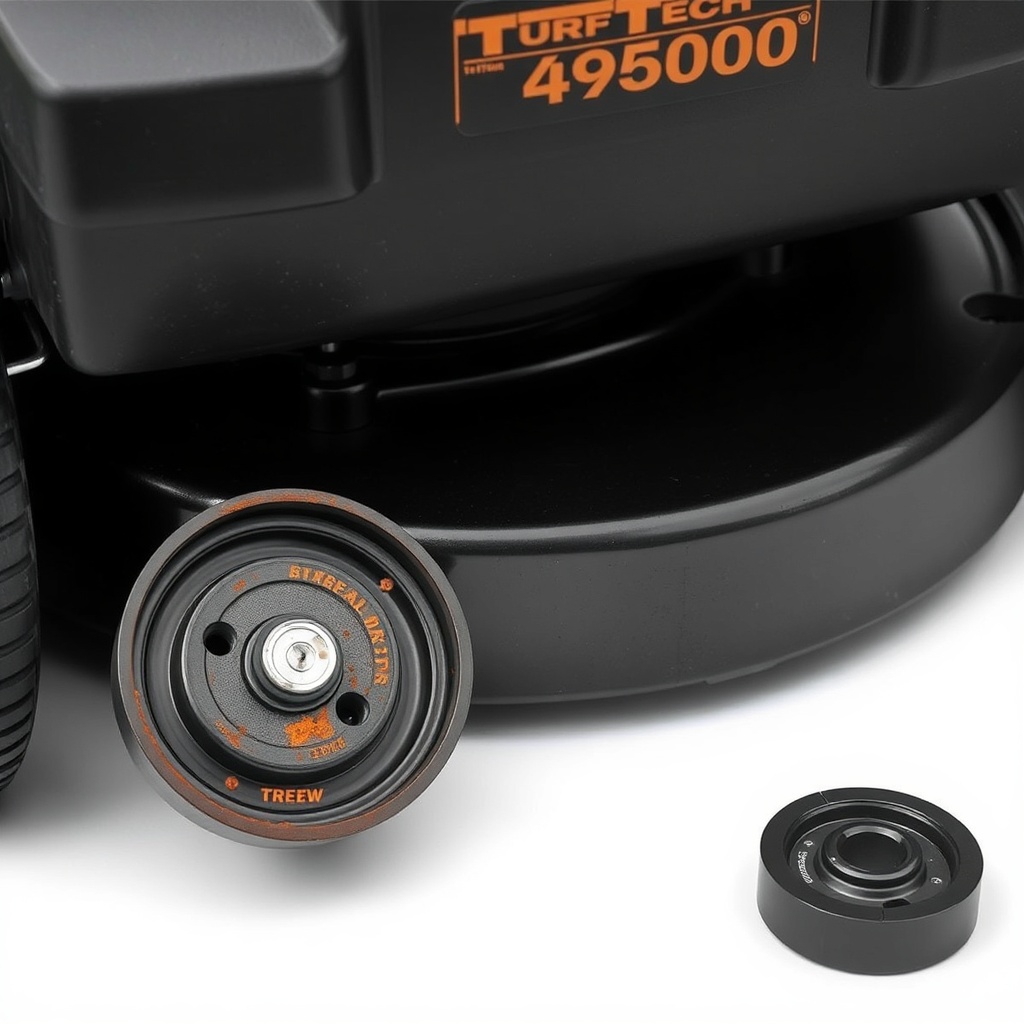
Before beginning the replacement, gather the correct tools and a quality replacement part. Using the wrong pulley or inadequate tools can complicate the job. Below is a comprehensive list of what you will need.
| Item | Specification | Estimated Cost (USD) |
|---|---|---|
| Replacement Tensioner Pulley | TurfTech OEM part #TTP-4600E-PULLEY or aftermarket equivalent (60mm diameter, 6202 bearing) | $18 – $35 |
| Socket Set | 3/8-inch drive, metric sizes (10mm, 13mm, 15mm) | $25 – $50 (if needed) |
| Wrenches | Combination wrenches: 10mm, 13mm, 15mm | $15 – $30 |
| Breaker Bar | 18-inch or longer for stubborn bolts | $15 – $25 |
| T30 Torx Bit (if applicable) | For some model variants | $5 – $10 |
| Wire Brush | Steel or brass | $5 – $8 |
| Anti-Seize Lubricant | Copper or nickel-based | $6 – $10 |
| Safety Glasses & Gloves | Heavy-duty | $10 – $20 |
| Jack & Jack Stands (optional) | For easier access under deck | $40 – $80 |
Note: Always verify the pulley size and shaft diameter on your specific TurfTech T-4600E. Some late 2023 models use a slightly different bearing. If in doubt, consult the TurfTech T-4600E Air Filter Maintenance: Cleaning and Replacement Guide for general maintenance procedures that complement this repair.
How Do I Prepare the TurfTech T-4600E for Tensioner Pulley Replacement?
Proper preparation prevents accidental injury and makes the job smoother. Follow these steps before touching any components:
- Safety first: Disconnect the spark plug wire and remove the ignition key to prevent accidental engine start.
- Cool down: Ensure the engine and deck are completely cool to avoid burns.
- Raise the deck: Set the deck to its highest cutting position. For easier access, use a jack and jack stands to lift the mower’s front end, but never rely solely on a jack for support.
- Remove the deck belt guard: The guard is usually secured with a few 13mm bolts or wing nuts. Keep these fasteners in a safe container.
- Relieve belt tension: Manually rotate the tensioner arm (using a socket on the center bolt) to release tension, then carefully slip the deck belt off the tensioner pulley. Do not force the belt; it should slide off with gentle pressure.
If you encounter a seized pulley at this stage, do not apply excessive force. Consider penetrating oil and patiently working the pulley to break it free. For a deeper understanding of deck components, refer to the TurfTech T-4600E Mulching vs Bagging: Cutting Performance Comparison to see how pulley issues can affect cut quality.
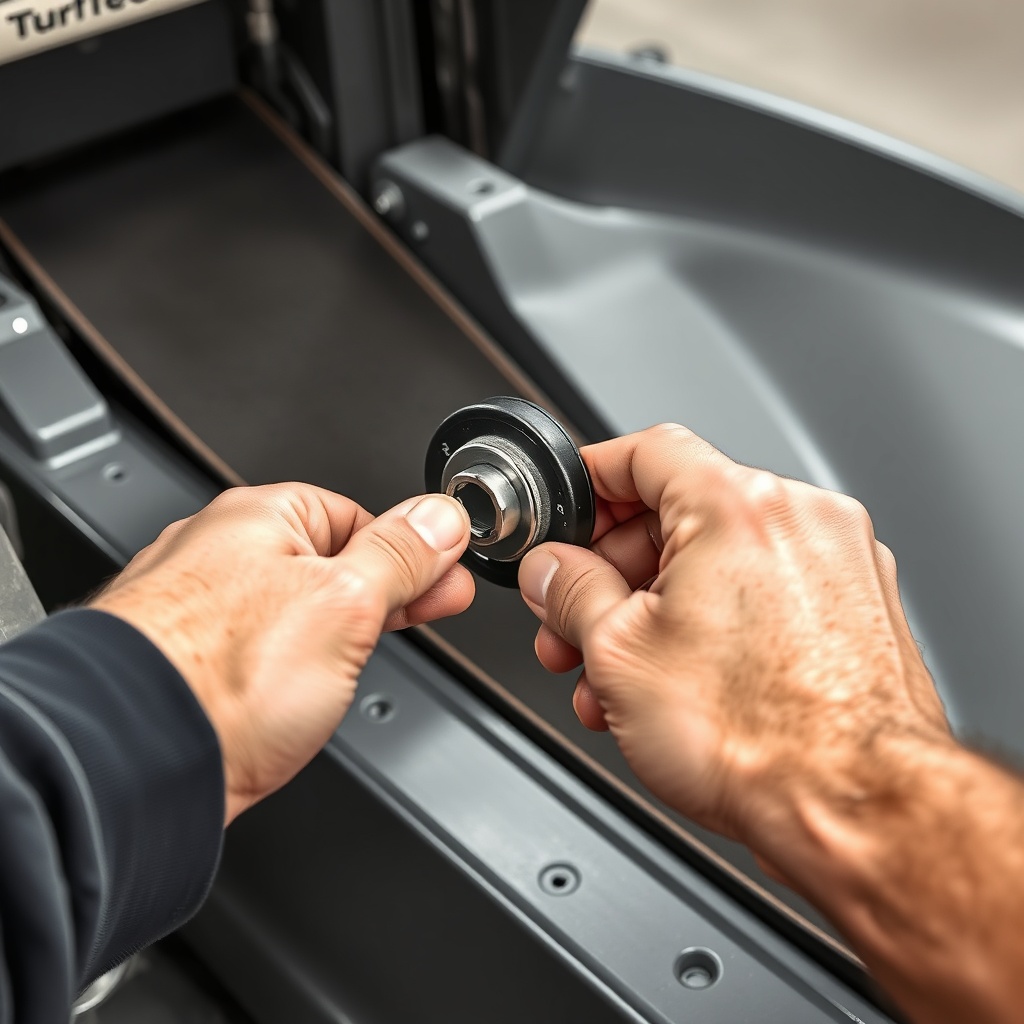
What Are the Exact Steps to Remove the Old Tensioner Pulley?
With the belt removed, focus on extracting the old pulley. The mounting varies slightly depending on the year, but the core process is consistent.
- Locate the center bolt: The tensioner pulley is held by a single central bolt. On the TurfTech T-4600E, this is typically a 15mm hex head or, in some rare cases, a T30 Torx bolt. Clean any debris around the bolt head with a wire brush.
- Apply penetrating oil: If the bolt is rusted, spray a quality penetrant (like PB Blaster) and wait 5 minutes.
- Loosen the bolt: Using an appropriate socket on a breaker bar, turn the bolt counterclockwise. The tensioner arm may try to rotate with the bolt; if so, hold the arm steady with a wrench or clamp the flat portion of the arm with locking pliers.
- Remove the bolt and pulley: Once the bolt is free, slide the pulley off the pivot shaft. If the pulley is stuck, gently tap it with a rubber mallet from the back or use a puller tool. Do not hammer directly on the bearing.
- Inspect the pivot shaft: Clean the shaft with a rag to remove dirt and grease. Check for scoring or wear. A slightly rough shaft can cause premature pulley failure. Use fine-grit sandpaper to polish lightly, then apply anti-seize lubricant to the shaft before installing the new pulley.
If you notice that the tensioner arm itself has excessive wear or cracks, consider replacing it as an assembly. This is discussed further in the TurfTech T-4600E Transmission Problems: Troubleshooting and Repair Guide, as driveline issues can sometimes mimic deck tension problems.
How Do I Install the New Tensioner Pulley Correctly?
Installation is largely the reverse of removal, but attention to detail ensures long life.
- Place the new pulley: Slide the new tensioner pulley onto the pivot shaft. Ensure it seats flush against the tensioner arm’s flat surface.
- Install the mounting bolt: Hand-tighten the central bolt first. Then, using a torque wrench (20–25 ft-lbs is typical for the T-4600E), tighten it to the manufacturer’s specification. Over-tightening can warp the pulley or damage the bearing.
- Reinstall the deck belt: Carefully route the belt back around the new pulley. Use the tensioner arm to create slack, then seat the belt into the pulley groove. Ensure it aligns with all other pulleys and the spindle.
- Check belt tension: With the belt installed, manually rotate the tensioner arm to apply tension. The belt should have about 1/4 to 1/2 inch of deflection at the midpoint between pulleys. Adjust the idler arm if necessary.
- Reattach the belt guard: Secure the guard with the previously removed bolts or wing nuts. Double-check that the belt is not rubbing against the guard.
The new pulley will run smoother and quieter. For a complete drive system overhaul, including the belts, refer to the TurfTech T-4600E Traction Drive Belt Replacement: Step-by-Step Guide.
What Owners Say About Tensioner Pulley Replacement on the T-4600E
Owner feedback on forums and repair groups reveals consistent themes. Many praise the straightforward nature of the job, noting that it takes roughly 30 minutes for an intermediate DIY mechanic. A common complaint is that the OEM pulley can be expensive, with aftermarket options ranging from $14 to $30. Users emphasize using anti-seize on the pivot shaft to make future replacements easier. One owner noted, “My T-4600E started throwing the deck belt every 10 minutes until I replaced the tensioner pulley. The bearing was so gritty it wouldn’t spin freely. After the swap, it cuts like new.” However, several owners caution that if the belt itself is old or stretched, replacing only the pulley may not solve all cutting issues—sometimes both must be done together.
Another trend is the importance of checking the tensioner arm’s pivot point. Some T-4600E models have a plastic bushing that can crack. If you hear a squeaking noise after the replacement, inspect that bushing and apply white lithium grease. Overall, the consensus is that this is a high-value repair that directly impacts cutting quality and deck reliability.
Frequently Asked Questions
Q1: Can I replace the tensioner pulley without removing the mower deck?
A: Yes, on the TurfTech T-4600E, you can typically access the tensioner pulley through the top of the deck by removing the belt guard. However, some owners find it easier to remove the entire deck for better visibility and access, especially if the bolt is rusted.
Q2: What are the signs that the tensioner pulley needs replacement?
A: Common symptoms include chirping or squeaking noises from the deck area, visible belt wear on one side, belt slippage during operation, and a noticeable wobble in the pulley when manually checked for play.
Q3: How much does a replacement tensioner pulley cost for the T-4600E?
A: An OEM TurfTech pulley costs about $28–$35 USD, while aftermarket alternatives range from $14–$25 USD. Ensure the aftermarket part matches the belt width (typically 1/2-inch) and bearing size (6202).
Q4: How long does the replacement process take?
A: Most homeowners complete the repair in 20–45 minutes, assuming no rust or seized bolts. Removing the deck adds about 15 minutes to the task.
Q5: Should I also replace the deck belt at the same time?
A: It’s highly recommended. A worn belt can cause rapid wear on a new pulley. For best results, replace both together. See the TurfTech T-4600E Fuel Injector Cleaning: Step-by-Step Guide and Tips for related engine maintenance.
Q6: Can a bad tensioner pulley affect the brake system?
A: Not directly, but a slipping deck belt can overload the engine and indirectly affect traction and braking performance. Always address deck issues separately from brake problems. For brake-specific concerns, consult the TurfTech T-4600E Brake System Adjustment: Step-by-Step Guide.