Why Proper Brake Cable Adjustment Matters for Your TurfTech T-4600E
Maintaining correct brake cable tension on the TurfTech T-4600E is essential for safe operation and preventing driveline damage. When the brake cable is too loose, the mower may roll on inclines or the parking brake may fail to hold; if too tight, it can cause premature wear to brake pads and overheating of the transmission. This guide provides a step-by-step adjustment procedure that any competent owner can perform in about 30 minutes with basic hand tools.
What Tools and Parts Will You Need for the Adjustment?
Before starting, gather the following items:
- 10mm and 12mm combination wrenches
- Needle-nose pliers
- Flathead screwdriver
- Torque wrench (for final check)
- Safety glasses and work gloves
- Owner’s manual for reference
You may also want a penetrating lubricant (e.g., WD-40) if the adjustment nuts are rusted. No replacement parts are required for simple cable tension adjustment—only if the cable is frayed or damaged should you replace it.
How Do You Access the Brake Cable Adjustment Point?
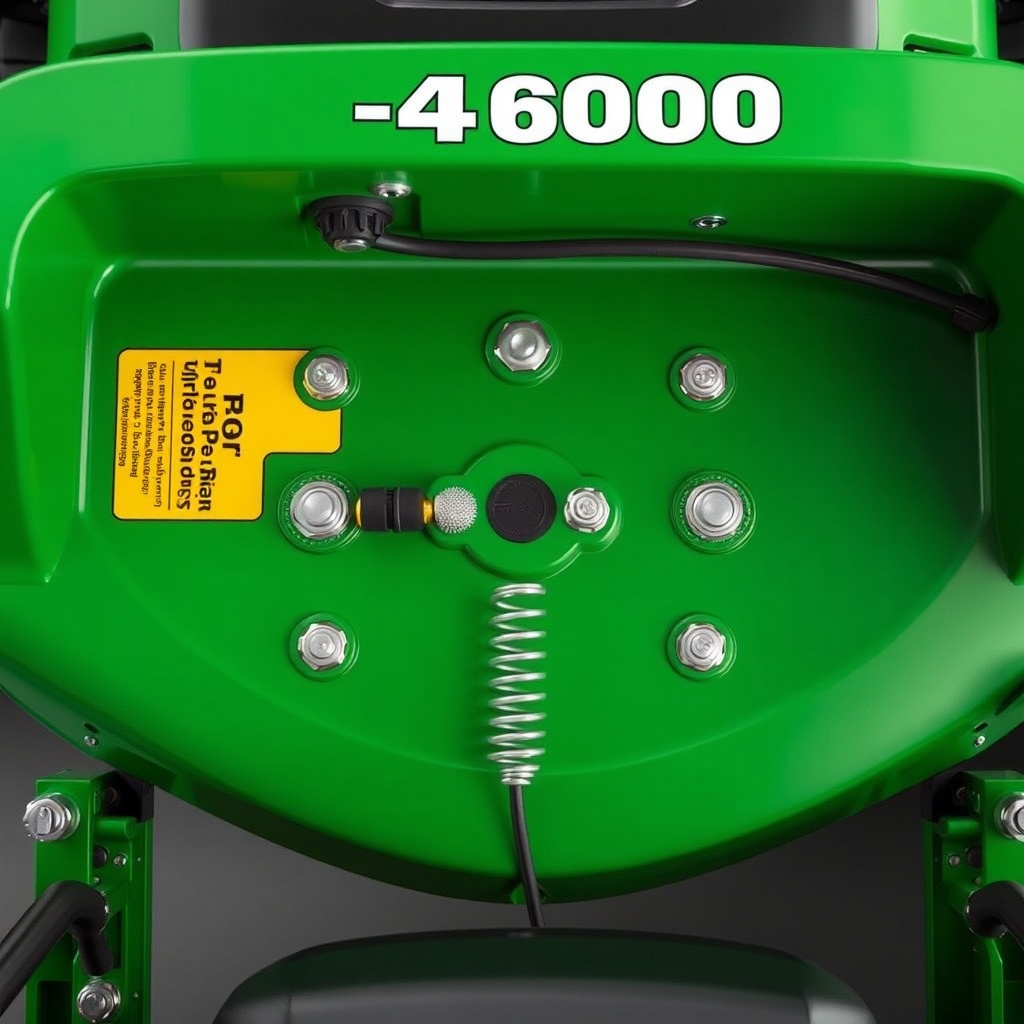
Park the mower on a level surface, engage the parking brake (if still functional), and remove the ignition key. Lift the seat to expose the battery and hydraulic reservoir. Locate the brake cable assembly—it runs from the brake pedal linkage under the dash to a bracket on the left side of the transmission. The adjustment nut is a 10mm hex nut on the threaded end of the cable where it attaches to the brake arm. Use a 10mm wrench to loosen the lock nut, then back it off several turns.
If you cannot see the adjustment point clearly, remove the left rear wheel for better access. This is also a good time to inspect the TurfTech T-4600E Traction Drive Belt Tension Adjustment: Step-by-Step Guide for any belt issues that may affect braking.
What Is the Correct Brake Cable Slack Measurement?
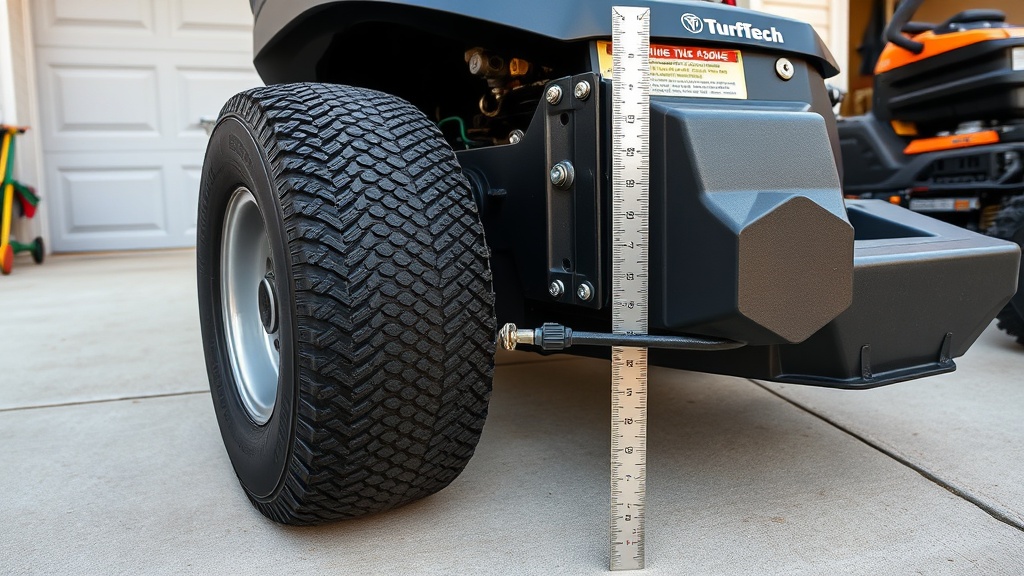
Use a ruler or caliper to measure the free play at the brake pedal. The correct spec is 1/8 to 1/4 inch (3–6 mm) of pedal movement before the brake engages. If you have more than 3/8 inch, the cable is too loose; less than 1/8 inch, it is too tight. You can also check at the brake arm itself: there should be a small gap (about 1/16 inch) between the brake arm and the stop when the pedal is released.
| Parameter | Specification |
|---|---|
| Brake pedal free play | 1/8 – 1/4 inch (3–6 mm) |
| Brake arm-to-stop gap | 1/16 inch (1.5 mm) |
| Adjustment nut torque (lock nut) | 12 ft-lb (16 N·m) |
| Maximum cable defect (fraying/kinking) | None allowed – replace if present |
| Expected adjustment frequency | Every 50 hours or if brake feels spongy |
How Do You Perform the Brake Cable Adjustment Step by Step?
Follow these steps precisely:
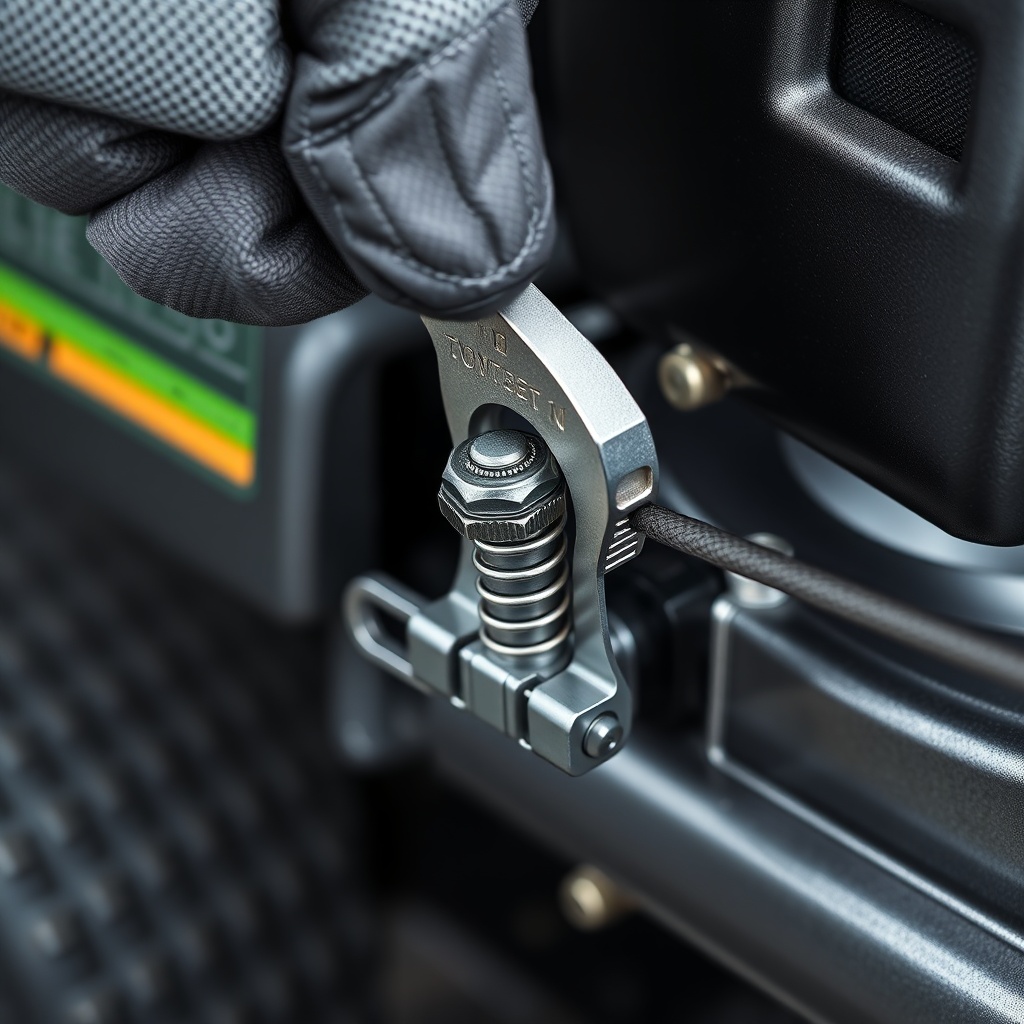
- Loosen the 10mm lock nut on the threaded cable end using a penetrating lubricant if needed.
- Turn the 12mm adjusting nut clockwise to tighten the cable (reduce free play) or counterclockwise to loosen it (increase free play).
- After each small adjustment (1/4 turn), press the brake pedal and release it to check free play.
- Repeat until the free play is within 1/8 to 1/4 inch at the pedal.
- Hold the adjusting nut steady with the 12mm wrench and tighten the lock nut to 12 ft-lb.
- Test the parking brake: engage it on a slight slope (e.g., 10° incline) and ensure the mower does not roll.
- If the brake still feels spongy, inspect the TurfTech T-4600E Battery Voltage Drain Test: Diagnosing Parasitic Draw to rule out electrical issues affecting the brake indicator circuit.
What Common Problems Occur During Adjustment and How to Fix Them?
Several issues can arise:
- Stripped threads on adjustment nut: Replace the nut and cable assembly if threads are damaged. Do not force it.
- Frozen adjustment nut: Apply penetrating oil and let it sit 10 minutes. Use a 6-point socket to avoid rounding.
- Cable housing kinked: Straighten the housing gently, or replace the cable if kink persists.
- Brake pedal still feels too soft after adjustment: The brake shoes may be worn. Check the TurfTech T-4600E Catalytic Converter Replacement: Step-by-Step Guide for exhaust system issues that might affect brake pedal clearance under the dash.
If the cable itself is corroded or frayed, replacement is the only safe option. Always test the brake in a controlled area before mowing.
What Owners Say About the TurfTech T-4600E Brake System
Owner feedback on forums and user groups consistently highlights that the brake cable adjustment is straightforward once you locate the correct adjustment point. Many praise the clear owner’s manual but note that the initial factory setting is often too tight. One owner reported that after proper adjustment, the parking brake held the mower on a 20-degree slope without issue. Several have combined this adjustment with TurfTech T-4600E Battery Voltage Drain Test: Diagnosing Parasitic Draw after noticing the brake warning light staying on, which turned out to be a separate battery drain issue. Common complaints include the adjustment nut location being awkward to reach without removing the wheel, and the need for periodic re-tightening after 50–100 hours of use.
Frequently Asked Questions
1. How often should I adjust the brake cable on my TurfTech T-4600E?
Every 50 hours of use or if you notice the brake pedal depressing more than 1/4 inch before the brake engages. Also adjust after any major service to the driveline.
2. Can I adjust the brake cable without removing the wheel?
Yes, but access is limited. Removing the left rear wheel gives better visibility and makes the job easier. Many owners do it once and then find they can reach with a 10mm flex-head wrench.
3. What damage can occur if the brake cable is too tight?
It can overheat the brake pads, warp the brake drum, or cause premature wear to the transmission’s brake band. In extreme cases, it can damage the cable housing.
4. Why does my TurfTech T-4600E brake warning light stay on after adjustment?
This usually indicates a misadjusted switch or a TurfTech T-4600E Fuel Filter Replacement: Step-by-Step Guide and Tips issue (the fuel filter is unrelated but sometimes owners confuse warning lights). More likely, the brake switch plunger needs adjusting—check it after cable adjustment.
5. Should I lubricate the brake cable during adjustment?
Only lubricate the pivot points and the cable end threads with a light machine oil. Do not lubricate the cable housing interior, as it attracts dirt and can cause sticky operation.
6. What if my T-4600E brake still doesn’t hold after adjustment?
Inspect the brake pads for glazing or wear. Replace if thickness is below 2 mm. Also check the TurfTech T-4600E Battery Hold-Down Replacement: Step-by-Step Guide for any loose components that could interfere with the brake linkage under the seat.