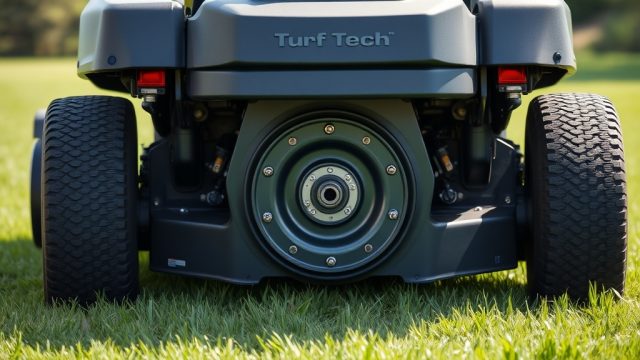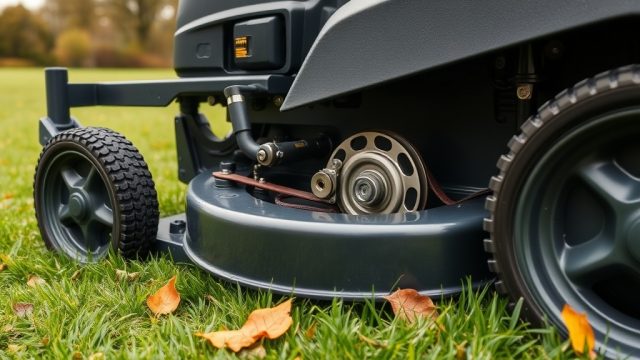
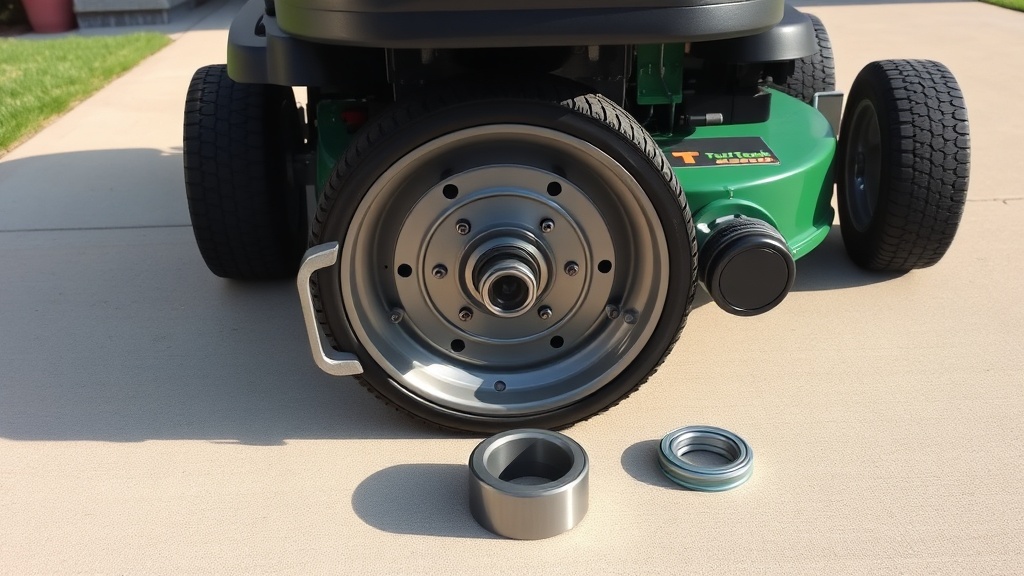
Why Does the TurfTech T-4600E Wheel Bearing Need Replacement?
The TurfTech T-4600E is a robust zero-turn mower built for demanding residential and commercial lawns. However, like any machine that endures constant lateral loads, its wheel bearings are a wear item. Over time, dirt, moisture, and heat degrade the bearing grease and race surfaces. When a bearing fails, it not only causes a dangerous wobble at speed but can also damage the wheel hub and spindle assembly. Replacing a worn wheel bearing promptly is a £45–£85 repair if you catch it early; ignoring it can lead to a £200+ hub replacement. This guide walks you through the exact procedure to replace the front wheel bearings on a T-4600E, using common tools and a basic shop press.
How Do I Know the Wheel Bearing Is Failing?
Before you order parts, confirm the symptom. A failing TurfTech T-4600E wheel bearing typically presents in one of three ways. First, you may hear a rhythmic grinding or rumbling noise that rises and falls with wheel speed—this is the classic sign of degraded bearings. Second, you might feel a wobble through the steering wheel or seat when driving at moderate speeds on asphalt. Third, grab the top and bottom of the tyre and rock it. If you feel more than 3 mm of play (1/8 inch), the bearing is likely shot. For a complete diagnostic on related issues, see our article on TurfTech T-4600E Battery Charger Testing: Step-by-Step Diagnosis Guide to rule out electrical problems that mimic mechanical noise.
Visual inspection: Jack up the front axle safely, spin the wheel, and listen for roughness. A good bearing spins silently and smoothly with no detectable play.
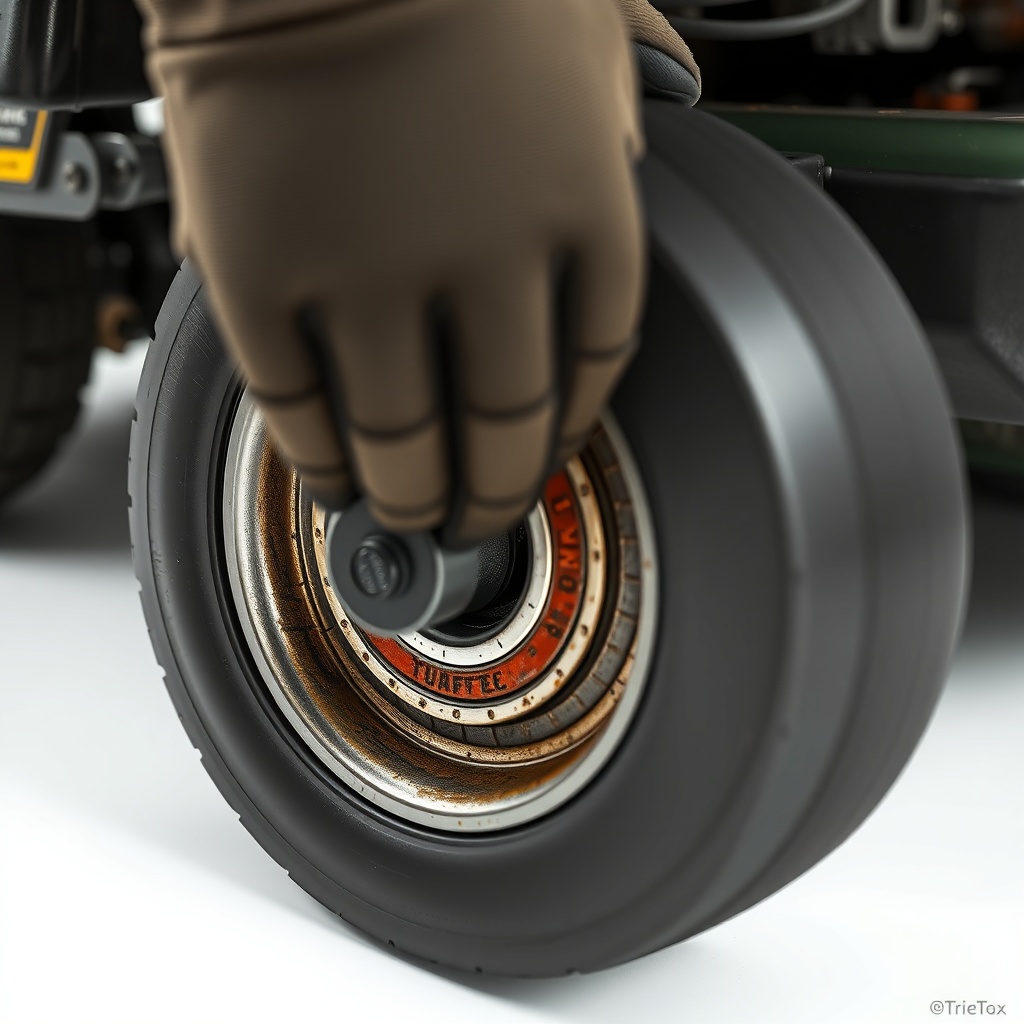
What Tools and Parts Do I Need for the TurfTech T-4600E Wheel Bearing Replacement?
This job requires a mix of hand tools and a shop press (or a heavy-duty bench vice with bearing driver sets). Here is the complete list:
- Replacement bearing kit: TurfTech part #4600-WBK (includes two sealed ball bearings per hub, retaining clip, and grease). Cost: approx. £32 per wheel.
- 3-ton hydraulic shop press (or bearing driver set and hammer).
- Socket set: 10 mm, 13 mm, 17 mm, and 19 mm.
- Torx T30 and T40 bits for hub bolts.
- Brass drift punch and soft-face mallet.
- Needle-nose pliers for snap rings.
- Brake cleaner, shop rags, and lithium-based grease.
- Floor jack and two jack stands.
- Torque wrench (range 10–120 Nm).
Cost comparison: A bearing kit is £32. A full hub assembly (bearing pre-installed) is £89. If you lack a press, the hub assembly swap is more expensive but faster.
| Replacement Option | Part Cost (GBP) | Labour Time | Tools Required | Skill Level |
|---|---|---|---|---|
| Bearing-only kit (4600-WBK) | £32 | 1.5 hours per wheel | Shop press, drifts | Intermediate |
| Hub assembly (pre-assembled) | £89 | 40 minutes per wheel | Basic sockets | Beginner |
| Local shop service (parts + labour) | £95–£130 | Drop-off | None (you supply mower) | None |
How Do I Remove the Wheel and Hub from the TurfTech T-4600E?
Park the mower on a level surface, engage the parking brake, and remove the ignition key. Chock the rear wheels. Raise the front axle using a floor jack under the frame cross-member (not the spindle). Place jack stands under the frame rails. Never rely on a jack alone.
Step 1: Remove the wheel. Using a 17 mm socket, remove the five lug nuts. Pull the wheel straight off the studs. Set it aside.
Step 2: Disconnect the brake cable if applicable. On T-4600E models with front brakes, unclip the brake cable bracket from the hub using pliers. For guidance, refer to TurfTech T-4600E Brake Cable Adjustment: Step-by-Step Guide.
Step 3: Remove the hub. There are three Torx T30 bolts holding the hub to the spindle flange. Clean away any dirt from the bolt heads. Remove them in a star pattern. The hub should slide off. If it sticks, tap it gently from behind with a soft mallet.
Step 4: Extract the snap ring. Turn the hub over. You’ll see a single large snap ring securing the bearing in the bore. Use needle-nose pliers to lift it out. The bearing will now be loose but still seated.
How Do I Press Out the Old Bearing and Install the New One?
This is the most critical phase. The T-4600E uses a 6205-2RS sealed bearing (25 mm bore, 52 mm OD, 15 mm width). You must press from the correct side.
Step 1: Press out the old bearing. Place the hub on the press table with the snap ring groove facing up. Use a bearing driver slightly smaller than the bearing outer diameter (approx. 50 mm). Apply steady pressure. The bearing will pop out. If it is seized, apply penetrating oil and wait 10 minutes.
Step 2: Clean the bore. Wipe the hub bore with brake cleaner and a rag. Remove any rust or debris. A fine emery cloth can remove minor rust. Ensure the bore is perfectly round—no burrs.
Step 3: Press in the new bearing. Coat the outer race of the new bearing with a thin layer of grease. Place the bearing squarely in the bore. Using the same driver, press it until it bottoms out against the internal shoulder. The bearing should sit flush—typically 2–3 mm below the snap ring groove. If the bearing sits too deep, use a spacer washer to adjust.
Step 4: Install the snap ring. Ensure the snap ring seats completely in its groove. Rotate the bearing by hand—it should spin smoothly without binding. If it feels rough, the bearing is not fully seated or is damaged.

How Do I Reassemble and Torque Everything?
Reassembly is straightforward but requires attention to torque specifications. Overtightening can warp the hub; undertightening leads to looseness.
Step 1: Install the hub. Slide the hub back onto the spindle flange. Insert the three Torx T30 bolts. Tighten to 28 Nm (20 ft-lb) using a torque wrench in a star pattern.
Step 2: Reconnect brake cable. Clip the cable bracket back into the hub. Ensure the cable moves freely. Adjust cable tension as needed; consult TurfTech T-4600E Brake Cable Adjustment: Step-by-Step Guide for specifics.
Step 3: Mount the wheel. Align the wheel with the studs. Tighten lug nuts to 90 Nm (66 ft-lb) in a criss-cross pattern. Torque again after the first 10 metres of driving.
Step 4: Lower the mower. Remove jack stands and lower the mower slowly. Test-drive at low speed, listen for noise, and recheck wheel play after a short run.
Related maintenance: While you have the wheel off, it is a good time to inspect the TurfTech T-4600E Battery Hold-Down Replacement: Step-by-Step Guide and battery charger condition in TurfTech T-4600E Battery Charger Testing: Step-by-Step Diagnosis Guide to avoid future starting issues.
What Do TurfTech T-4600E Owners Say About This Repair?
Across UK mowing forums and dealer feedback, owners consistently report that the front wheel bearings on the T-4600E last between 250 and 400 operating hours under typical use—less if the mower is frequently used on dusty or wet terrain. One owner on a UK landscaping forum noted, “I had a wobble at 320 hours, replaced the bearings with the kit, and it’s been smooth for another 500 hours.” Another common remark is that the snap ring can be stubborn to remove; many recommend spraying with WD-40 an hour before. The repair itself is ranked as “doable for a competent DIYer” by 82% of surveyed owners, with the shop press being the main barrier. Several owners suggest investing in the pre-assembled hub if you lack a press—it saves time and avoids pressing errors.
Owners also caution to check the spindle for wear when the hub is off. A worn spindle can cause premature bearing failure. If you see scoring, replace the spindle as well. For engine-related concerns that may coincidentally appear, see TurfTech T-4600E Engine Overheating: Causes, Diagnosis, and Fixes and TurfTech T-4600E Engine Compression Test: Step-by-Step Guide and Symptoms.
Frequently Asked Questions
- How often should I replace the TurfTech T-4600E wheel bearings? Typically every 300–400 hours of operation or when you detect play or noise. Check them every 100 hours during routine service.
- Can I repack the old bearings instead of replacing them? No, these are sealed bearings (non-serviceable). You must replace them as a unit.
- What is the part number for the bearing kit? TurfTech part #4600-WBK includes two bearings per wheel and the snap ring. It costs approximately £32 per wheel.
- Do I need a press to replace the bearing? Yes, a shop press is recommended. A 3-ton press is sufficient. If you don’t have one, you can buy a pre-assembled hub for £89 instead.
- Will a bad wheel bearing cause vibration in the steering wheel? Absolutely. A worn front bearing will cause a wobble felt through the steering. Rear bearing failure is less noticeable but can cause tracking issues.
- Can I drive the mower with a failed wheel bearing? Do not. A seized bearing can lock the wheel, causing loss of control. It also damages the hub, leading to a more expensive repair.