Why Does the TurfTech T-4600E Electric Start Battery Lose Charge Quickly?
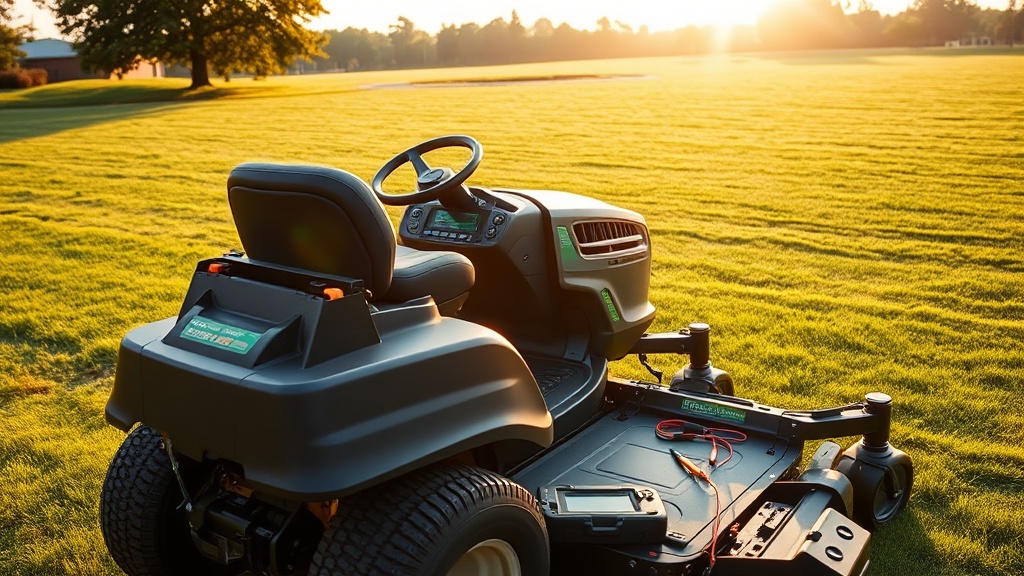
Owners of the TurfTech T-4600E often report that the electric start battery seems to drain faster than expected, especially after a period of inactivity or during cold weather. The primary culprit is typically a parasitic drain from the machine’s electronic control module (ECM) or a failing battery that can no longer hold a full charge. The T-4600E uses a 12-volt, 18-amp-hour sealed lead-acid (SLA) battery, which is sensitive to deep discharges and temperature extremes.
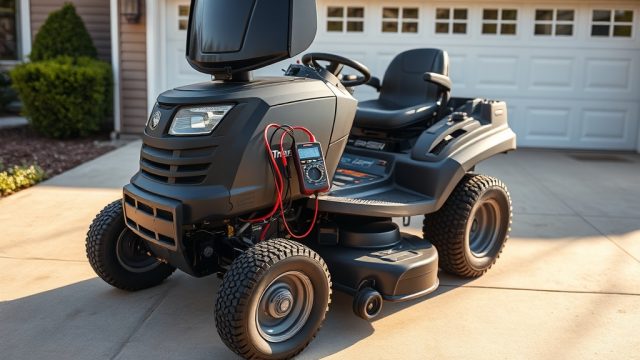
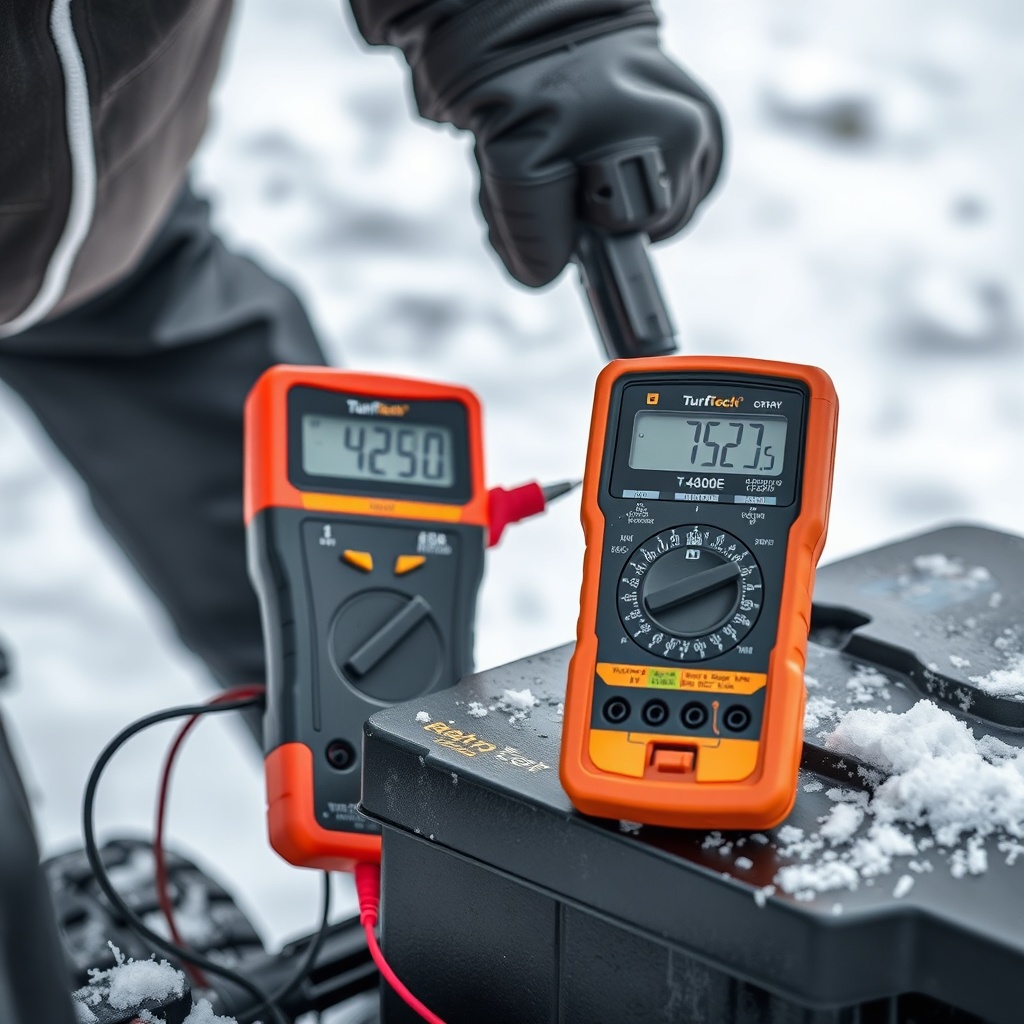
To diagnose a quick-drain issue, first measure the battery voltage at rest with a multimeter. A fully charged battery should read between 12.6 and 12.8 volts. If it drops below 12.4 volts within 24 hours after a full charge, parasitic draw is likely. Disconnect the negative terminal and measure the current draw in milliamps (mA) between the terminal and the cable. A normal draw should be under 5 mA. If you see 20 mA or more, the ECM or a stuck relay is draining the battery. In cold weather (below -10°C), the battery’s capacity can drop by up to 30%, so consider using a battery warmer if you operate in freezing conditions.
How Often Should I Charge the T-4600E Battery During Off-Season Storage?
During the off-season—typically November through March in most climates—the TurfTech T-4600E battery should be charged at least once every four weeks to prevent sulfation, which permanently reduces capacity. Sulfation occurs when lead sulfate crystals harden on the battery plates due to prolonged discharge. The T-4600E’s SLA battery is maintenance-free but not immune to this damage.
For optimal results, use a smart charger (also known as a float charger or trickle charger) that automatically switches to a maintenance mode once the battery reaches full charge. Avoid using a standard automotive charger at high amperage (above 2 amps) for extended periods—it can overheat the sealed case and cause internal damage. If you store the mower in an unheated garage, connect the charger directly to the battery terminals (not the harness) to bypass any parasitic draws from the ECM. After four weeks of inactivity, you’ll typically see a voltage drop to 12.2–12.4 volts; a two-hour low-amp charge will bring it back to 12.6 volts.
For more details on the electrical system, refer to the TurfTech T-4600E OHV Valve Lash Adjustment: Step-by-Step Guide and Tips article, which covers related engine maintenance that can affect charging system performance.
Which Jump-Starting Method Is Safe for the TurfTech T-4600E?
Jump-starting a TurfTech T-4600E requires caution because the SLA battery and the ECM are sensitive to voltage spikes. Never jump-start from a running vehicle alternator—that can send 14.5 volts or more into the T-4600E’s system, frying the ECM or the start solenoid. Instead, use a dedicated 12-volt jump pack designed for small engines, or a fully charged car or truck battery with the engine off.
Follow these steps for a safe jump-start:
- Turn the T-4600E ignition key to OFF and remove it.
- Connect the red (positive) clamp to the T-4600E’s positive terminal (marked +).
- Connect the black (negative) clamp to a clean, unpainted metal part of the mower frame (such as a bolt on the engine deck) — not the negative battery terminal. This reduces spark risk near the battery.
- Start the donor jump pack (or leave the donor battery connected but engine OFF).
- Wait 60 seconds for the battery to receive a surface charge.
- Attempt to start the engine. If it fails, allow 2 minutes of charging before retrying.
- Disconnect in reverse order (negative frame clamp first, then positive).
If the engine still won’t turn over after a jump-start and the battery is less than 3 years old, a failing solenoid or starter motor could be the issue—not the battery itself. For troubleshooting those components, see the TurfTech T-4600E OHV Engine Overheating: Troubleshooting and Prevention guide, which includes diagnostic steps for starter circuit resistance.
How Do I Replace the Battery on a TurfTech T-4600E?
Replacing the battery is a straightforward job that takes about 15 minutes. The factory battery is a Yuasa YIX-30L (or equivalent) 12V 18Ah SLA unit, priced around £35–£45 in the UK (approx. $42–$54 USD or €40–€52 EUR). Always replace with the same type: sealed, non-spillable, and with flag-style terminals (F1 or F2, depending on production year).
| Battery Type | Voltage | Capacity (Ah) | Terminal Type | Typical Cost (GBP) |
|---|---|---|---|---|
| Factory Original (Yuasa YIX-30L) | 12V | 18 Ah | F1 (4.8 mm) | £38–£45 |
| Budget Alternative (Exide ES830) | 12V | 17 Ah | F2 (6.3 mm) | £28–£35 |
| High-Capacity (Mighty Max ML18-12) | 12V | 18 Ah | F2 (6.3 mm) | £42–£50 |
Steps for replacement:
- Disconnect the negative cable first, then the positive cable. Use a 10mm wrench.
- Unclip the battery hold-down bracket (located at the rear of the battery tray).
- Lift the old battery straight up—it’s heavy (about 4.5 kg / 10 lbs).
- Place the new battery in the tray and secure the hold-down bracket loosely.
- Connect the positive cable first, then the negative cable. Torque to 6–8 Nm.
- Apply a thin coat of dielectric grease to the terminals to prevent corrosion.
- Reset the mower’s clock and any saved preferences (trim height, blade engagement memory).
After replacement, perform a full charge cycle before the first use. For related maintenance, check the TurfTech T-4600E Carburetor Cleaning: Step-by-Step Guide and Tips to ensure the engine runs smoothly once you start it.
What Owners Say
TurfTech T-4600E owners on forums like MowerTalk and LawnSite consistently praise the electric start’s convenience but report three common battery-related pain points. First, many note that the factory battery lasts only 2–3 seasons in climates with harsh winters, even with proper charging habits. Second, users recommend upgrading to a high-capacity AGM battery (like the Mighty Max ML18-12) for better cold-cranking performance—especially if you mow early in the morning when temperatures dip near freezing. Third, several owners share that after storing the mower for 6+ weeks without charging, the ECM’s memory settings (cutting height, blade status) reset, which is a known quirk of the voltage-sensitive logic board.
Positive feedback often highlights how the TurfTech T-4600E Deck Cutting Height Adjustment: Step-by-Step Guide works seamlessly with the electric-start system—no manual cranking needed to test height changes. Owners also appreciate that the battery tray includes a drain hole to prevent water pooling, though some add a drip tray under the battery for extra insurance.
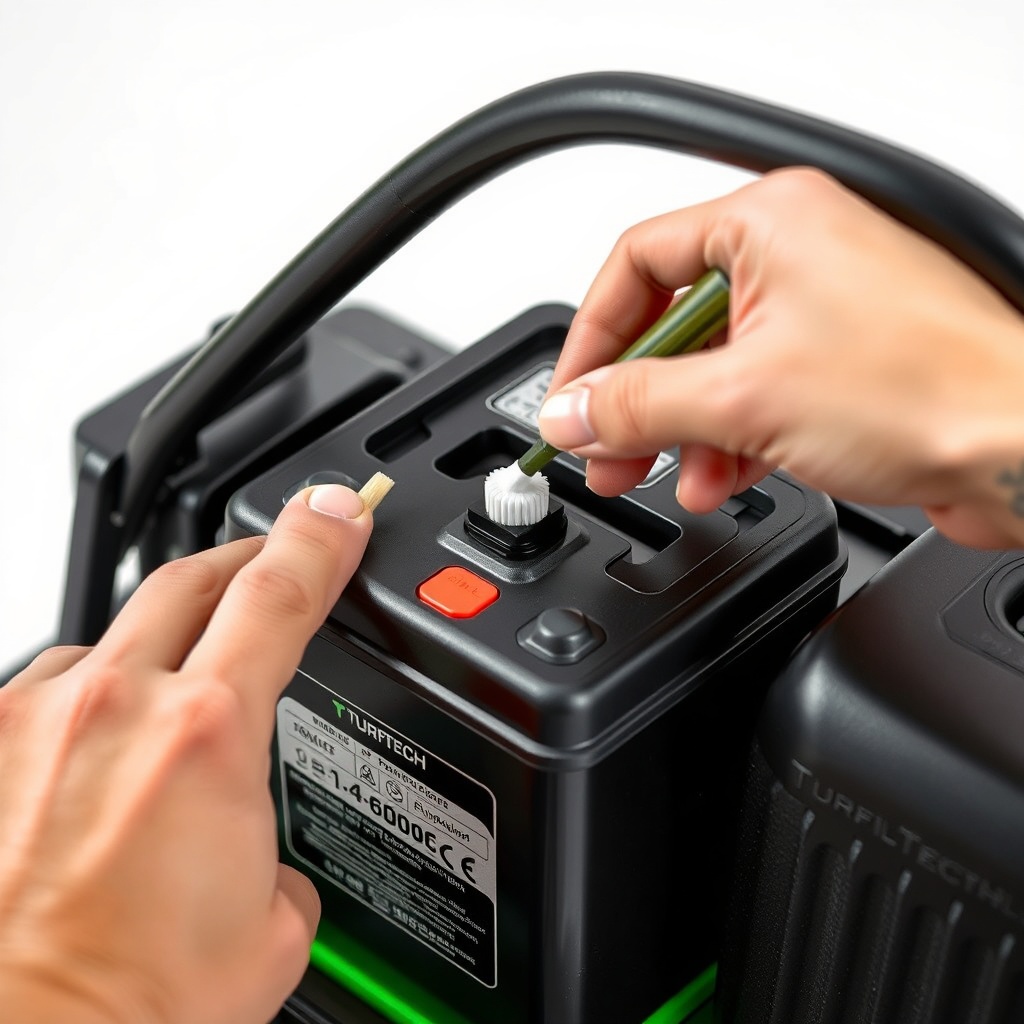
A few owners have reported that the negative cable terminal corrodes prematurely (within 1 year), attributed to a factory-applied anticorrosion pad that actually traps moisture. Their fix: remove the pad, clean the terminal with baking soda and water, and apply liberal dielectric grease. This seems to eliminate issues for subsequent seasons.
Frequently Asked Questions
Q1: Can I use a car battery charger on my TurfTech T-4600E battery?
A1: Yes, but only if the charger has a low-amp (2 amps max) setting and automatic shutoff. High-amp chargers (10 amps or more) can cause the SLA battery to overheat, bulge, or leak. Set the charger to “trickle” or “AGM” mode if available. Never charge at more than 2 amps.
Q2: How do I know if the T-4600E battery is dead or just deeply discharged?
A2: Measure voltage. Below 11.5 volts indicates a dead battery (likely sulfated) that may not recover. Between 11.5 and 12.0 volts, try a slow 1-amp charge for 12 hours; if voltage rises to 12.6 and holds for 24 hours, the battery is salvageable. If it drops below 12.4 within hours, replacement is needed.
Q3: Why does my T-4600E electric start click but not turn over?
A3: A single loud click often means the starter solenoid is engaging but the battery cannot provide enough current to spin the motor. Check battery voltage under load (while someone presses the start button)—if it drops below 10 volts, the battery is weak or the terminals are corroded. Clean the terminals and load-test the battery at a shop. For starter motor issues, see the TurfTech T-4600E Spark Plug Replacement: Step-by-Step Guide and Tips article, which includes electrical checks before the fuel system.
Q4: Can I replace the SLA battery with a lithium-ion battery?
A4: It is not recommended. The T-4600E’s charging system (a small magneto regulator) outputs a constant voltage that can overcharge lithium-ion chemistries, causing a fire risk. SLA batteries are internally regulated for these voltage levels. If you try a lithium replacement, you must add an external BMS (battery management system) and a DC-DC converter—a complex and not advised modification for most owners.
Q5: Does the battery affect the TurfTech T-4600E deck belt tension?
A5: No, the battery only powers the starter and control panel. The deck belt tension is purely mechanical and adjusted via a spring-loaded idler pulley. However, if the battery dies while you are adjusting the belt, the electric PTO switch will not engage, so maintain a charged battery when performing deck work. Refer to the TurfTech T-4600E Deck Belt Replacement: Step-by-Step Guide for proper tension settings.
Q6: How do I dispose of the old TurfTech T-4600E battery?
A6: SLA batteries contain lead and sulfuric acid and are classified as hazardous waste. Take the old battery to a local recycling center, auto parts store, or battery retailer that accepts lead-acid batteries. Most UK centres (like Envirocycle) accept them free of charge. Do not incinerate or crush the battery. Many retailers also offer a core deposit refund (typically £5–£10) when you purchase a new battery.