
Introduction
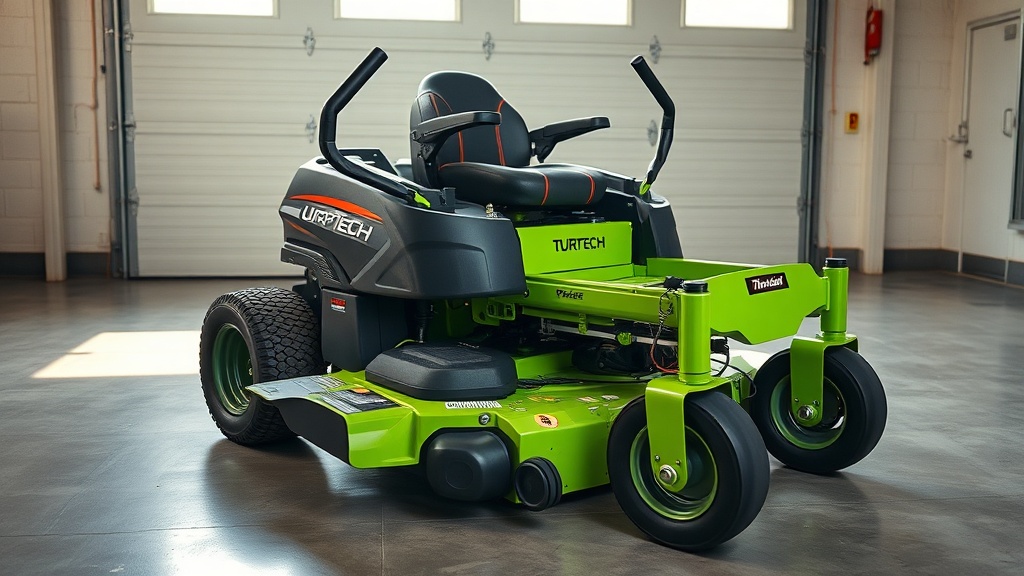
The TurfTech T-4600E is a robust zero-turn mower used by both homeowners and light commercial operators. The Timed Deck Drive (TDD) system relies on a single serpentine belt that connects the electric PTO clutch to two spindle pulleys. When this belt stretches, cracks, or snaps, the blades stop spinning, and the entire cutting session halts. This guide shows you how to replace the deck belt on a TurfTech T-4600E, step by step, using simple hand tools. A fresh belt restores full blade speed and prevents damage to the deck belt tensioner pulley, which often fails when the belt wears unevenly.
What Tools and Parts Do I Need for a TurfTech T-4600E Deck Belt Replacement?
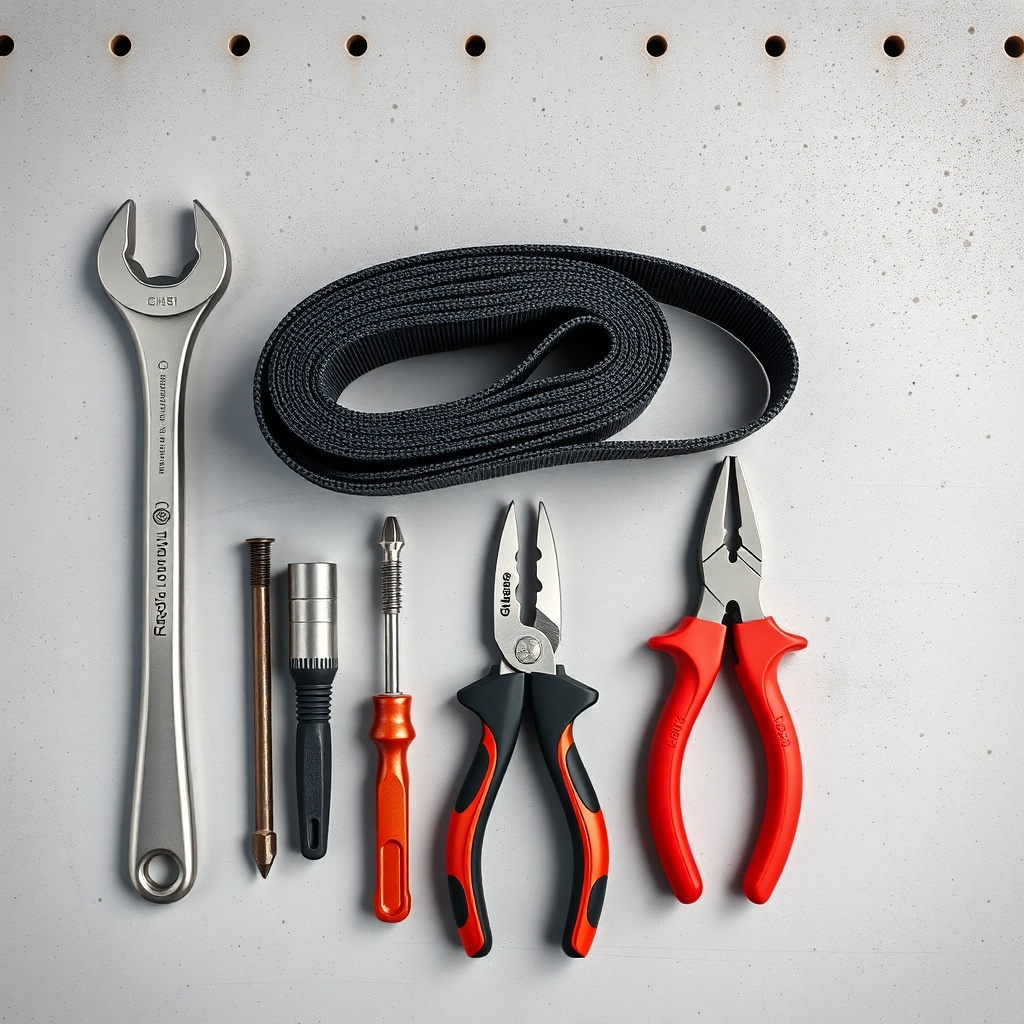
Before you start, gather the correct replacement belt and the right tools. The TurfTech T-4600E uses part number TTB-4600E-118 (1/2‑inch width, 118‑inch length, Kevlar-reinforced). A generic 118‑inch lawn mower belt may slip or break quickly, so stick with the OEM or an equivalent heavy‑duty aftermarket belt (cost: £45–£65). Tools required:
- 3/8‑inch drive ratchet set with 10mm, 13mm, and 15mm sockets
- Flathead screwdriver (or a small pry bar) for the belt tensioner
- Needle‑nose pliers for the belt keeper
- Floor jack and jack stands (or a lift kit) – the mower must be off the ground
- Safety glasses and heavy‑duty work gloves
Optional but recommended: a belt installation tool (cost: £15–£20) that wraps around the pulley and guides the belt over the tensioner.
What Is the Correct Procedure to Remove the Old Deck Belt?
Removing the old belt is straightforward if you follow the safety steps. Park the TurfTech T-4600E on a level concrete floor, engage the parking brake, and remove the ignition key. Disconnect the battery negative terminal to prevent accidental start‑up. Then raise the front of the mower with a floor jack until the deck clears the ground by at least 10 inches. Place jack stands under the frame rails.
Step 1: Access the belt area. Lower the mower deck to its lowest position. Remove the four deck pins (two per side) using a 13mm socket. Slide the deck out from under the frame – you may need to tilt it slightly to clear the PTO pulley.
Step 2: Release belt tension. Locate the belt tensioner pulley (spring‑loaded arm) near the left spindle. Insert a 15mm socket on the tensioner bolt and rotate the arm clockwise (as seen from above) until the spring relaxes. Use a flathead screwdriver to slide the belt off the tensioner pulley groove.
Step 3: Unroute the belt. Work the belt off the PTO pulley (centre deck pulley), then off the two spindle pulleys (outer pulleys). If the belt is cracked, it may come off easily. If it is frayed, cut it with heavy shears rather than force it past the belt keeper – the keeper can bend.
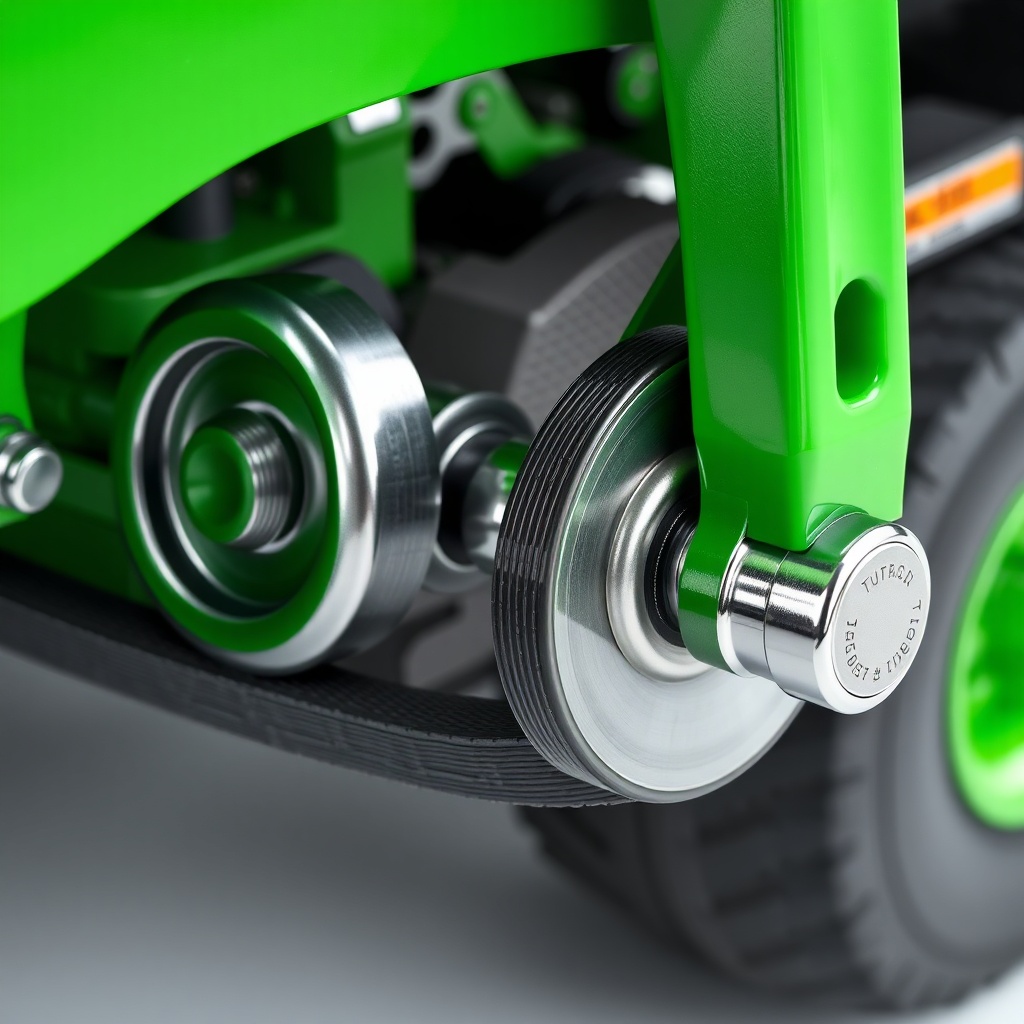
Step 4: Inspect the tensioner and pulleys. While the belt is off, spin each pulley by hand. Listen for grinding or rumbling, which indicates a bad bearing. Also check the tensioner pulley for wobble or drag. Replace any damaged components before installing the new belt (see our TurfTech T-4600E Deck Belt Tensioner Pulley Replacement: Step-by-Step Guide).
How Do I Install the New Belt on the TurfTech T-4600E Deck?
Installing the belt is the reverse of removal, but you must avoid twisting the belt. A twisted belt will cause vibration, belt flip, and rapid wear.
Step 1: Route the belt over the spindle pulleys. Begin at the left spindle pulley (driver’s left, facing forward). Lay the belt in the groove, then wrap it around the right spindle pulley. The belt should lie flat, not twisted – the inside edge of the belt faces the pulley flanges.
Step 2: Loop the belt over the PTO pulley. Position the belt so it passes between the PTO pulley and the belt keeper (a metal bracket). Use needle‑nose pliers to hold the keeper open while you slide the belt over the pulley.
Step 3: Install the tensioner pulley. Rotate the tensioner arm clockwise with the 15mm socket (or a pry bar in the slot). Slide the belt onto the tensioner pulley groove, then slowly release the arm. The spring should hold the belt tight; the belt must not droop more than 1/4 inch between any two pulleys.
Step 4: Recheck routing. Compare the new belt’s path to the routing diagram on the deck decal (or the owner’s manual). The belt should cross over itself only once, between the right spindle pulley and the PTO pulley. No other cross‑overs are correct.
Step 5: Slide the deck back under the mower. Reinstall the four deck pins and torque them to 25–30 ft‑lb (34–41 Nm). Reconnect the battery. Lower the mower and test the belt by engaging the PTO at low RPM (1500–1800 RPM). Listen for squealing (belt slip) or slapping (misrouting).
| Parameter | Value | Note |
|---|---|---|
| Belt length (new) | 118 inches (3.0 m) | Measured along centreline |
| Belt width | 1/2 inch (12.7 mm) | Kevlar reinforced |
| Tension spring free length | 8.5 inches | If stretched beyond 9.0 in, replace |
| Tension spring force (at installed length) | 55–65 lbf (245–290 N) | Measured with spring scale |
| Pulley torque (spindle nut) | 40–45 ft‑lb (54–61 Nm) | Do not overtighten |
What Are the Common TurfTech T-4600E Deck Belt Problems After Replacement?
Even with a correct replacement belt, several issues can arise. The most frequent include belt squeal, belt tracking off the pulleys, and premature wear. Here is how to diagnose each:
- Belt squeal on engagement: Usually caused by low tension. The tensioner spring may be weak or the belt may be too long. Check spring free length (8.5 inches). If it is 9.0 inches or more, replace the spring. Also ensure the belt is not glazed – wipe pulleys with a rag and isopropyl alcohol to remove residue.
- Belt flips off or rides up on a pulley: This points to a misaligned pulley or a twisted belt. Remove the belt and reroute it, making sure it does not cross itself except at the designated crossover. Use a straightedge across the spindle pulley faces – they should be parallel within 1/32 inch. If not, shim the pulley or replace the deck spindle.
- Belt wears out in under 20 hours: Look for a seized spindle bearing or a rubbing belt guard. A bad bearing will eventually burn the belt from the inside out. Replace the bearing and the belt. Also check that the belt keeper is not bent (it should clear the belt by 1/16 inch).
- Inconsistent blade speed: The PTO clutch may not fully engage, or the belt may be slipping due to oil contamination. Clean the PTO pulley surface with brake cleaner. If the clutch gap is too wide (over 0.030 inch), adjust it (see owner’s manual).
If belt problems persist after replacement, inspect the mower deck level – an uneven deck puts extra load on one side. Follow the TurfTech T-4600E Deck Leveling Procedure: Step-by-Step Guide for Even Cut to balance the deck.
What Owners Say About TurfTech T-4600E Deck Belt Replacement
TurfTech T-4600E owners on UK gardening forums and professional landscaping groups generally rate the deck belt replacement as a moderately difficult DIY task (skill level 3 out of 5). Common praise: “The belt routing diagram is accurate – follow it and you cannot go wrong. The tensioner spring is stiff, but a pry bar makes it easy.” Many owners stress that the belt must be genuine TurfTech (TTB-4600E-118) because aftermarket belts often lack the Kevlar reinforcement and stretch after 10 hours. One landscaper from Essex reported that a cheap £30 belt snapped on the third mow, while the OEM belt lasted 400 hours on a commercial route.
A few owners caution about the belt keeper: if you bend it while forcing a stiff belt over the PTO pulley, it will rub the belt and wear it down in 50 hours. The recommended fix is to lift the keeper with a small screwdriver instead of pliers. Another common tip is to lubricate the tensioner pivot pin with a drop of white lithium grease during belt replacement – this prevents the arm from sticking, which leads to uneven tension. Several owners also note that checking deck level (see the deck leveling guide) after a belt change helps maintain even blade rotation and reduces vibration. Overall, the replacement takes 45 minutes to an hour for a first‑time owner, 20 minutes for a seasoned mechanic.
Frequently Asked Questions
Q1: How often should I replace the deck belt on my TurfTech T-4600E?
A: Under normal residential use (mowing 1 acre per week, 8 months per year), replace the belt every 100–150 hours or every second season. For commercial use, inspect the belt monthly; replace at the first sign of cracking, glazing, or fraying. A belt that has flipped or squealed should be replaced immediately.
Q2: Can I use a generic 118‑inch lawn mower belt instead of the TurfTech OEM part?
A: It is not recommended. The TurfTech belt is 1/2 inch wide with Kevlar reinforcement. Many generic belts are 3/8 inch wide or made of standard rubber, which will stretch more than 1 inch under load, causing slippage and shredded belts. The OEM belt costs around £50; a generic belt may fail in 20 hours and damage the tensioner pulley. Stick with TTB-4600E-118.
Q3: Why does my new belt squeal after installation?
A: Most often the tensioner spring is weak or the belt is slightly too long. Check spring free length: should be 8.5 inches. If it is 9.0 inches or more, replace the spring (part number TTB-4600E-SPR, £12). Also ensure the belt is routed correctly – a twist at the PTO pulley can cause a high‑pitched squeak. Clean the pulleys with brake cleaner and re‑tension.
Q4: My deck belt keeps flipping off the right spindle pulley. What is wrong?
A: That indicates misalignment. Use a straightedge across the pulley faces – they should be parallel within 1/32 inch. If not, the spindle may be bent or the pulley is loose. Torque the spindle nut to 40–45 ft‑lb. Also check that the belt keeper is not bent inward; it should clear the belt by 1/16 inch. For more alignment tips, see the TurfTech T-4600E Steering System Alignment: Step-by-Step Guide (the same principle applies to deck pulleys).
Q5: Do I need to remove the mower deck to replace the belt?
A: Yes, on the TurfTech T-4600E the deck must be fully removed from the frame (lowered to lowest position, pins removed, then slid out). Attempting to replace the belt with the deck still attached is nearly impossible because the belt must pass over the PTO pulley and under the belt keeper – there is no access from above. Removing the deck takes 5 minutes with a floor jack.
Q6: The belt installed fine, but the blades do not spin at full speed even at full throttle. What could be the issue?
A: First, check that the PTO clutch is engaging fully. With the engine running at 3400 RPM (full throttle), engage the PTO – you should hear a solid click and see both spindles spinning. If the clutch slips, check the air gap (0.008–0.020 inch). If the gap is correct but clutch still slips, the belt may be too long (measure 118 inches new – if it is 120 inches, it will slip). Also verify the transmission fluid level: low fluid can rob hydraulic power. See the TurfTech T-4600E Transmission Fluid Change: Step-by-Step Guide and Tips for proper fluid maintenance. If the problem persists, inspect the electric start wiring (see the TurfTech T-4600E Electric Start Wiring Diagram: Step-by-Step Guide) to ensure the PTO solenoid receives full battery voltage.