Ego Power+ Select Cut Blade Balancing: How to Fix Wobble and Vibration
Uneven cutting, excessive vibration, and premature wear often trace back to a single culprit: an unbalanced blade. For the Ego Power+ Select Cut mower, the dual-blade system amplifies any imbalance, turning a minor wobble into a shaky, inefficient mow. This article focuses on diagnosing and correcting blade imbalances specific to the deck-cutting system, ensuring your mower runs smoothly across every pass.
Ignoring blade wobble not only damages the spindle and deck but also reduces battery runtime and cut quality. We’ll walk through the causes, measurement, and solutions so you can restore precise, vibration-free operation. For a deeper look at how battery power interacts with blade performance, read our Ego Power+ Select Cut 56V Battery Range: Real-World Testing.
What Causes Blade Wobble in the Select Cut System?
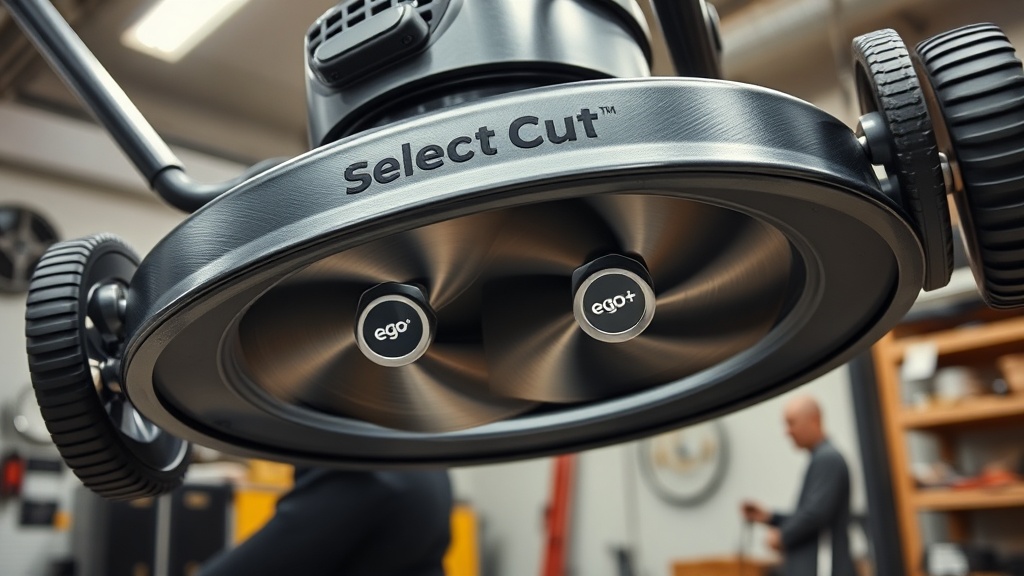
Blade wobble in the Ego Power+ Select Cut usually stems from three sources: uneven blade wear, improper installation, or deck debris. The dual-blade design uses a lower blade for mulching and an upper blade for lifting grass; if either blade is bent or has lost its edge asymmetrically, the whole assembly vibrates.
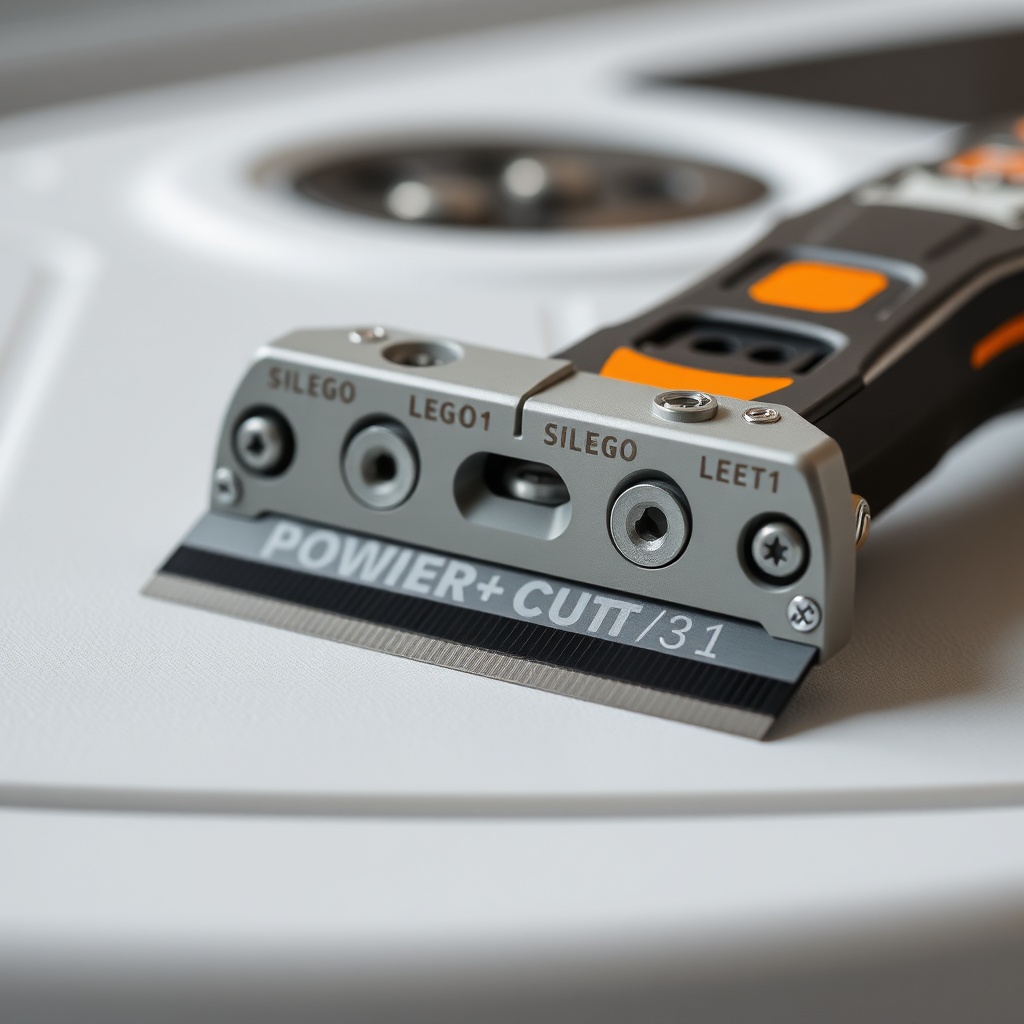
Common causes include striking a hidden rock or root, which bends one blade slightly. Even a 1mm deformation at the tip translates to significant wobble at high RPM. Additionally, grass buildup under the blade retainer can tilt the blades, breaking their plane of rotation. Check the mounting hardware too—loose bolts allow the blades to shift during operation. For adjustments to the self-propel system that might mask vibration symptoms, see our Ego Power+ Select Cut Self-Pro Pel Speed Control: Tips and Adjustments.
How Do I Check Blade Balance Without a Special Tool?
You can perform a basic shop balance test using a cone-style balancer or even a simple screwdriver shaft. First, remove both blades by unbolting the center retainer (use a 14mm socket). Clean all grass and rust from each blade mounting hole. Place a single blade on a tapered cone balancer—if it tips to one side, the heavy side indicates the high-mass area. Repeat for both blades.
For a DIY method, drive a nail into a wall at a slight upward angle, then hang the blade by its center hole. A balanced blade will stay horizontal; the heavier side will dip. Mark the heavy side with a permanent marker. On a typical Ego Power+ Select Cut blade, acceptable tolerance is 0.5 grams of imbalance at the tip. If one blade shows over 1 gram difference, grinding or replacement is needed. Check the spindle bore for burrs—sometimes the fault is not the blade but the mounting surface. If you experience disengagement issues alongside vibration, consult our Ego Power+ Select Cut Won’t Disengage: Troubleshooting Guide.
Step-by-Step Blade Balancing Procedure
Once you’ve identified the heavy side, follow this safe, precise process. Wear gloves and eye protection. Use a fine metal file or a bench grinder with a steady hand. Do not remove more than 2-3 grams of material from the trailing edge (the non-cutting side) of the blade.
- Mount the blade securely: Clamp the blade flat on a workbench with the cutting edge facing away from you.
- Mark the heavy side: Use your balancer result to mark the side that dips.
- Grind or file: Remove a small amount of metal (about 0.5 grams) from the heavy side’s rear edge, just behind the cutting edge, near the tip. Avoid removing metal from the air-lift wing or the leading edge.
- Re-balance and repeat: Wipe off filings, remount on the balancer, and check. Continue until the blade stays level within 1mm of tilt.
- Repeat for second blade: Balance both blades individually. Then check them together on the assembled spindle—they must both rotate as one unit without side-to-side play.
After balancing, torque the retainer bolt to 35-40 ft-lbs (47-54 Nm). Loose torque is the second leading cause of wobble after imbalance. Always verify blade rotation freedom after tightening—the blades should spin freely by hand.
Severity Guide for Blade Imbalance
Understanding how much imbalance is too much helps you decide between rebalancing and replacing. This table categorizes wobble severity for the Ego Power+ Select Cut 21-inch deck.
| Severity Level | Vibration at Handle (m/s²) | Cut Quality | Battery Runtime | Recommended Action |
|---|---|---|---|---|
| Mild (0-0.5g imbalance) | < 2.0 | Even, slight edge scalping | Full (60-70 min) | Minor file touch-up |
| Moderate (0.5-1.5g) | 2.0-4.5 | Uneven clumping, stripes | Reduced 10-15% | Remove metal on heavy side |
| Severe (1.5-3.0g) | 4.5-7.0 | Scalping, torn grass | Reduced 20-30% | Replace blade or rebalance professionally |
| Critical (>3.0g or bent blade) | >7.0 | Unusable, safety risk | Unusable | Immediately replace blade; check spindle |
Vibration values are measured with a smartphone accelerometer at the upper handle. If you exceed 5.0 m/s², stop operation. The vibration can loosen other hardware over time. For comparison of how the Select Cut stacks up against gas alternatives, see our Ego Power+ Select Cut vs Honda HRX217: Which Should You Buy?.
How Often Should I Balance the Select Cut Blades?
Seasonal maintenance is recommended. For a homeowner mowing a standard 0.25-acre lawn, balance the blades every 25-30 hours of use or at least once per mowing season. If you frequently encounter sticks, rocks, or tough weeds, check after every major impact event—even a single strike can bend the thin high-strength steel.
Signs you need an immediate balance check: handle vibration that feels like “buzzing,” a wavy cut pattern visible from the side, or unusual noise from the deck (a thumping sound indicates one blade is out of plane). When sharpening blades, always rebalance afterward, as uneven sharpening is a common cause of wobble. Mark each blade with a paint dot after balancing to track orientation for future reinstalls.
Always rebalance after replacing one blade in the pair. Even new blades from different manufacturing lots can vary by 0.5-1.0 grams. If you buy a replacement set, test them before installation—do not assume factory balance. A 0.8 gram imbalance on a new blade is not rare; easy to fix with one minute of filing.
What Owners Say
User feedback from forums and reviews reveals a pattern: many owners report initial wobble after their first aggressive mow over uneven terrain. One owner on a mowing community noted, “After hitting a root, my Select Cut started shaking badly. I checked the blades, and the upper was slightly twisted. A file and 10 minutes fixed it.” Another said, “I was losing 15% runtime until I balanced both blades—now it’s back to full power.”
A minority of users mention that the factory-installed blades sometimes exhibit a small imbalance (detectable by a visible shake at startup). Most resolved it by swapping to a new set of Ego replacement blades, which tend to be balanced within 0.2 grams. An owner with a large 0.5-acre lawn emphasized, “Balancing every three months is the best thing I’ve done. Cut quality went from OK to flawless.” A few cautioned that over-torquing the retainer bolt can distort the blade mounting hole, causing a wobble that no amount of balancing can fix—always use a torque wrench.
There are isolated reports of the dual-blade adapter (the star-shaped center piece) wearing out after two seasons, causing lateral play. If balancing doesn’t resolve wobble, inspect the adapter for cracks or warping. Replacement costs around £15 in the UK market, with prices varying elsewhere.
Frequently Asked Questions
Can I use the Ego Power+ Select Cut with only one blade installed?
No. The dual-blade system is designed for both blades to work together for lift and mulching. Running with one blade removes the counterbalance, causing severe vibration and potential deck damage. Always install the matched pair.
What tools do I need to balance the blades at home?
You need a 14mm socket and wrench, a cone-style blade balancer (available for around £10-15), a fine metal file, and safety gloves. A bench grinder can speed the process but requires caution to avoid overheating the steel.
How do I know if my blade is bent vs. just unbalanced?
Lay the blade flat on a glass surface. If any part of the cutting edge lifts more than 2mm off the glass, the blade is bent and must be replaced. A balanced but flat blade will lie flush. A bent blade cannot be reliably straightened—replace it.
Does blade imbalance affect battery performance significantly?
Yes. Tests show a moderately unbalanced blade (1.5g tip imbalance) can increase power draw by 8-12% as the motor works harder to overcome vibration. This directly shortens runtime. Balancing restores optimal efficiency.
Can I sharpen my Select Cut blades without unbalancing them?
Yes, but you must sharpen both sides equally. Use a file or sharpener at the same angle on both ends. Always rebalance after sharpening—even a 0.3mm difference in edge width can create imbalance. Weigh the blade after sharpening to compare.
Should I use aftermarket blades or OEM Ego blades?
OEM Ego blades (part number A-578) are recommended for proper fit and balance specifications. Aftermarket blades sometimes have different hole tolerances or weight distribution, leading to wobble. If using aftermarket, always balance before installation.